Delete a data table
You can delete a data table in the Data tables interface.
Workato recommends that you establish a regular backup strategy for your data tables by periodically exporting your data table records to Workato FileStorage. This approach helps you recover data in scenarios where records, columns, or entire tables are accidentally deleted or modified.
PERMANENT DELETION
Deleting a data table is a permanent action and can't be undone. Workato can't recover deleted tables, rows, or columns.
When you delete a table, Workato displays a warning message listing the recipes affected. You can view the affected recipe(s) by clicking on the link in the warning message. You must update any recipes affected by this change.
To delete a data table:
Choose a data table.
Click Delete table.
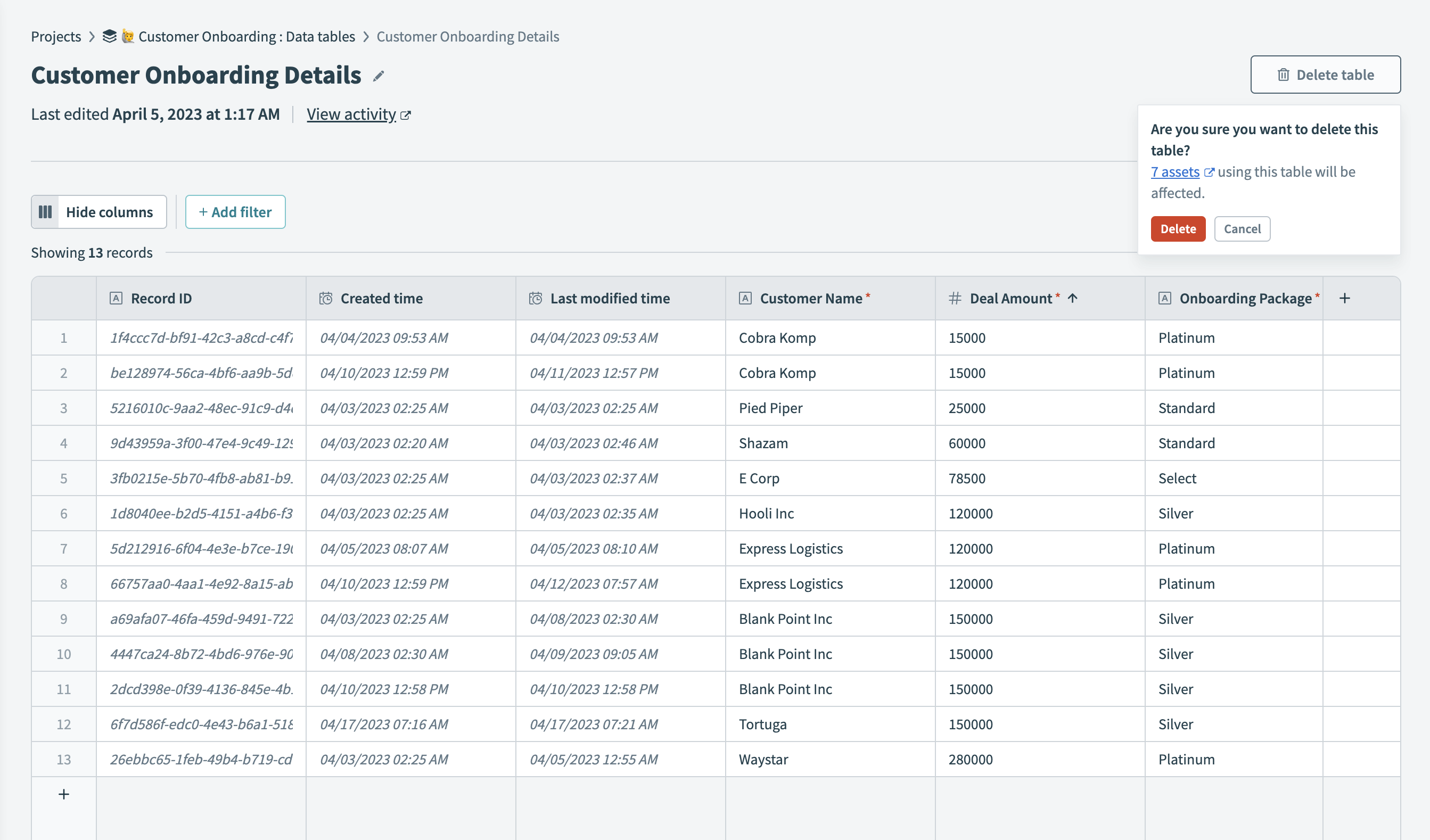 Workato displays a warning message before you delete a table
Last updated: