CoinGecko
CoinGecko is an independent cryptocurrency data aggregator providing prices, market data, historical charts, and metadata for thousands of coins. This connector lets you get coin prices and details, list coins by market data, and search coins, exchanges, categories, and NFTs from Workato recipes.
Install CoinGecko from the community library
Complete the following steps to install the CoinGecko connector from the community library:
Open the recipe editor and search for a connector. Alternatively, you can search for a connector in the community library.
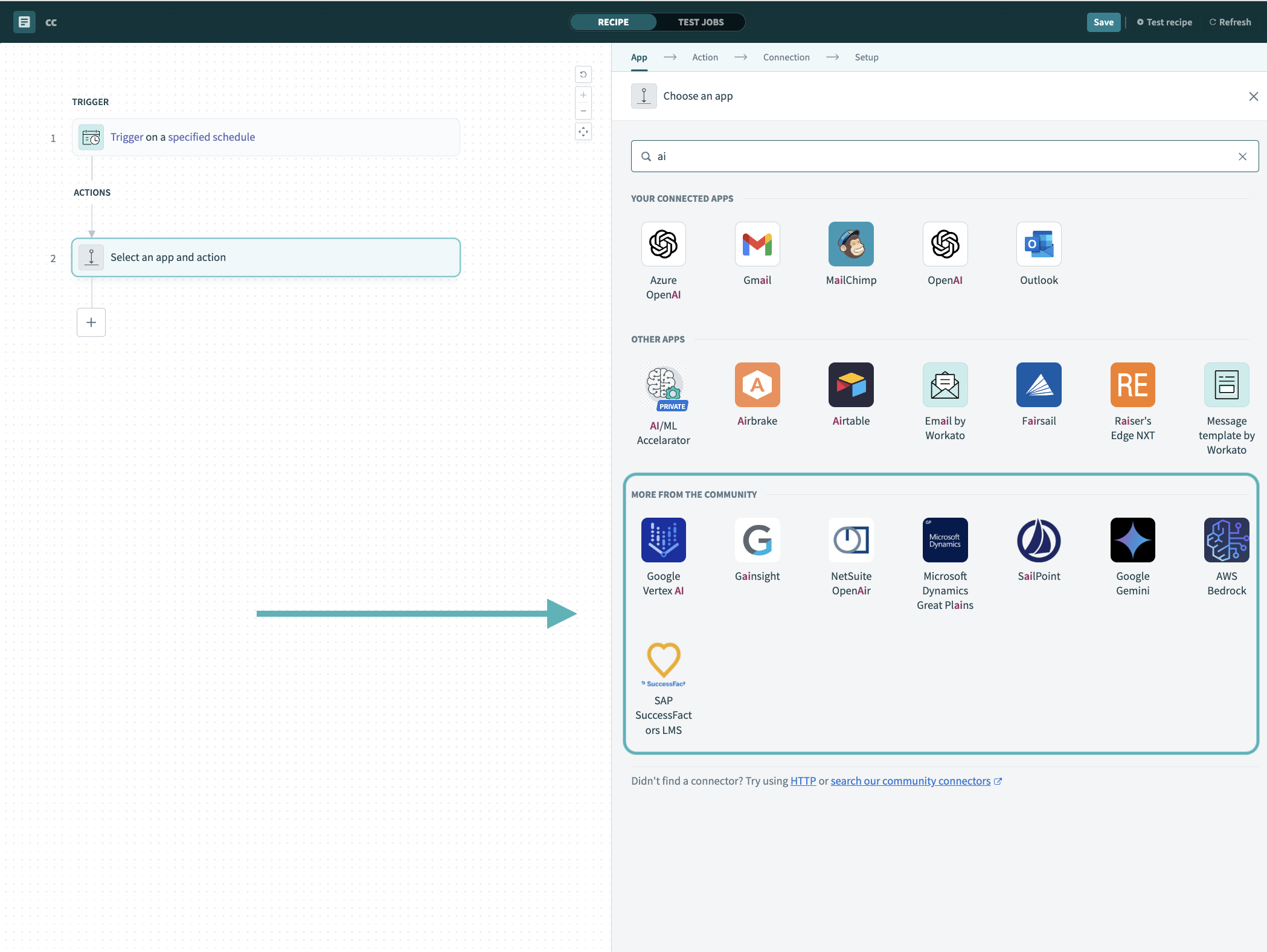 Search for community connectors in the recipe editor
Select the community connector you plan to install.
Click Install to install the connector from the community library.
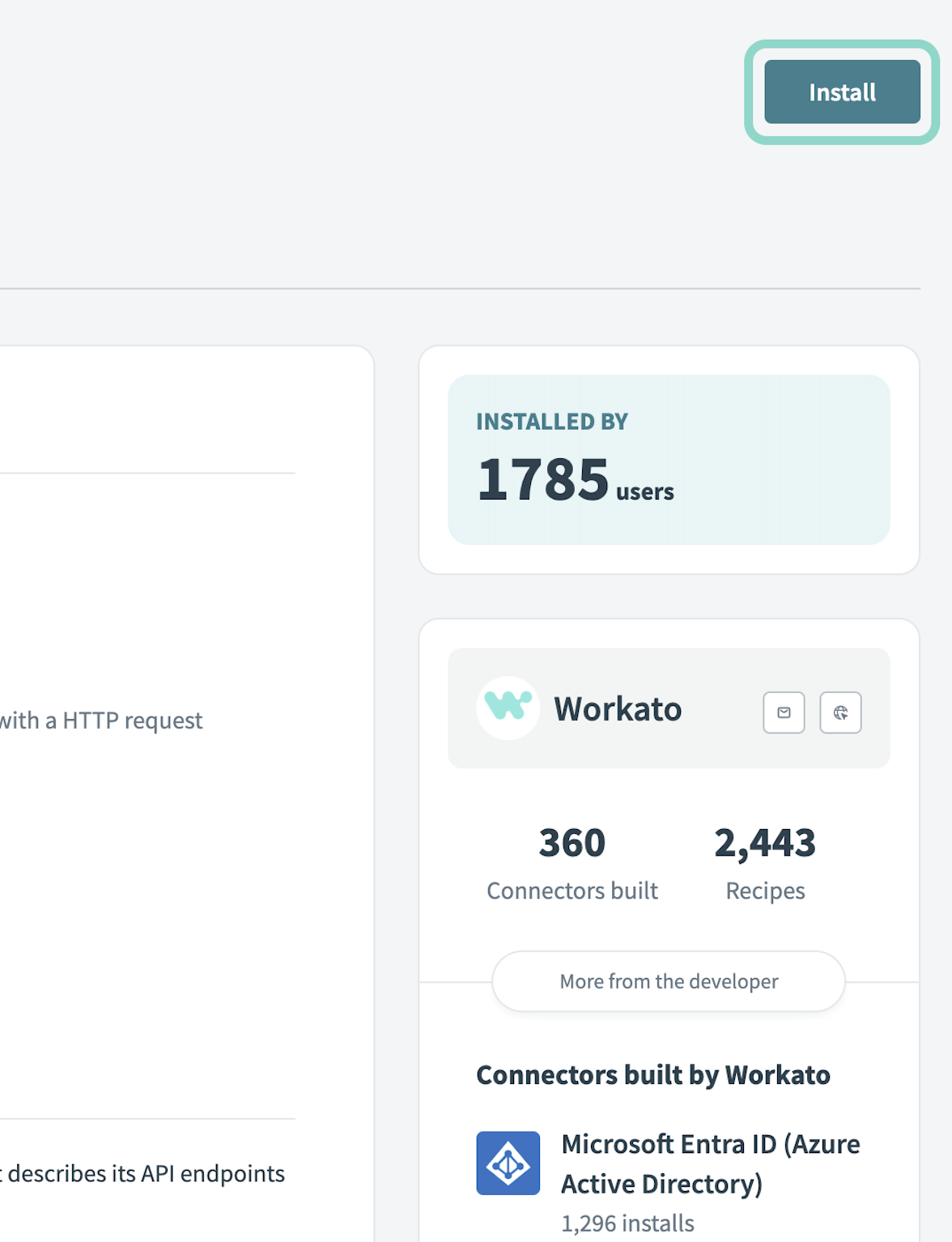 Click Install
Select Release connector. Alternatively, select Review code to review and modify the connector code before releasing it to the workspace.
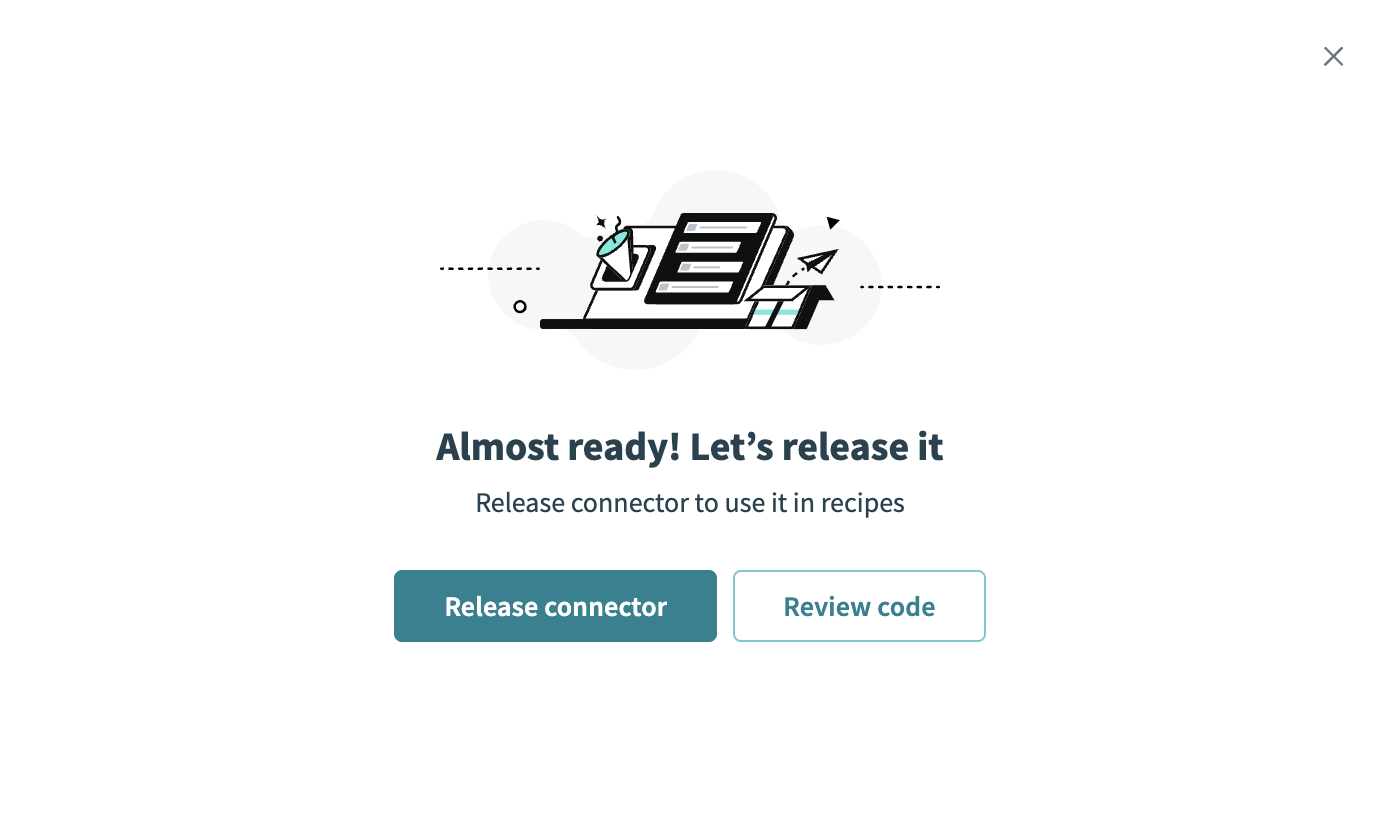 Release the connector
Summarize any changes you made to the connector, then click Release to allow workspace collaborators to use the connector in recipes.
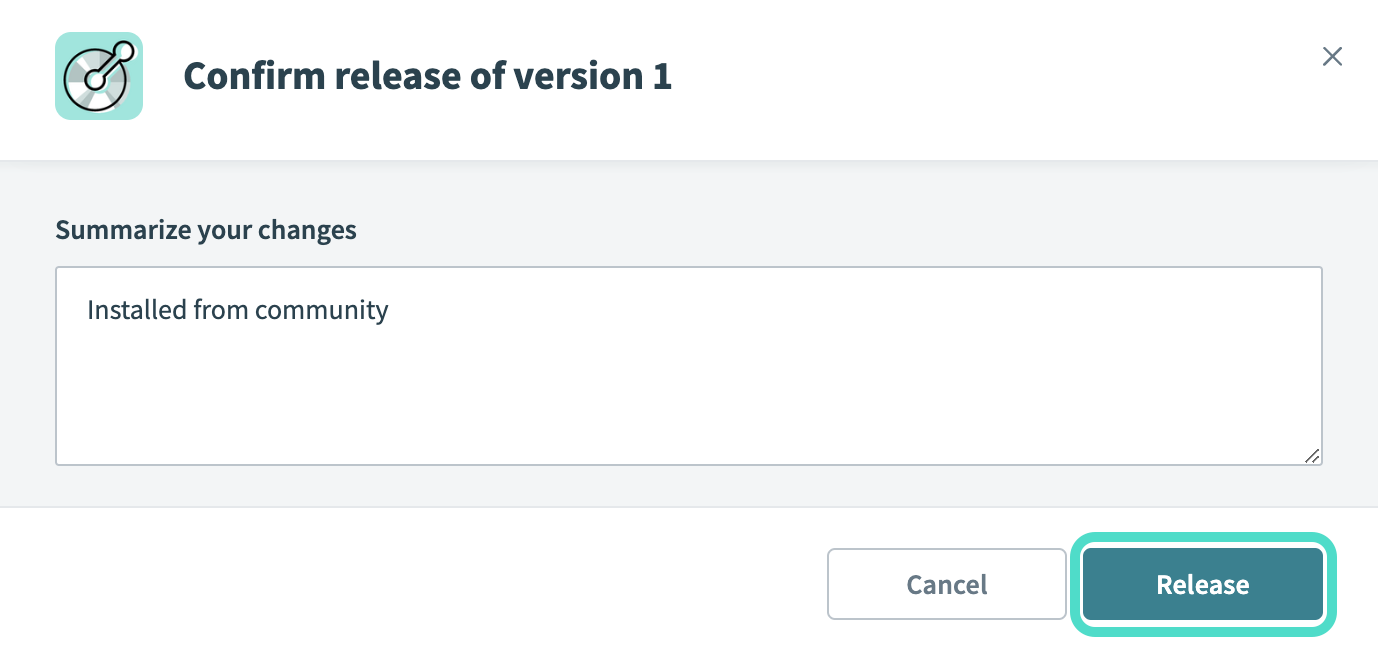 The Confirm release dialog
Connection setup
The CoinGecko connector uses API key authentication.
CoinGecko setup
Complete the following steps to create an API key in CoinGecko:
Sign in to your CoinGecko account and open the developer dashboard.
Click the API keys tab.
Click Add New Key.
Copy your API key for use in Workato.
Connect to CoinGecko using API key
Complete the following steps to connect to CoinGecko in Workato:
Click Create > Connection.
Search for CoinGecko and select it as your app.
Enter a name for your connection in the Connection name field.
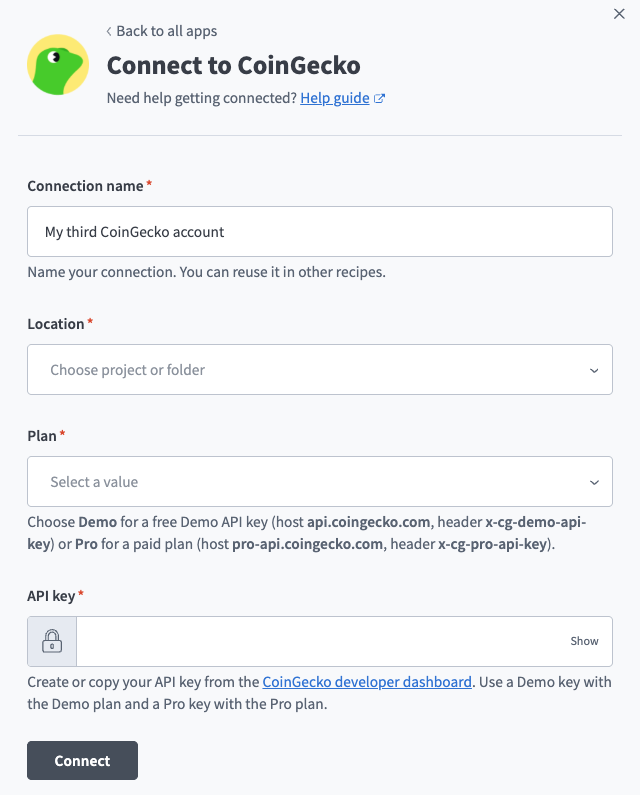 CoinGecko connection setup.
Use the Location drop-down menu to select the project where you plan to store the connection.
Use the Plan drop-down menu to select Demo or Pro, depending on your API key. Demo keys use the api.coingecko.com host, while Pro keys use pro-api.coingecko.com.
Enter your API key in the API key field.
Click Connect.
Last updated: