Gumroad
Gumroad is an e-commerce platform that lets creators sell digital products, memberships, and subscriptions directly to their audience. The Gumroad connector enables you to manage sales, subscribers, refunds, content access, and license keys in Workato.
Use the Gumroad connector to:
- Sync new Gumroad sales into your CRM or accounting system.
- Revoke content access automatically when a dispute or refund occurs.
- Deliver and manage software licenses by verifying, enabling, or disabling license keys.
- Notify your team when a subscription is cancelled, updated, or restarted.
You can also use custom actions to send a custom HTTP request to any Gumroad API endpoint. Refer to the Gumroad API documentation for endpoint details.
Install Gumroad from the community library
Complete the following steps to install the Gumroad connector from the community library:
Open the recipe editor and search for a connector. Alternatively, you can search for a connector in the community library.
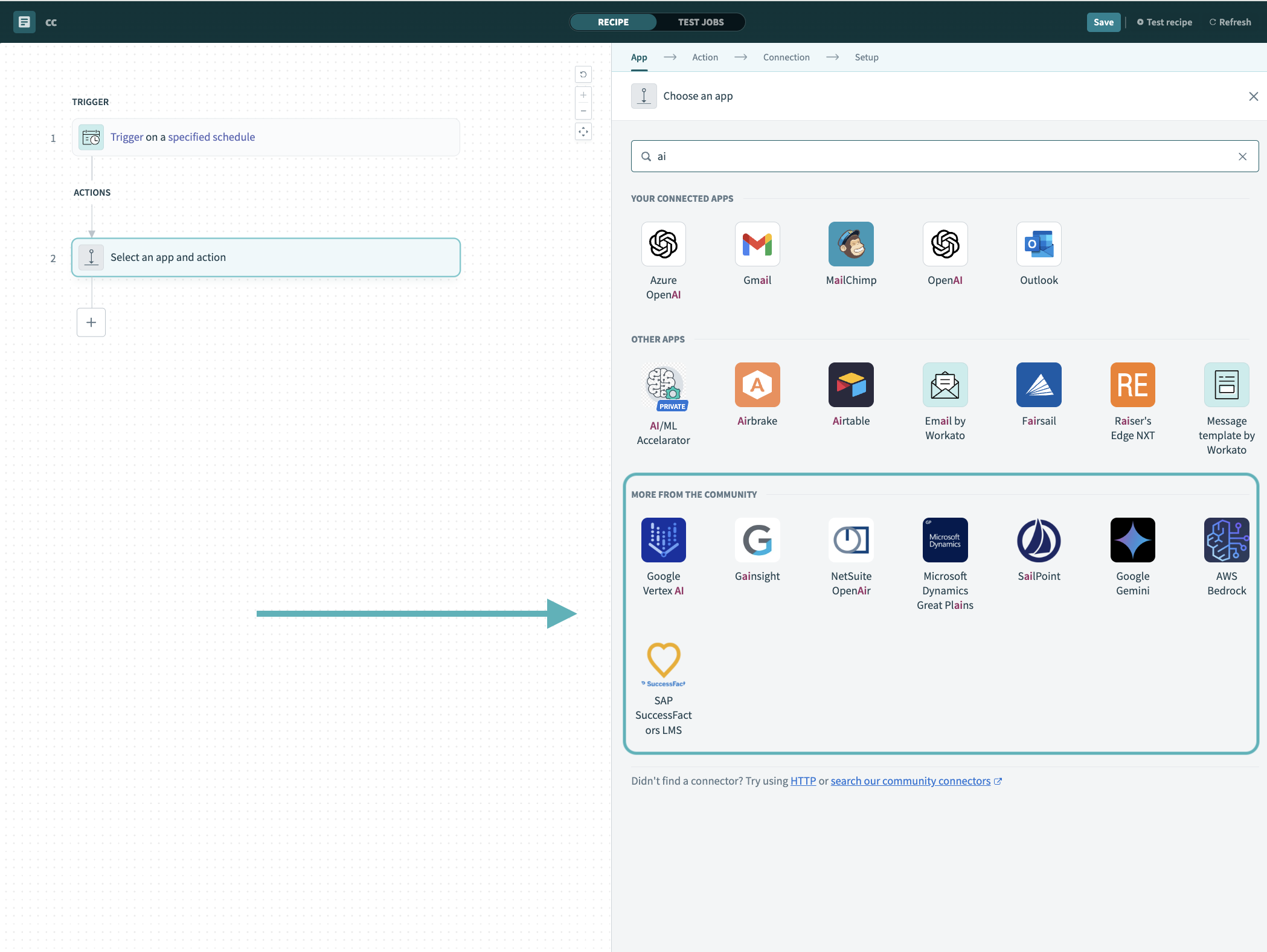 Search for community connectors in the recipe editor
Select the community connector you plan to install.
Click Install to install the connector from the community library.
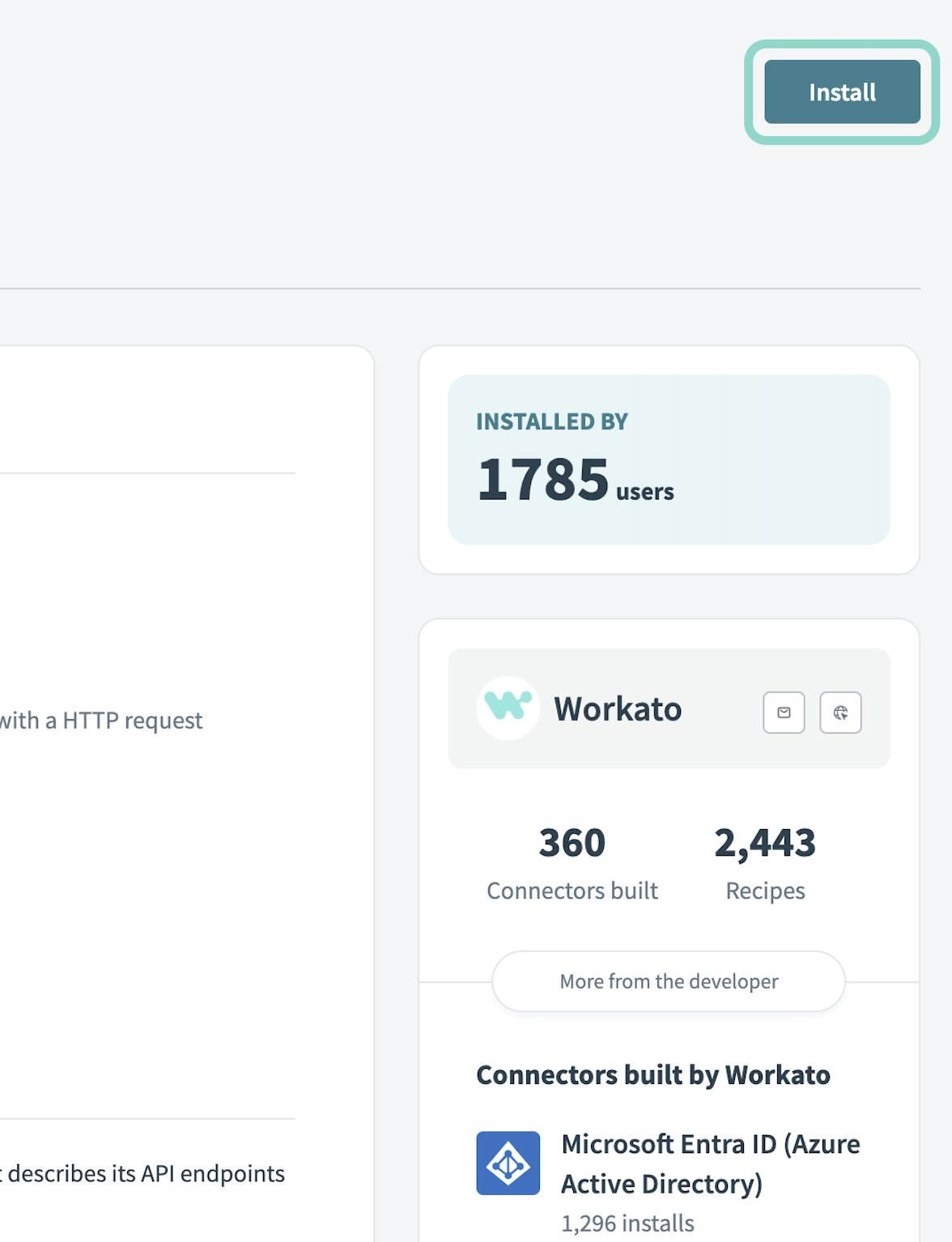 Click Install
Select Release connector. Alternatively, select Review code to review and modify the connector code before releasing it to the workspace.
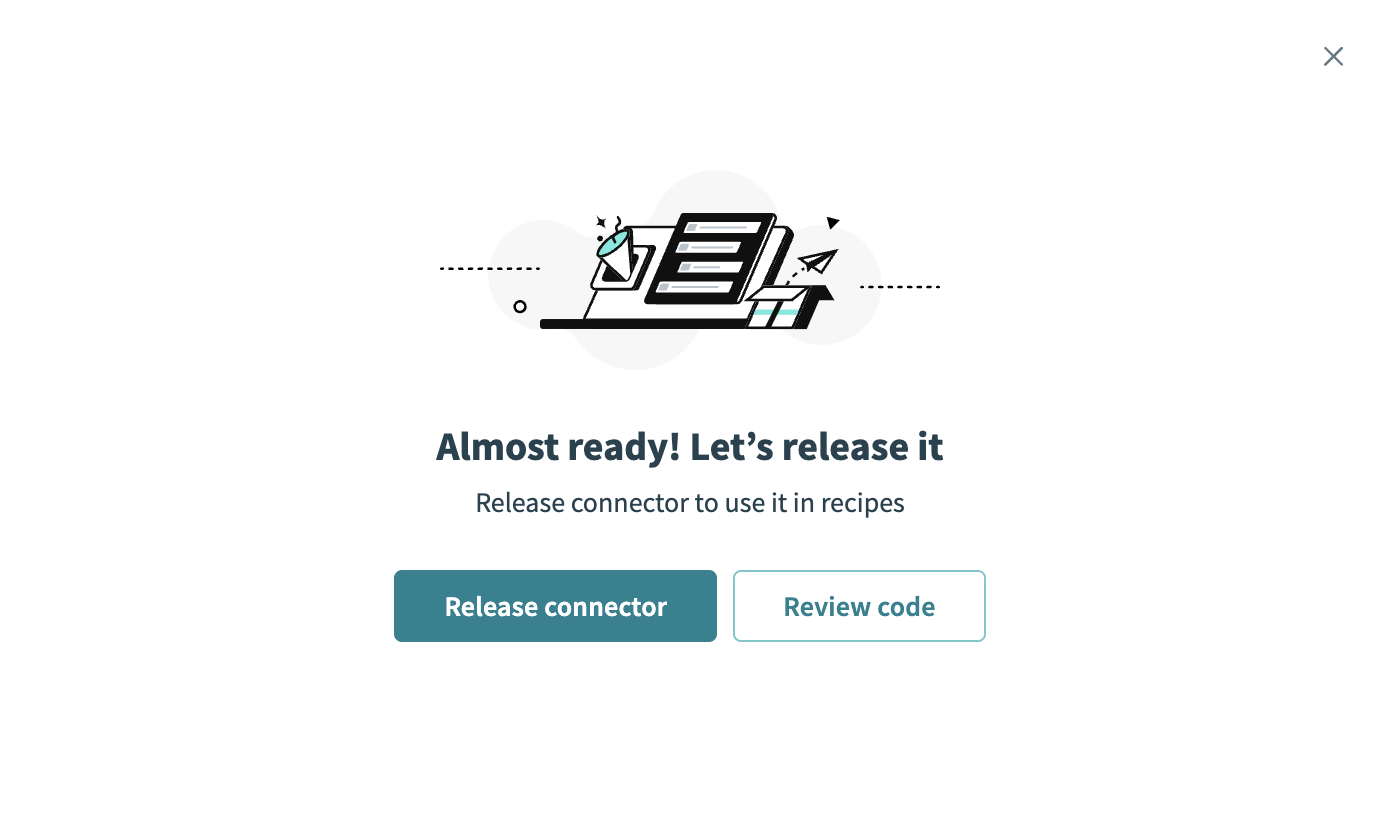 Release the connector
Summarize any changes you made to the connector, then click Release to allow workspace collaborators to use the connector in recipes.
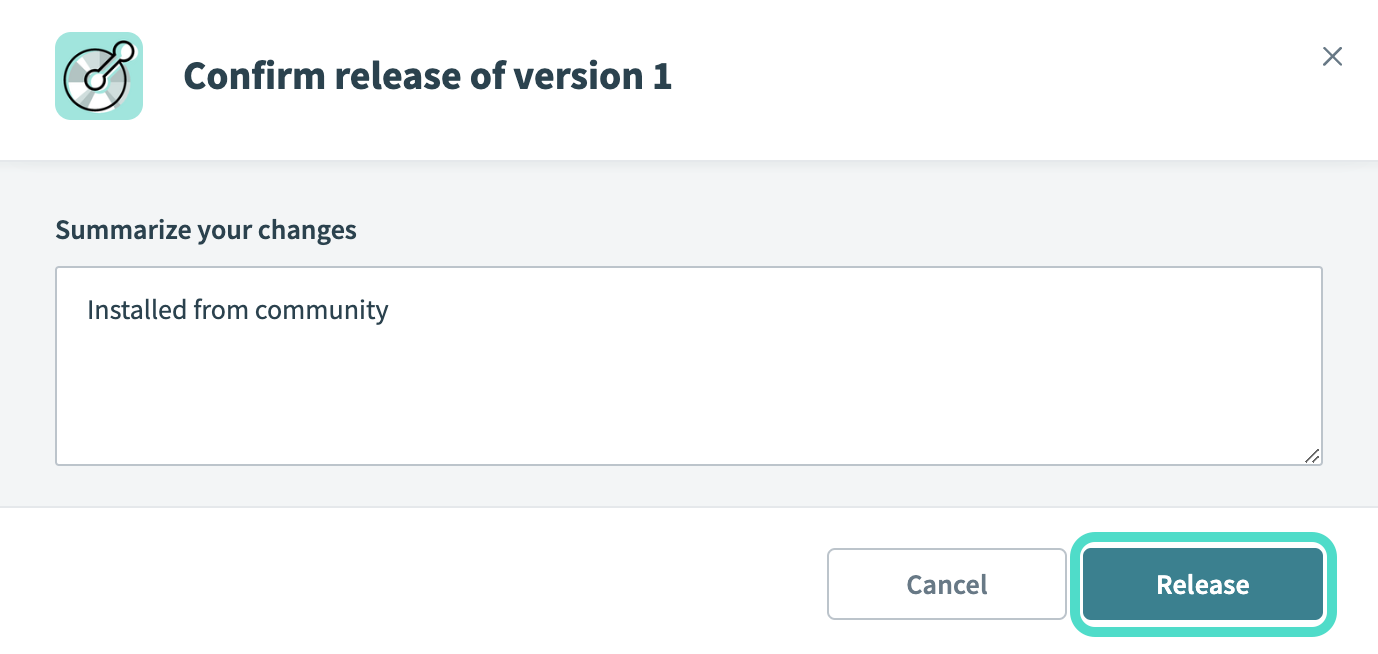 The Confirm release dialog
Connection setup
The Gumroad connector uses access token authentication. Workato sends the access token as a bearer token in the Authorization header.
Gumroad setup
Complete the following steps to create an application and generate an access token in Gumroad:
Sign in to your Gumroad account.
Go to Settings > Advanced.
Go to the Applications section.
Enter an Application name.
Enter https://www.workato.com/oauth/callback in the Redirect URI field.
Click Create application.
Click Generate access token.
Copy and save the Access Token for use in Workato.
ACCESS TOKENS DON'T EXPIRE
Access tokens don't expire unless they're manually revoked. Treat the token like a password because anyone with access to it can view your account data and sales information.
Connect to Gumroad using an access token
Complete the following steps to connect to Gumroad in Workato:
Click Create > Connection.
Search for Gumroad and select it as your app.
Enter a name for your connection in the Connection name field.
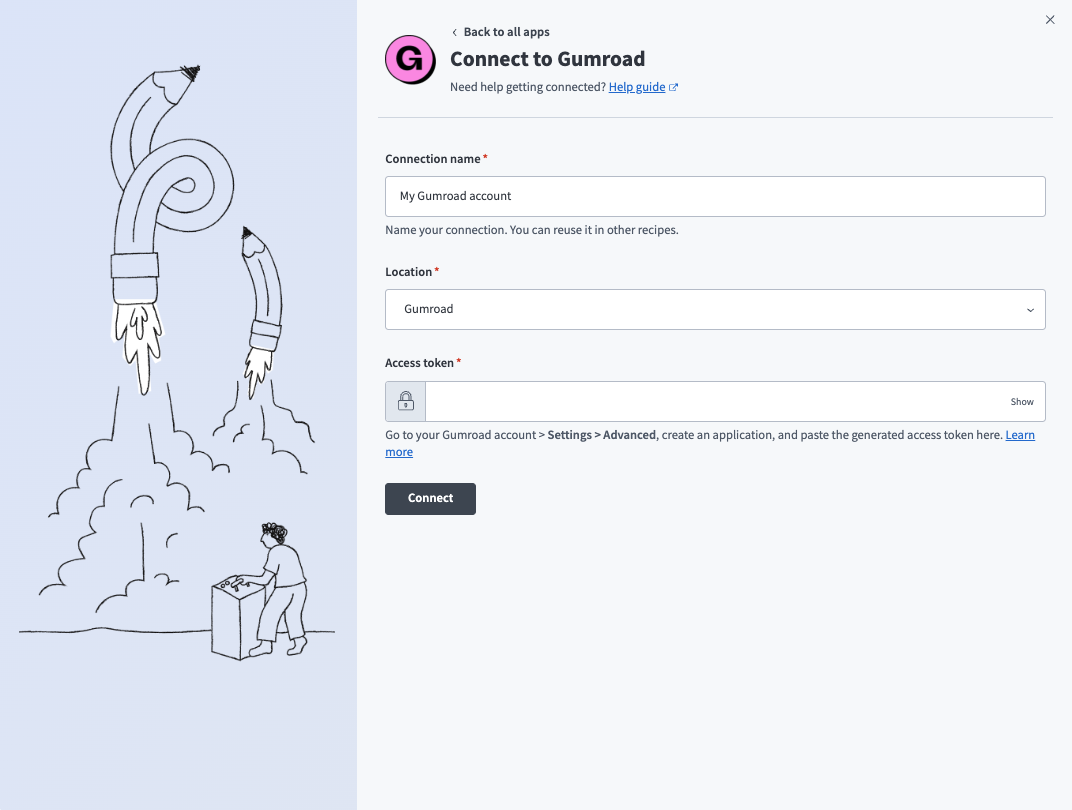 Create a Gumroad connection in Workato.
Use the Location drop-down menu to select the project where you plan to store the connection.
Enter the Access token. Refer to Gumroad setup for steps to generate an access token.
Click Connect.
Last updated: