Paylocity
Paylocity is a cloud-based human capital management (HCM) and payroll platform that helps organizations manage employee data, payroll, benefits, and workforce processes. This connector enables you to read and manage employee, payroll, and tax records in Paylocity from your Workato recipes.
With this connector, you can:
- Retrieve the details of an employee, earning, deduction, local tax, or direct deposit record by ID
- Search for employees, earnings, deductions, local taxes, pay statement details, pay statement summaries, and company codes
- Create employee, earning, deduction, local tax, and onboarding records
- Update employee, earning, tax, emergency contact, employee benefit setup, and sensitive data records
Supported objects
This connector supports the following objects:
- Employees
- Earnings
- Deductions
- Local taxes
- Direct deposits
- Primary and non primary state taxes
- Emergency contacts
- Employee benefit setup
- Sensitive data
- Onboarding
- Pay statement details and summaries
- Company codes
Install Paylocity from the community library
Complete the following steps to install the Paylocity connector from the community library:
Open the recipe editor and search for a connector. Alternatively, you can search for a connector in the community library.
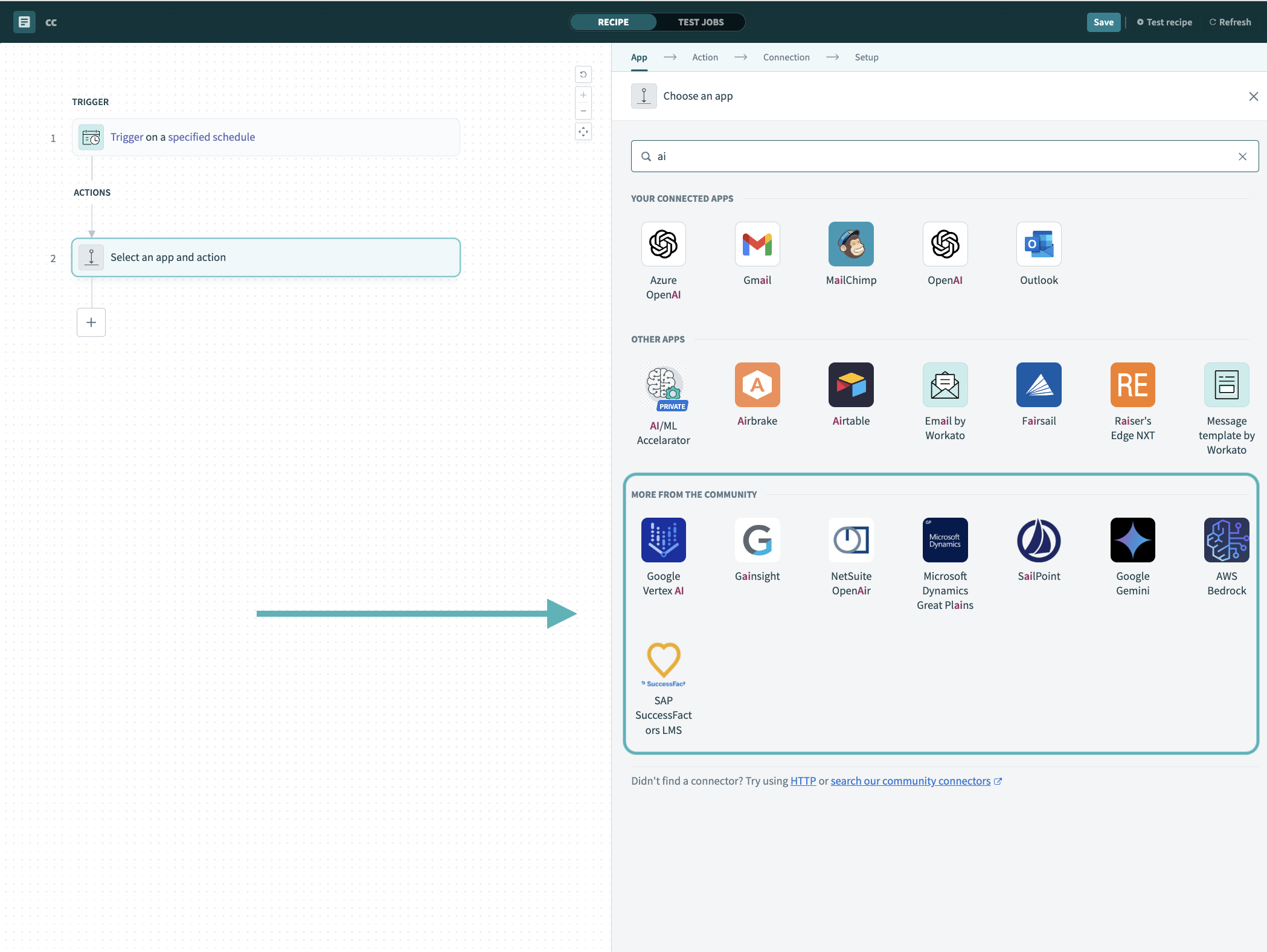 Search for community connectors in the recipe editor
Select the community connector you plan to install.
Click Install to install the connector from the community library.
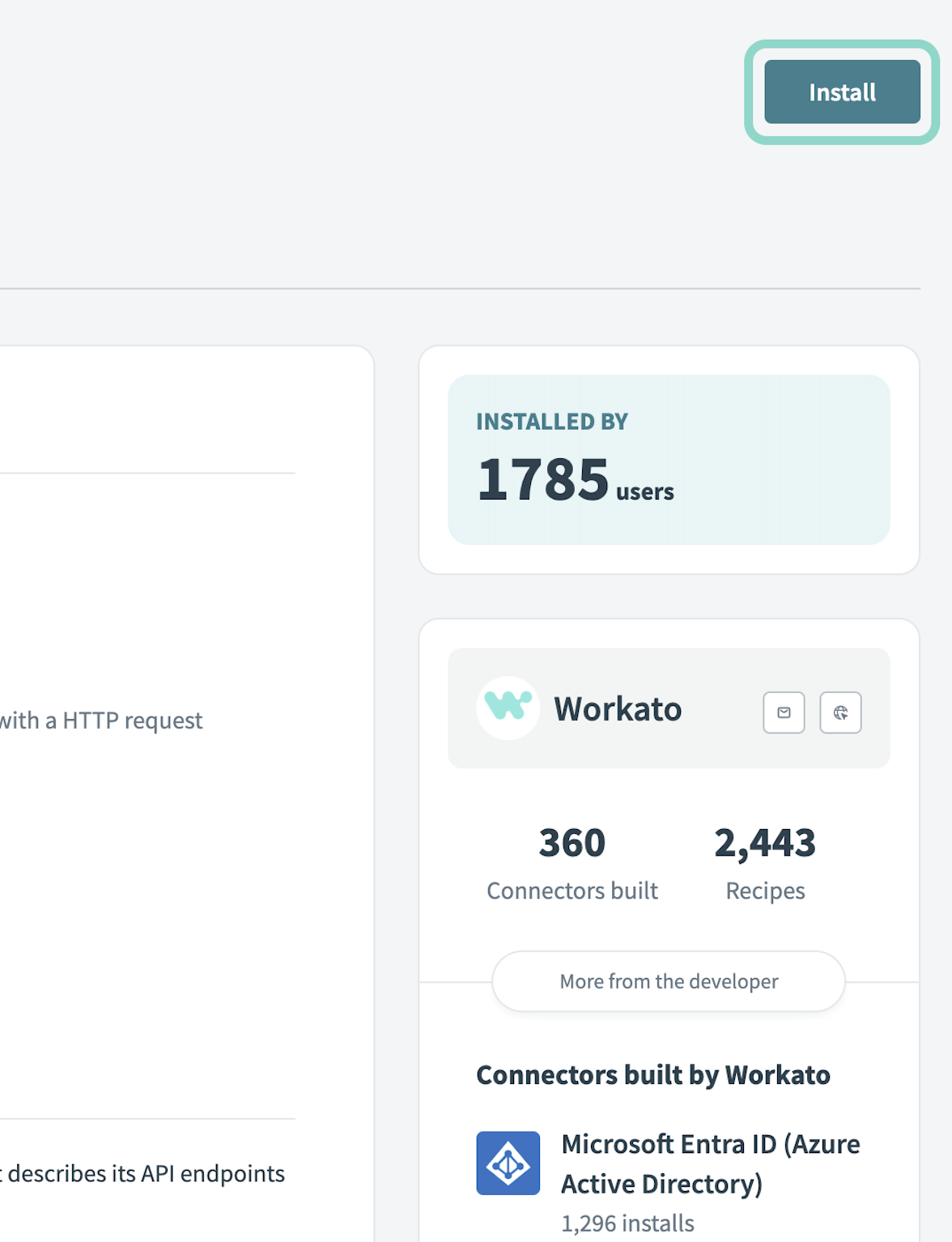 Click Install
Select Release connector. Alternatively, select Review code to review and modify the connector code before releasing it to the workspace.
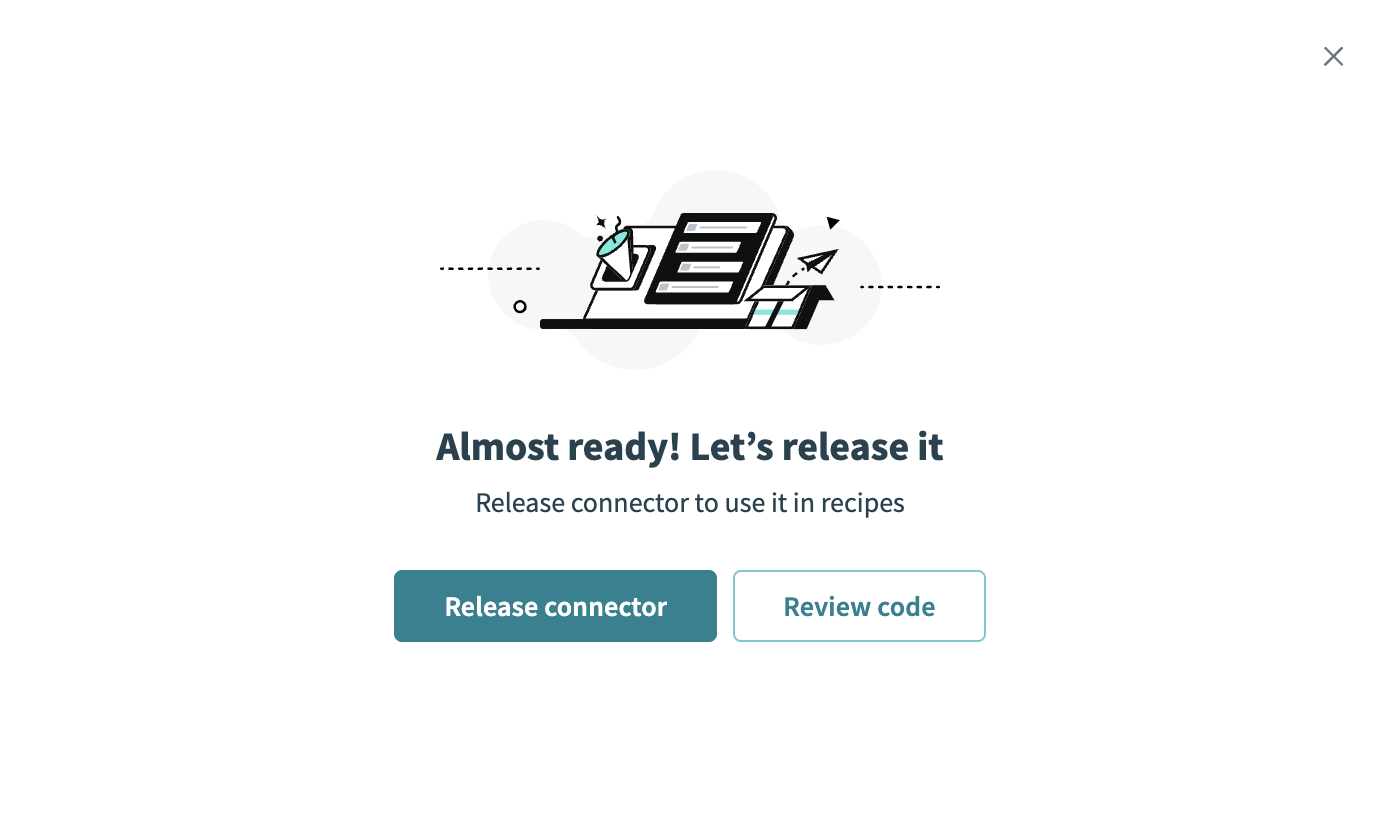 Release the connector
Summarize any changes you made to the connector, then click Release to allow workspace collaborators to use the connector in recipes.
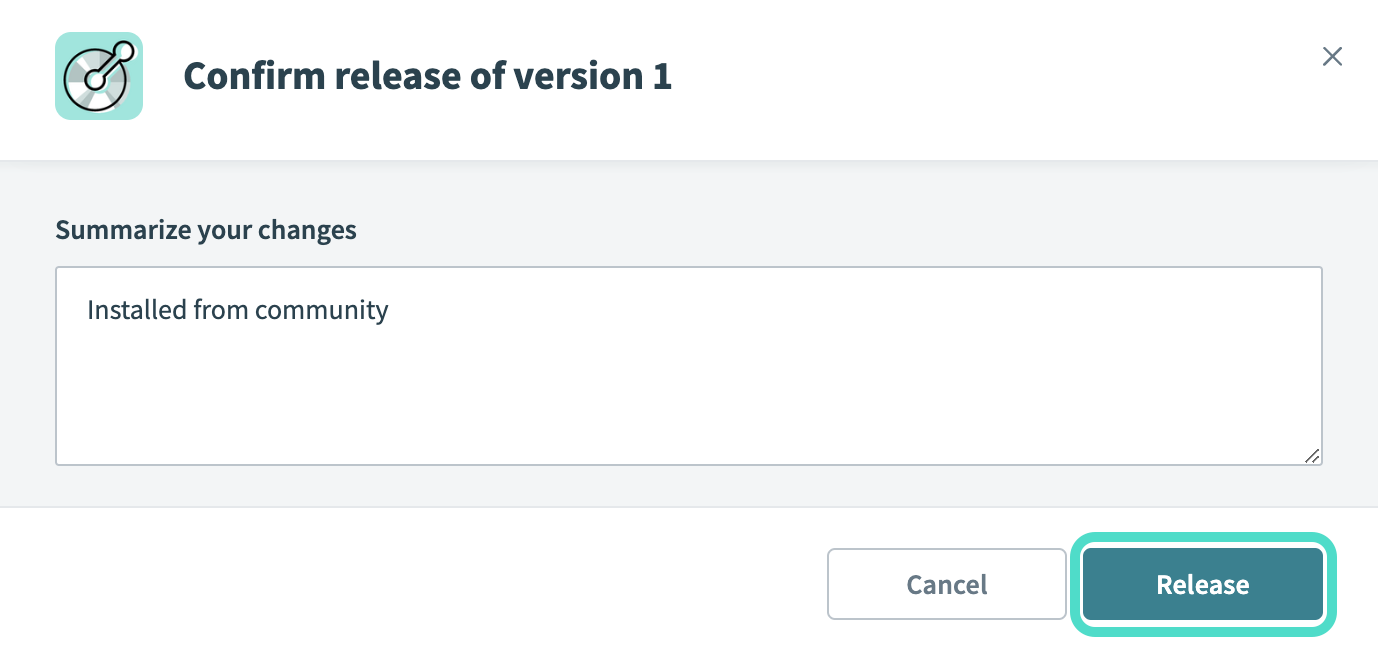 The Confirm release dialog
Connection setup
The Paylocity connector uses OAuth 2.0 client credentials authentication. Paylocity provides the secure client credentials and sets up the scope for your account.
Paylocity setup
Complete the following steps to get your API credentials from Paylocity before you create a connection in Workato:
Contact Paylocity to request access to the Web Services API and have the WebLinkAPI scope configured for your account.
Obtain your Client ID and Client Secret from Paylocity. Paylocity provides these values when you sign up.
Note your Paylocity Company ID.
Refer to the Paylocity API documentation for more information.
Connect to Paylocity using OAuth 2.0
Complete the following steps to connect to Paylocity in Workato:
Click Create > Connection or press C twice.
Search for Paylocity and select it as your app.
Enter a name for your connection in the Connection name field.
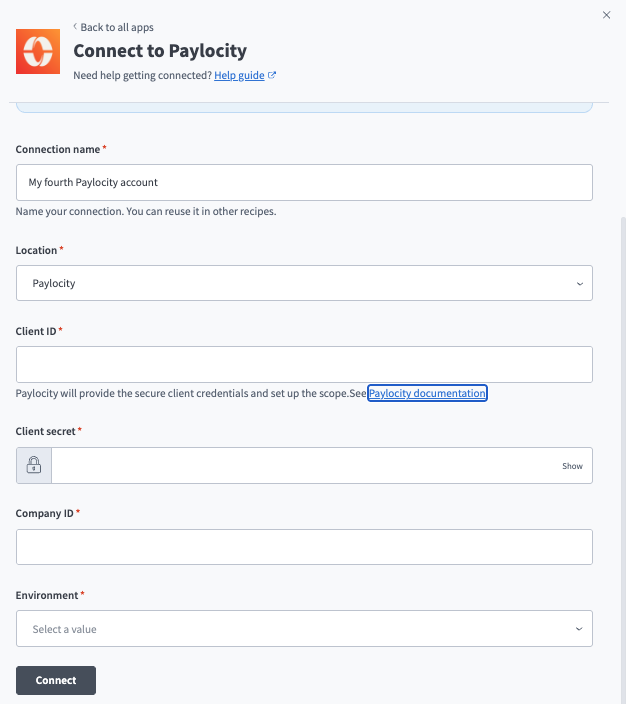 Paylocity connection setup
Use the Location drop-down menu to select the project or folder where you plan to store the connection.
Enter your Paylocity Client ID.
Enter your Paylocity Client Secret.
Enter your Paylocity Company ID.
Use the Environment drop-down menu to select the environment your connection targets:
- Production connects to
api.paylocity.com. - Sandbox connects to
apisandbox.paylocity.com.
Click Connect.
Last updated: