TRADACOMS EDI
TRADACOMS EDI is an electronic data interchange (EDI) standard used in UK retail for orders, invoices, credit notes, deliveries, and related transmission files. The TRADACOMS EDI connector parses and generates TRADACOMS documents.
Use the TRADACOMS EDI connector to:
- Parse a TRADACOMS document into segments, messages, and an integrity report.
- Parse a typed transmission file, such as an order or invoice, into named fields.
- Generate a TRADACOMS document from raw segments.
- Generate a typed transmission file from structured fields.
- Look up TRADACOMS code list values.
How to connect to TRADACOMS EDI
This connector doesn't require authentication or a connection setup. It parses and generates TRADACOMS files locally. You must install this connector from the community library before you can use it in your workspace.
Download the TRADACOMS EDI connector from the community library
Complete the following steps to install the TRADACOMS EDI connector from the community library:
Open the recipe editor and search for a connector. Alternatively, you can search for a connector in the community library.
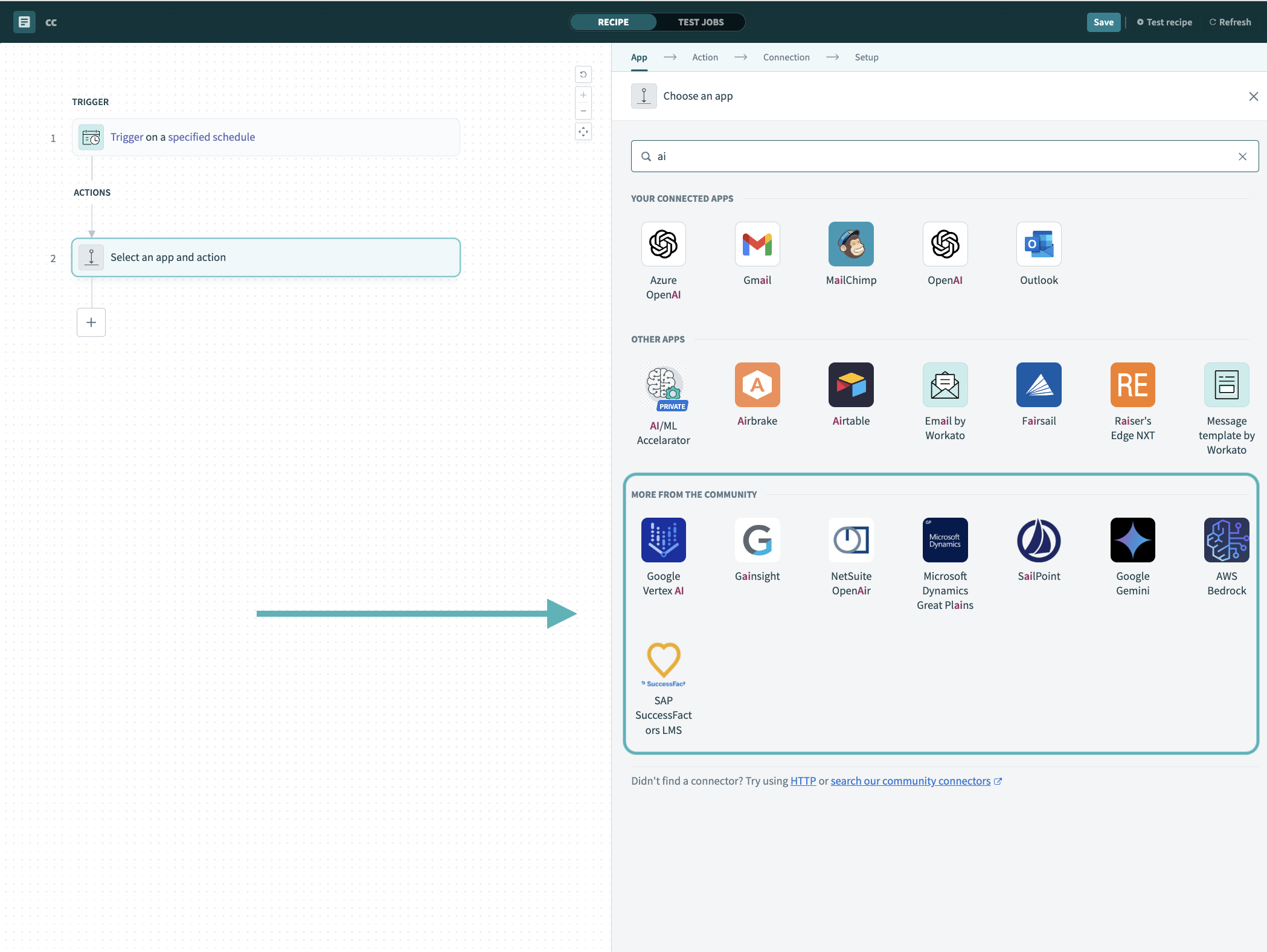 Search for community connectors in the recipe editor
Select the community connector you plan to install.
Click Install to install the connector from the community library.
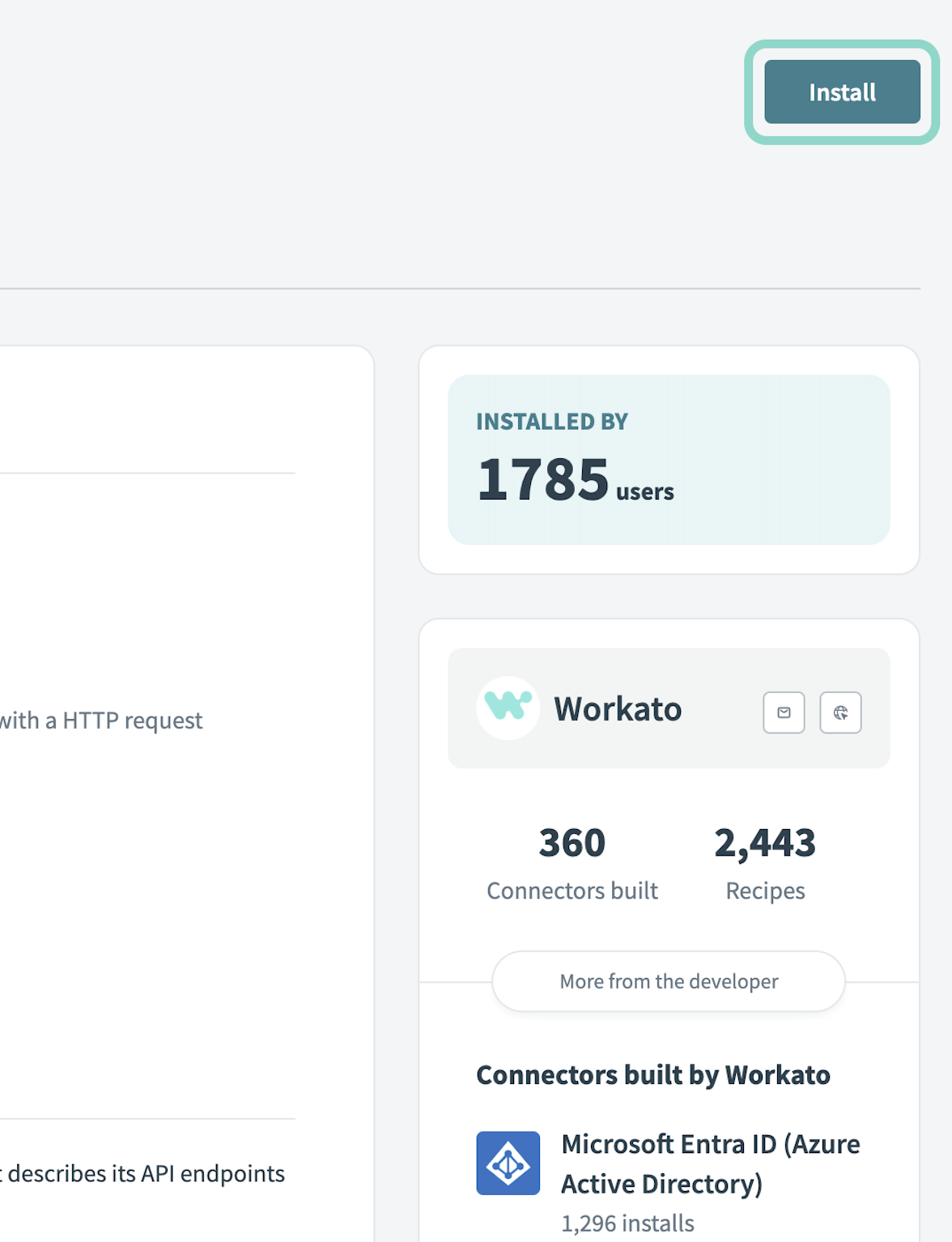 Click Install
Select Release connector. Alternatively, select Review code to review and modify the connector code before releasing it to the workspace.
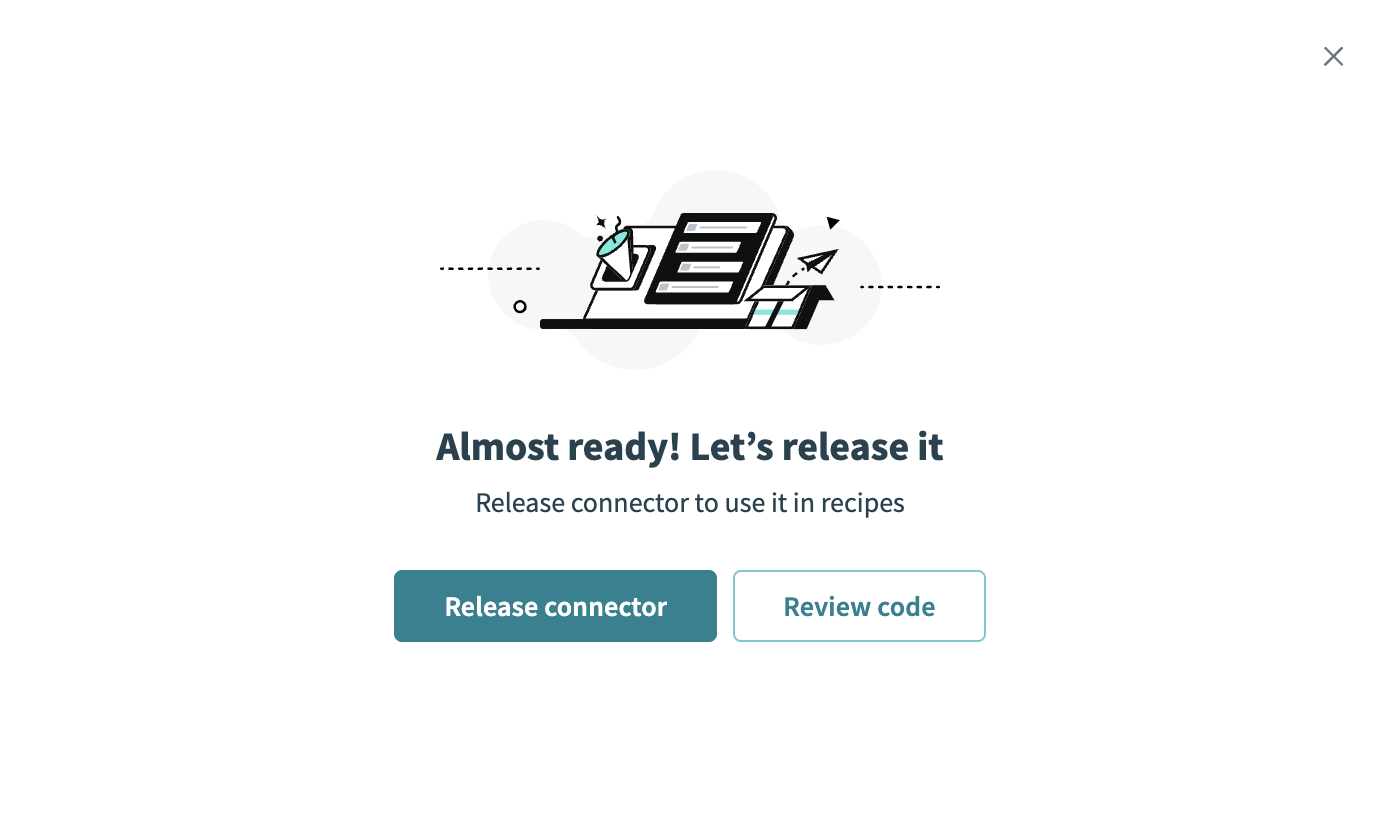 Release the connector
Summarize any changes you made to the connector, then click Release to allow workspace collaborators to use the connector in recipes.
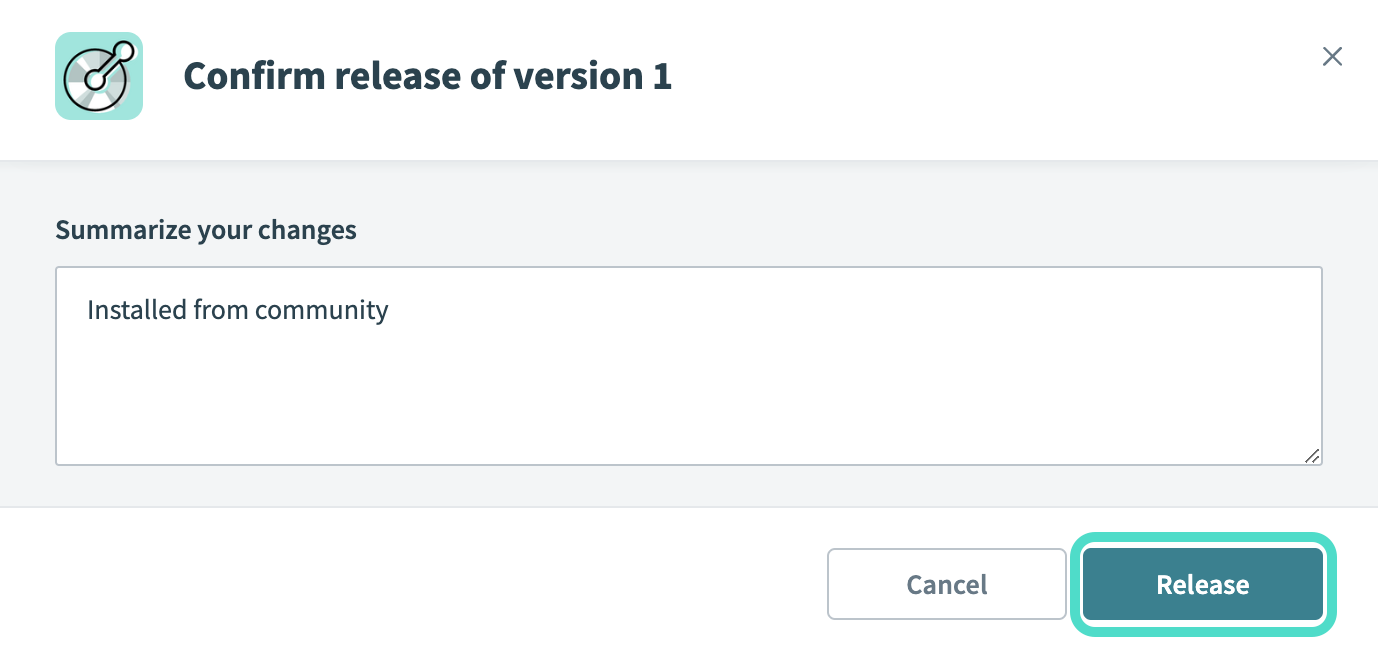 The Confirm release dialog
Last updated: