YNAB
YNAB (You Need A Budget) is a personal budgeting application built on zero-based budgeting that helps individuals and households plan their spending. The YNAB connector lets you retrieve categories and budget months, search and update categories and transactions, and start recipes when transactions are created or updated.
Install YNAB from the community library
Complete the following steps to install the YNAB connector from the community library:
Open the recipe editor and search for a connector. Alternatively, you can search for a connector in the community library.
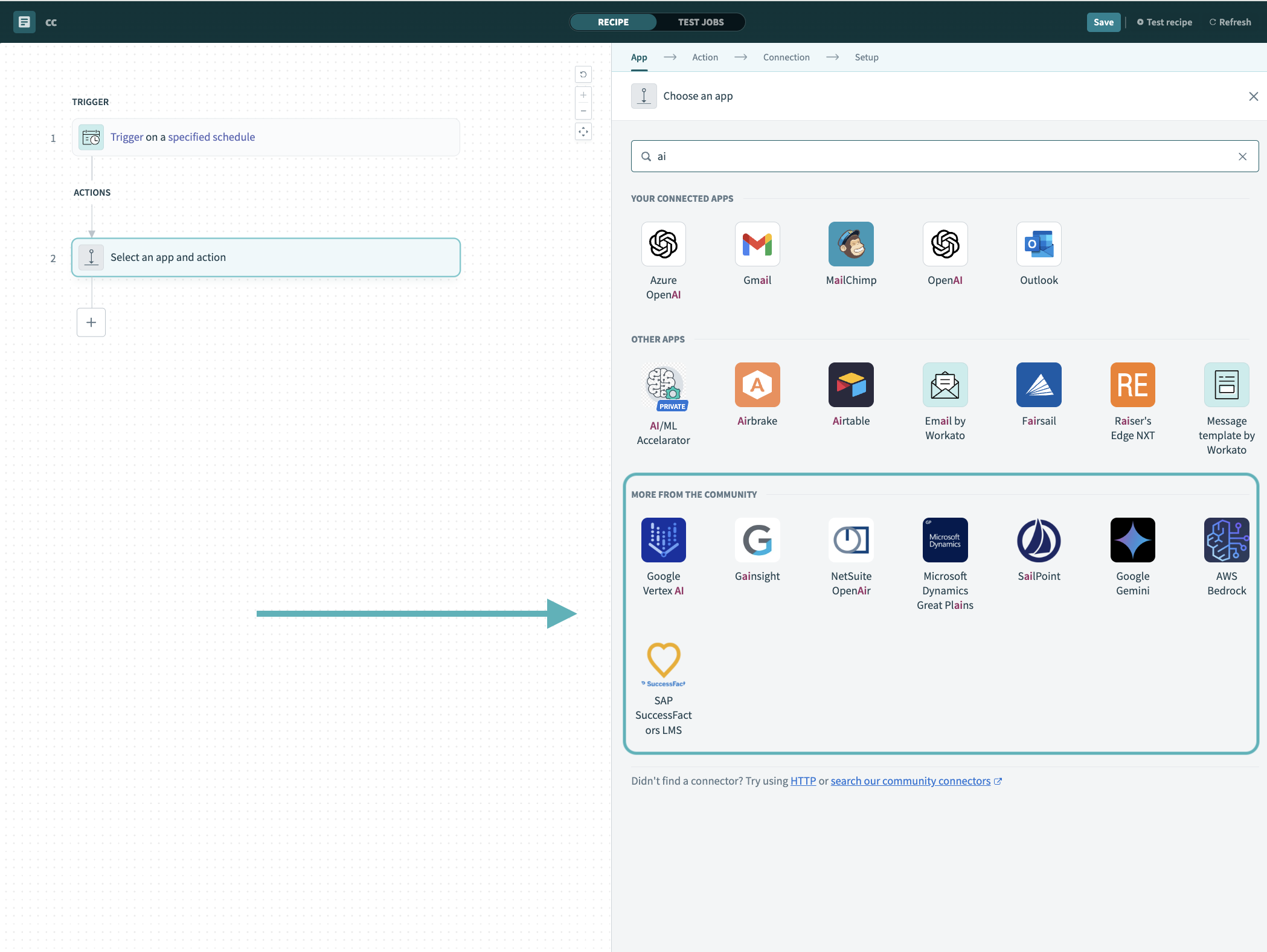 Search for community connectors in the recipe editor
Select the community connector you plan to install.
Click Install to install the connector from the community library.
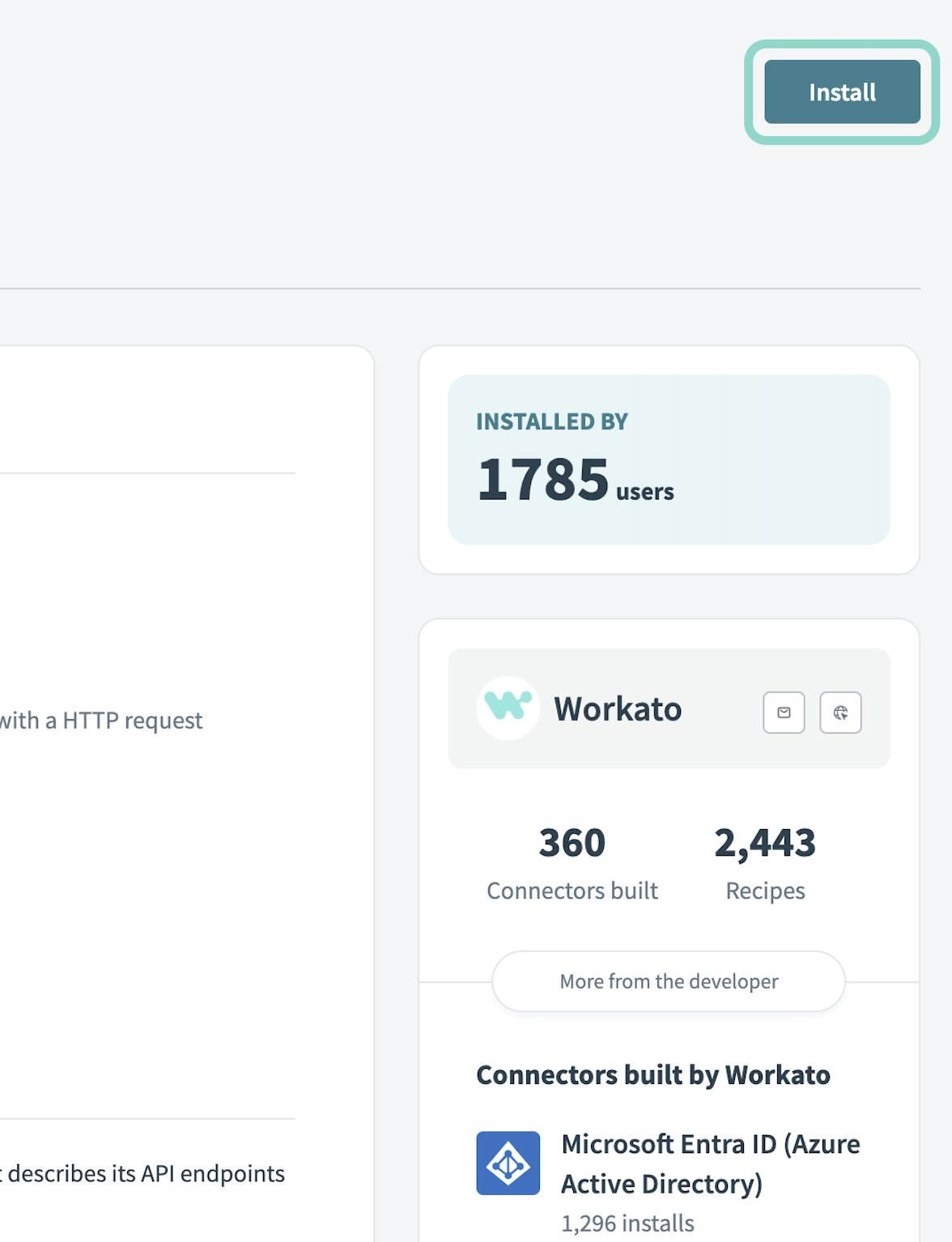 Click Install
Select Release connector. Alternatively, select Review code to review and modify the connector code before releasing it to the workspace.
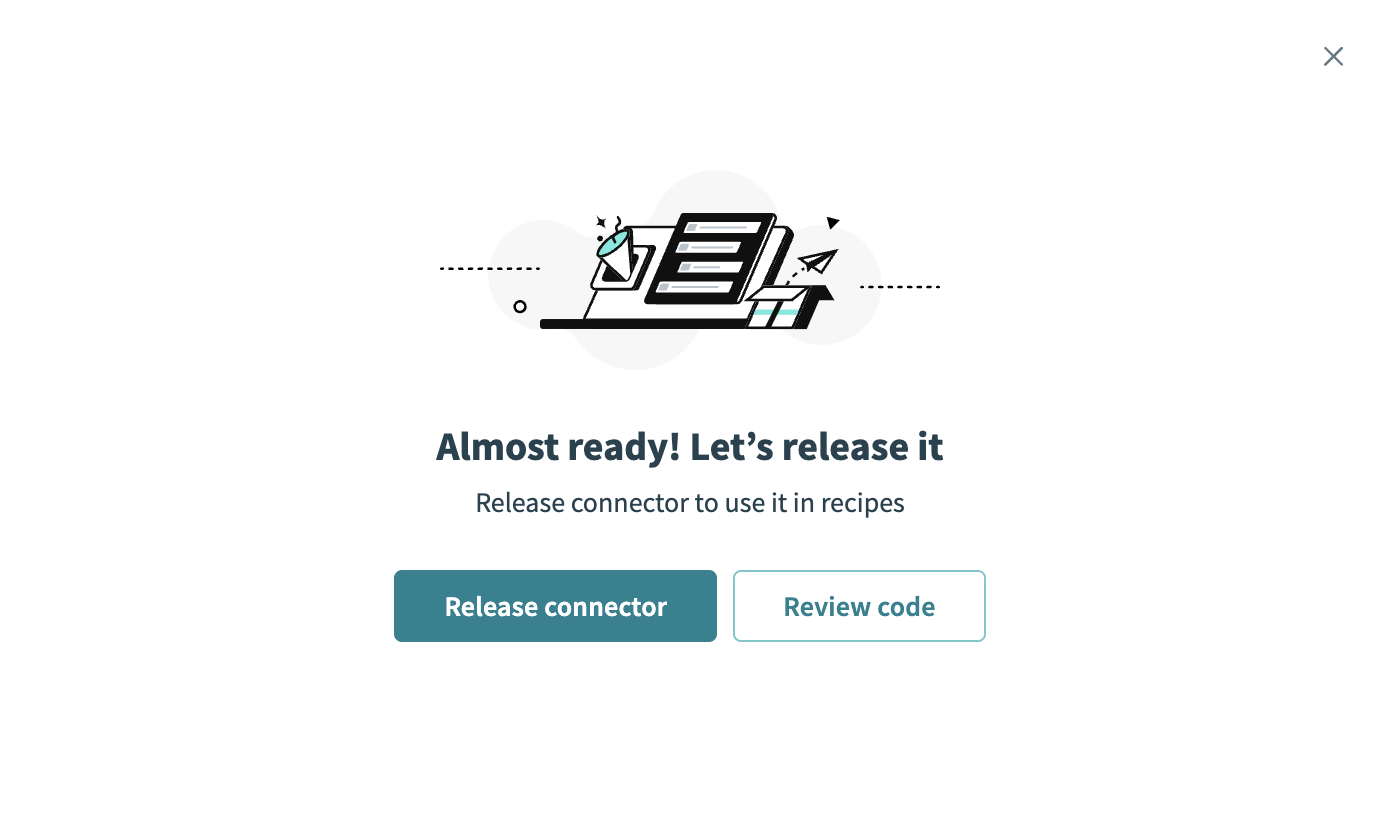 Release the connector
Summarize any changes you made to the connector, then click Release to allow workspace collaborators to use the connector in recipes.
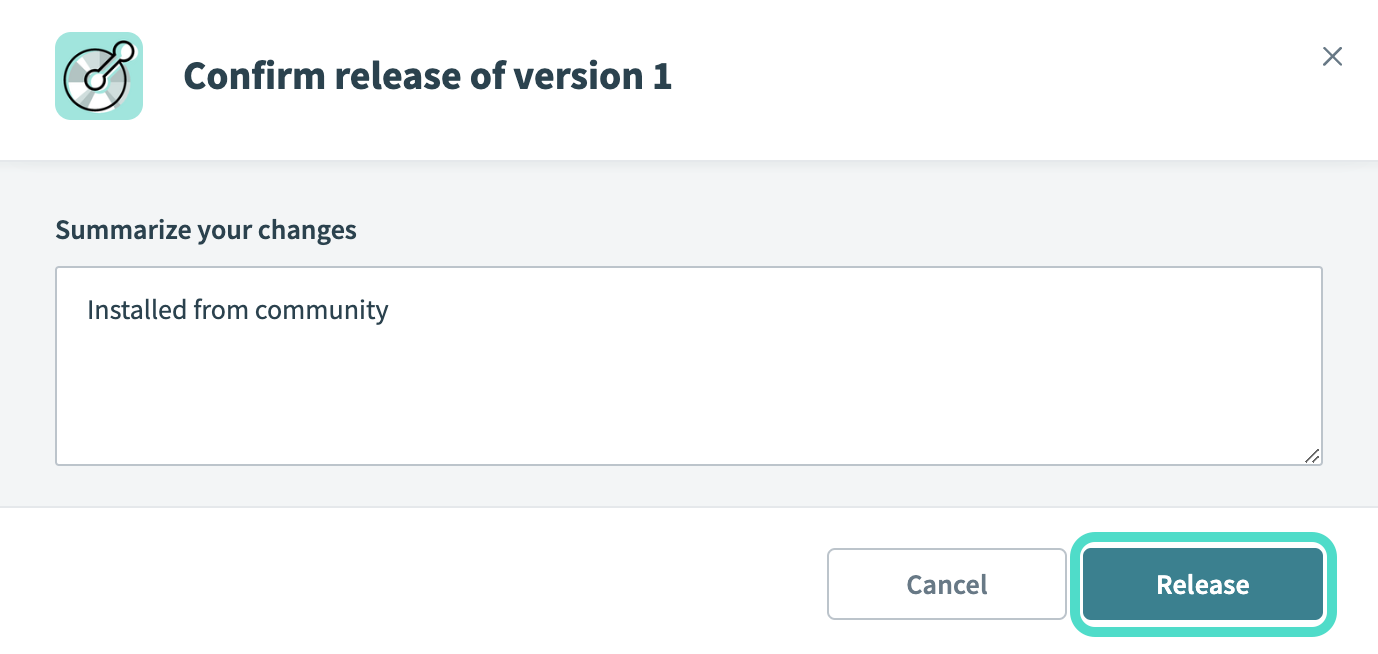 The Confirm release dialog
Connection setup
The YNAB connector uses personal access token authentication.
YNAB setup
Complete the following steps in YNAB to create a personal access token. Refer to the YNAB API documentation for more information.
Go to Account Settings > Developer Settings in YNAB.
Click New Token to generate a token.
Enter a name for your token in the Name field.
Enter your account password when prompted.
Copy the token to use in Workato.
Connect to YNAB using a personal access token
Complete the following steps to connect to YNAB in Workato:
Click Create > Connection.
Search for YNAB and select it as your app.
Enter a name for your connection in the Connection name field.
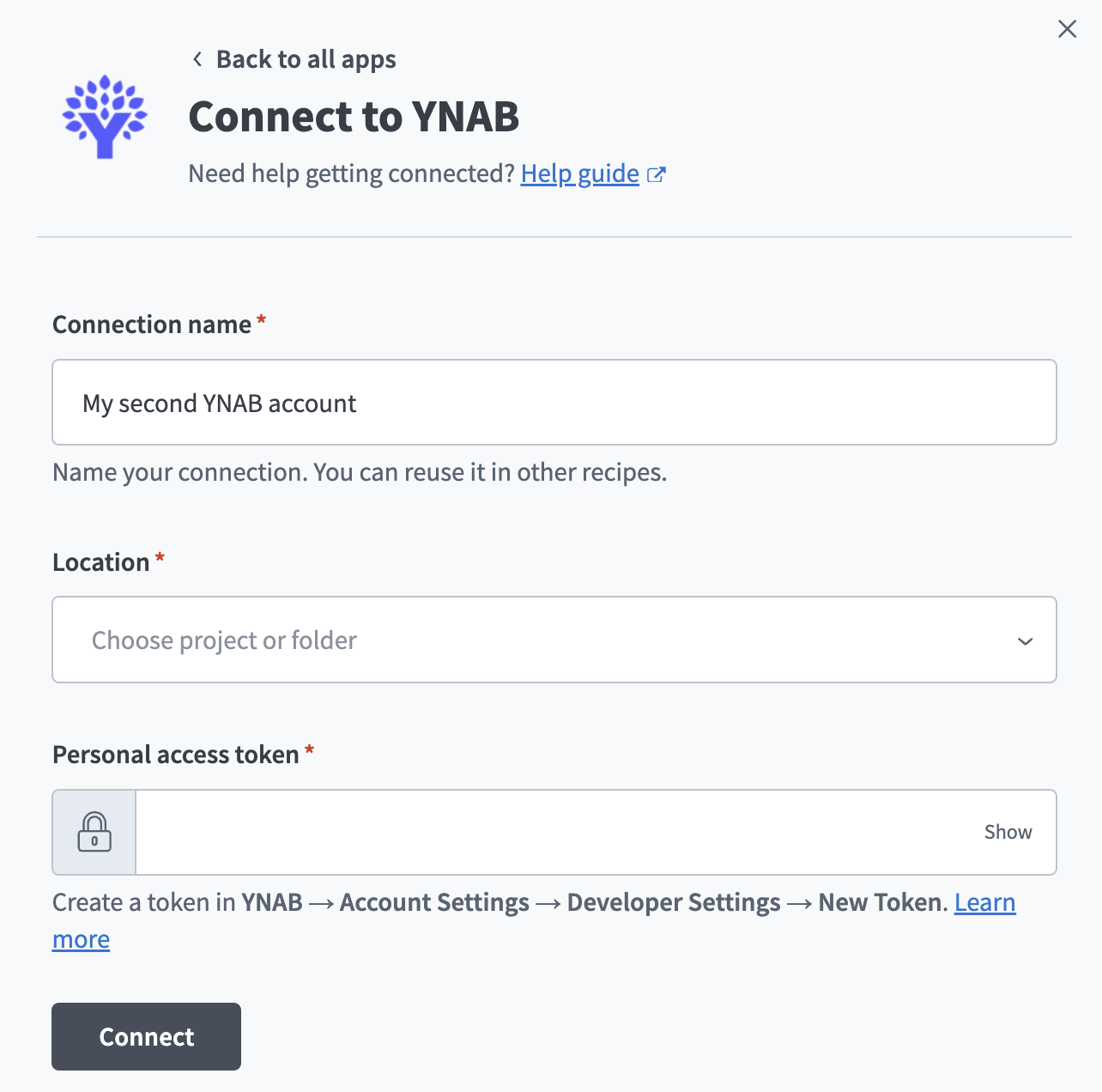 YNAB connection setup
Use the Location drop-down menu to select the project where you plan to store the connection.
Enter the token you created in YNAB in the Personal access token field.
Click Connect.
Last updated: