コミュニティライブラリからレシピをクローンする
コミュニティライブラリからプロジェクトにレシピをクローンできます。
必要な権限
コミュニティライブラリからレシピをクローンするには、レシピ作成権限が必要です。必要な権限がない場合は、ワークスペース管理者に連絡して、ワークスペースにレシピをクローンするためのサポートを依頼してください。
コミュニティライブラリからレシピをクローンするには、次の手順を実行します:
1
使用するコミュニティレシピを選択します。
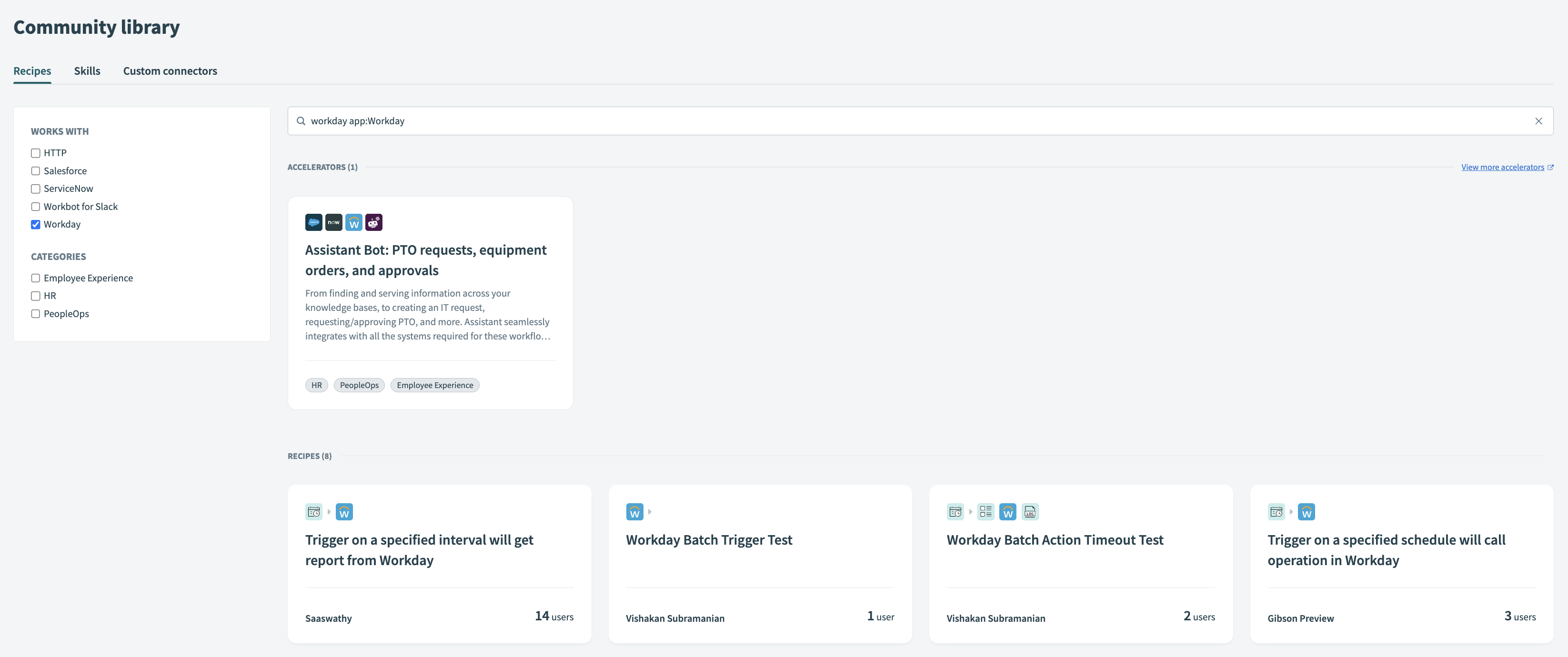 コミュニティレシピを選択
2
レシピがユースケースに合っていることを確認し、レシピのワークフローロジックの品質を評価します。
3
このレシピを使うをクリックします。
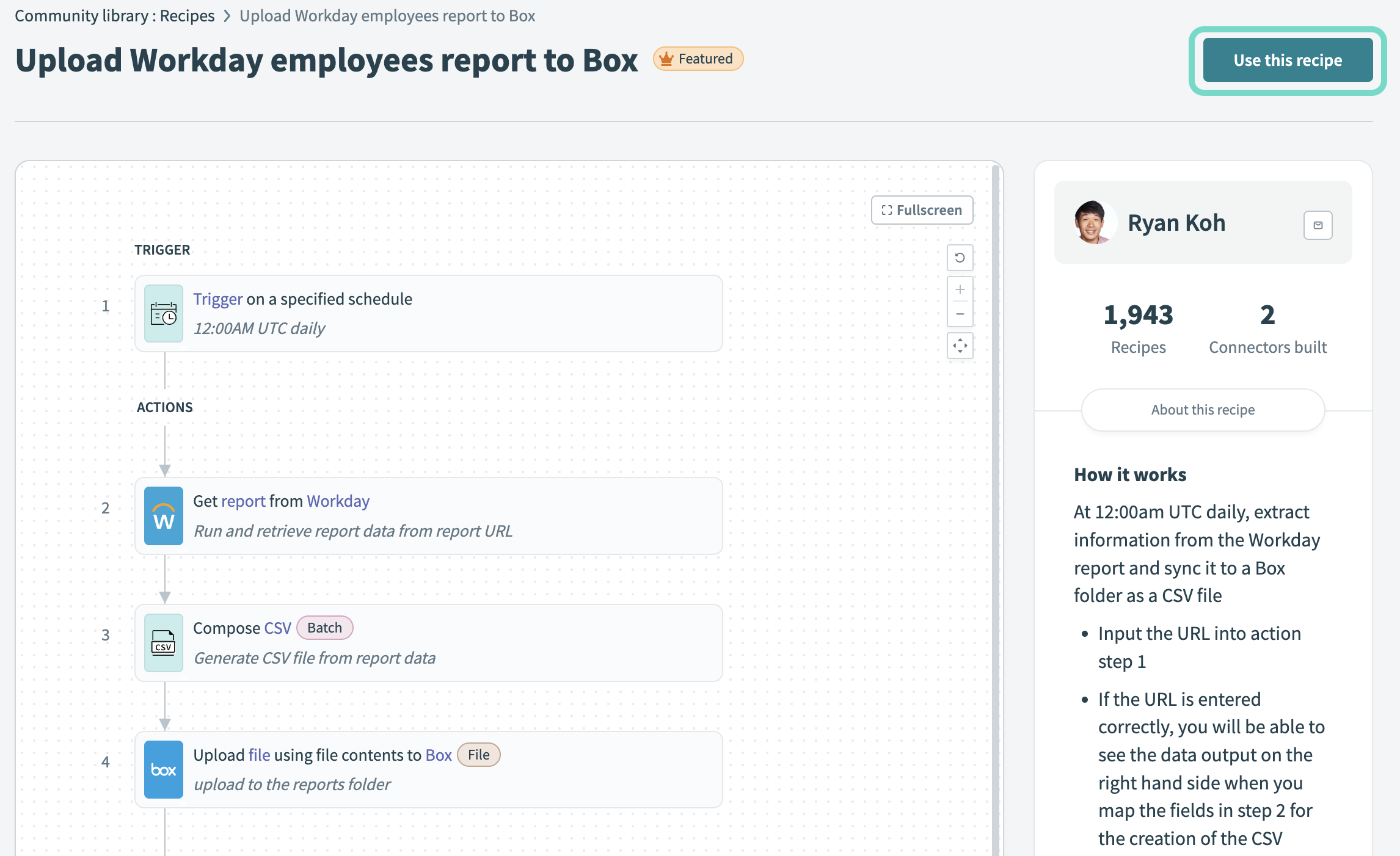 このレシピを使うをクリック
4
レシピを保存するプロジェクトを選択するか、+ New projectをクリックして新しいプロジェクトを作成します。
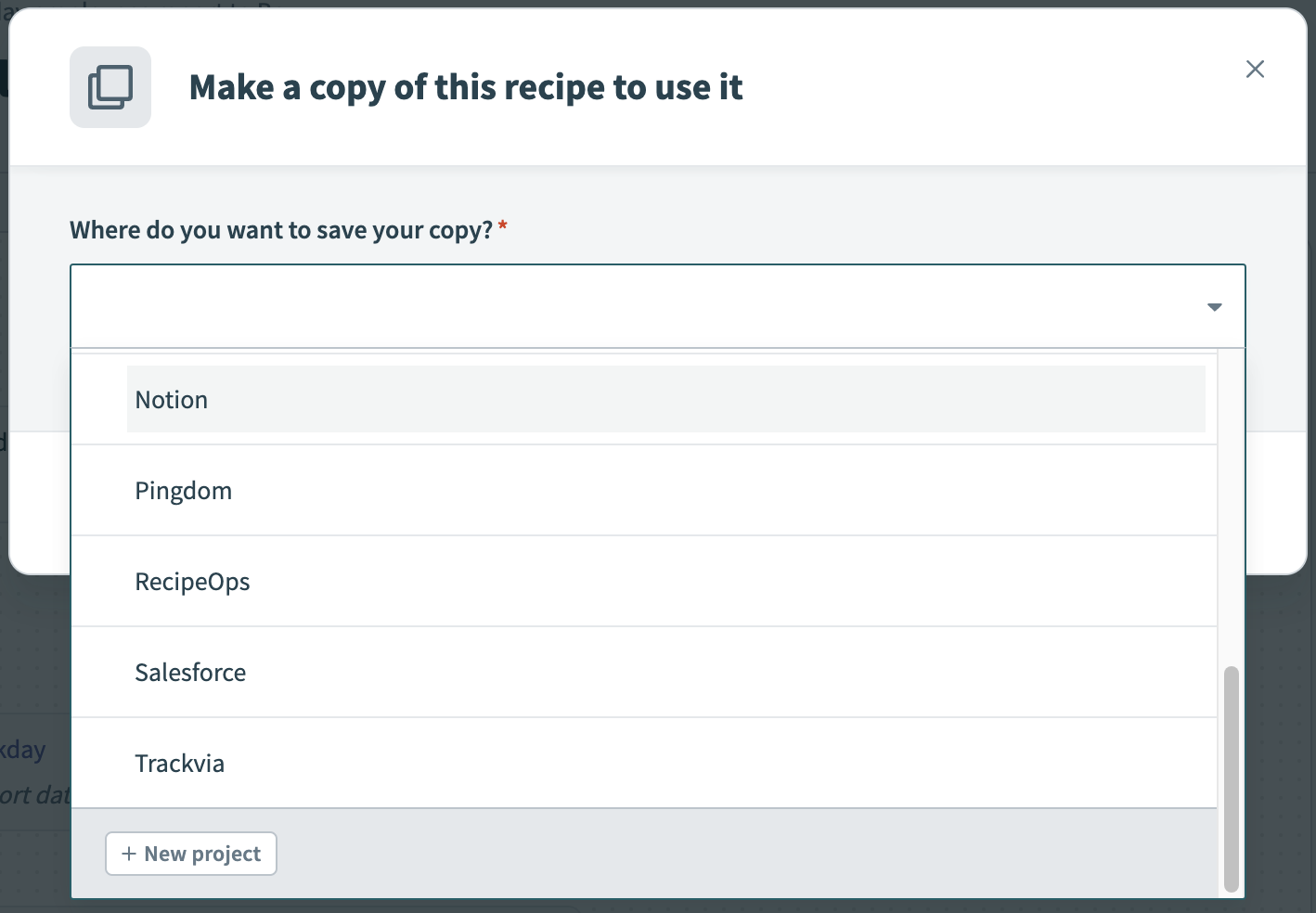 レシピの保存先を選択
5
Copy and saveをクリックして、レシピのコピーを保存します。
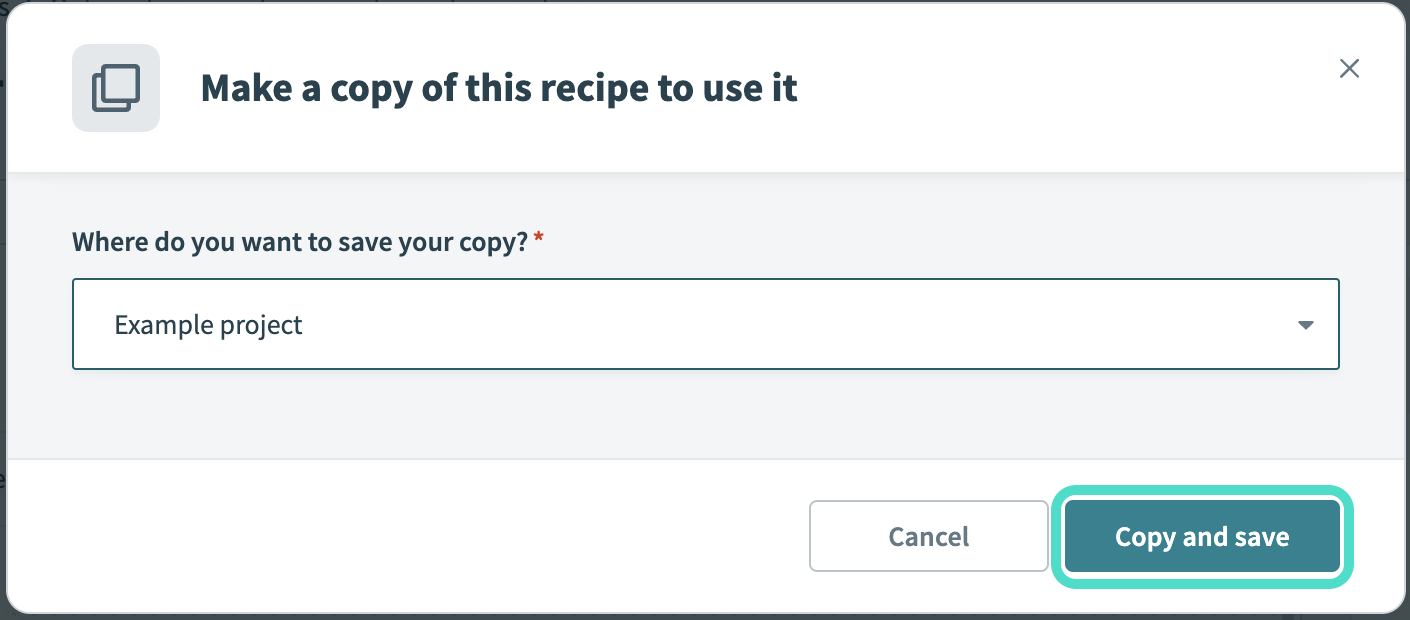 Copy and saveをクリック
6
Customize recipeをクリックしてレシピエディターを開き、レシピのカスタマイズを開始します。
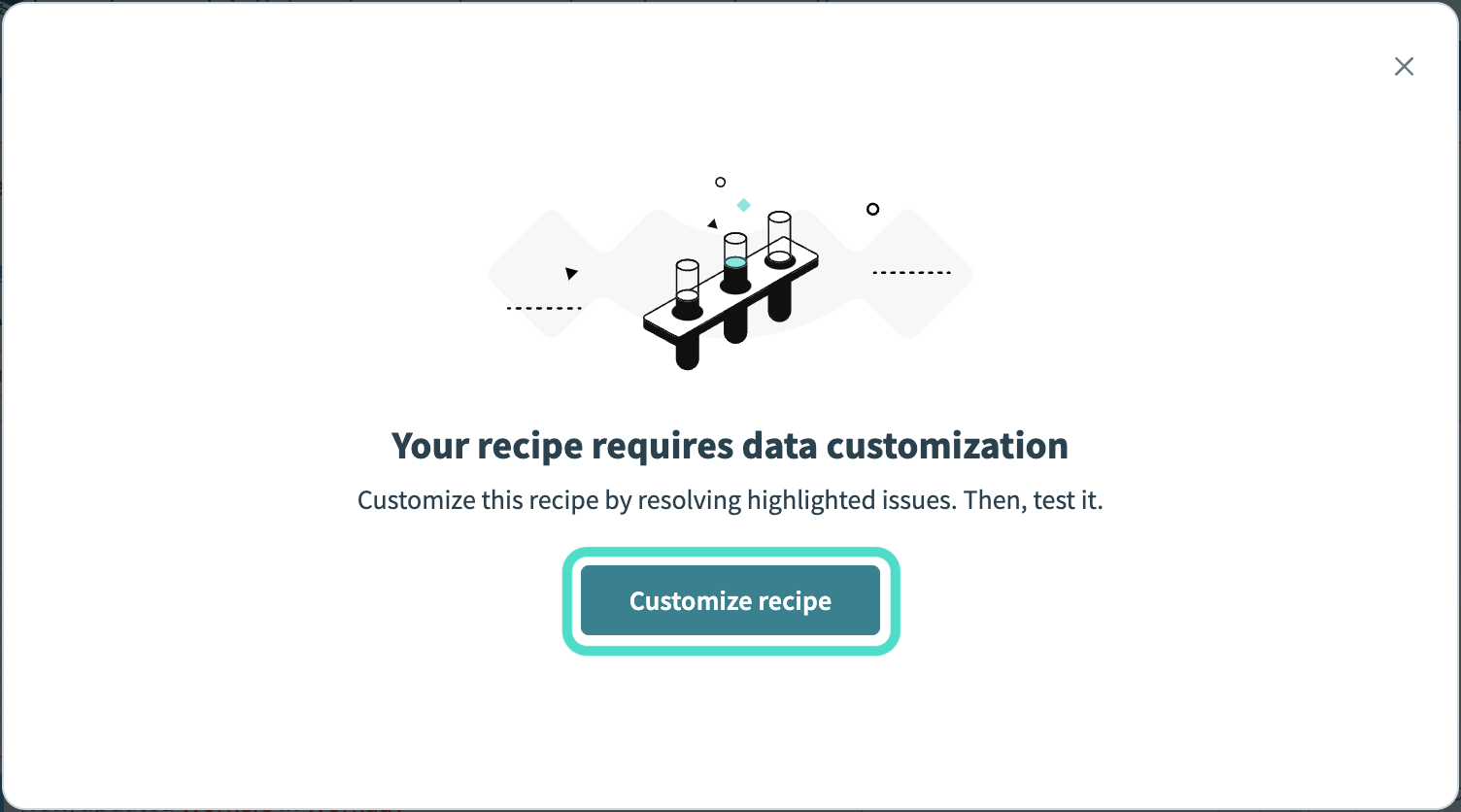 Customize recipeをクリック
最終更新日: