Cornerstone HR
Cornerstone is a cloud-based human capital management (HCM) platform for learning and development, performance management, recruiting, and compliance. This connector enables you to manage records, goals, and monitor Cornerstone HR for new events in Workato.
Install Cornerstone HR from the community library
Complete the following steps to install the Cornerstone HR connector from the community library:
Open the recipe editor and search for a connector. Alternatively, you can search for a connector in the community library.
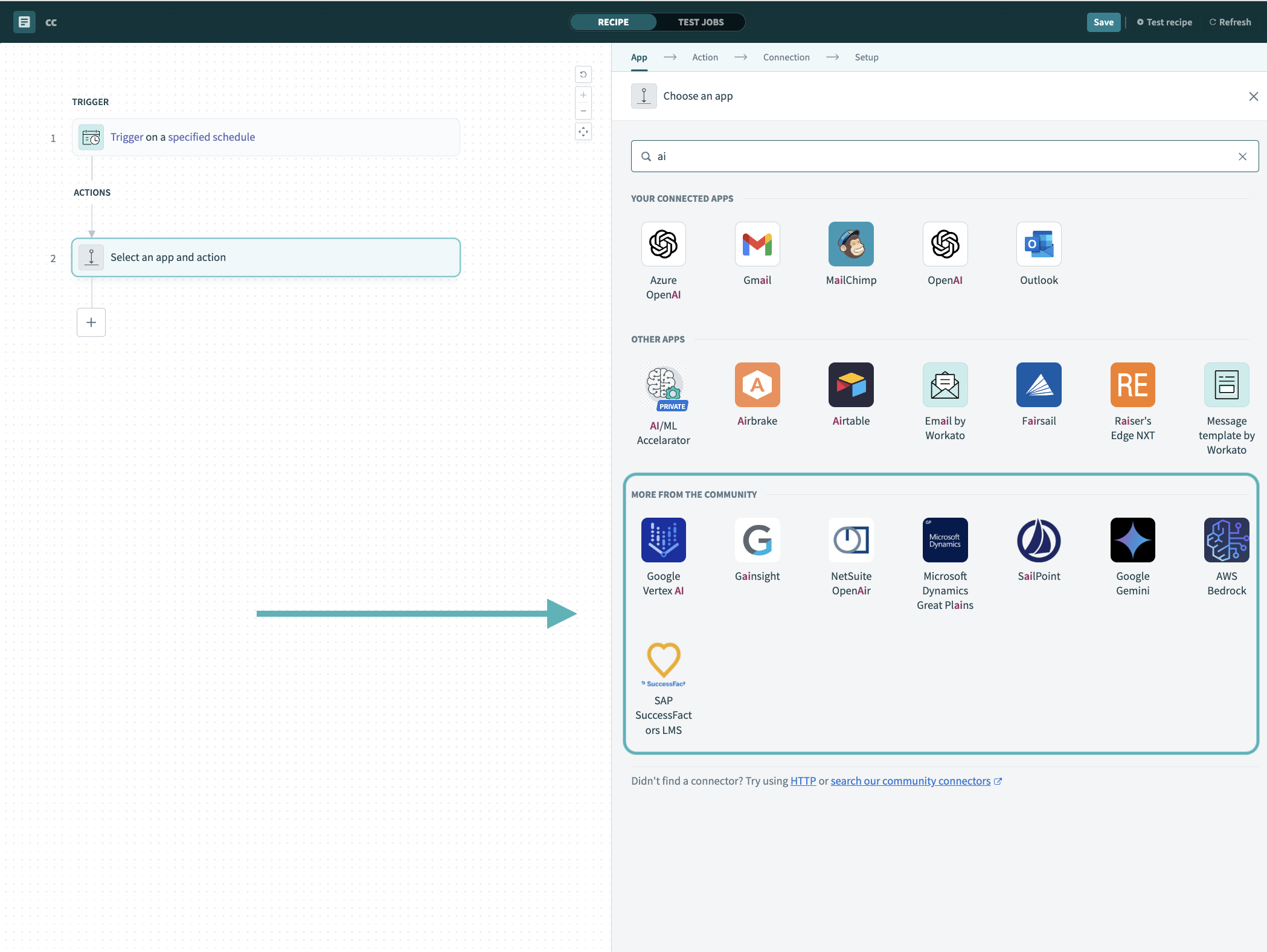 Search for community connectors in the recipe editor
Select the community connector you plan to install.
Click Install to install the connector from the community library.
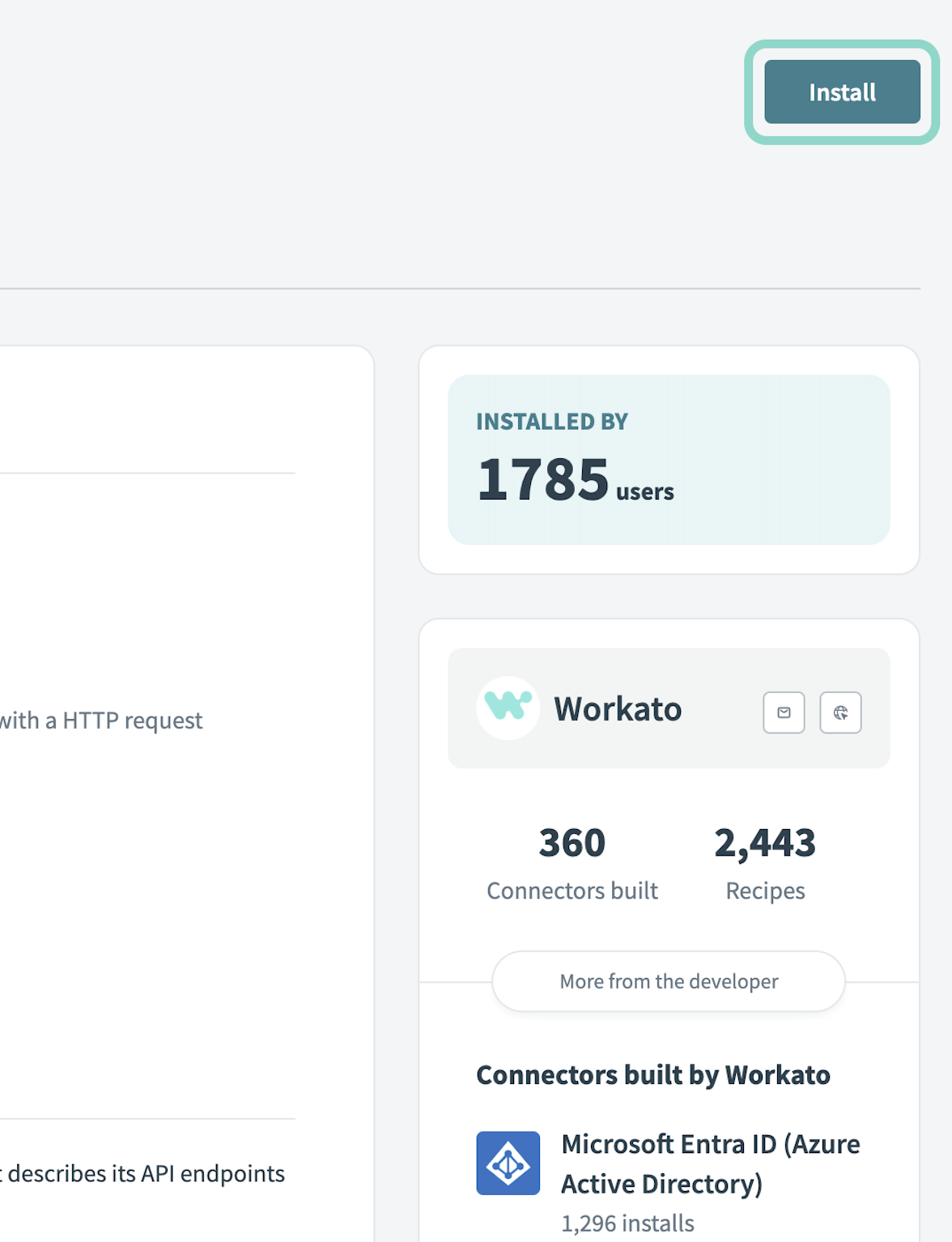 Click Install
Select Release connector. Alternatively, select Review code to review and modify the connector code before releasing it to the workspace.
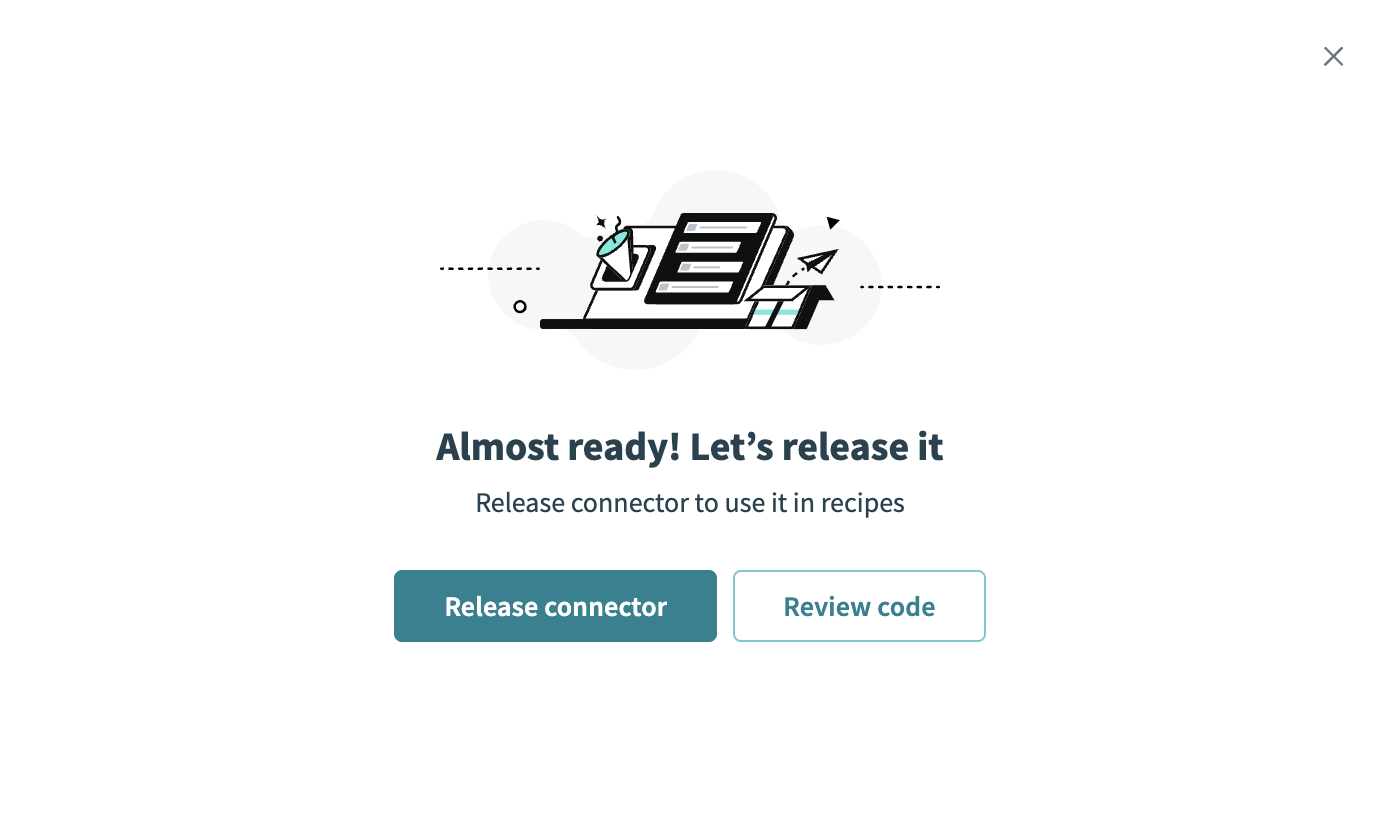 Release the connector
Summarize any changes you made to the connector, then click Release to allow workspace collaborators to use the connector in recipes.
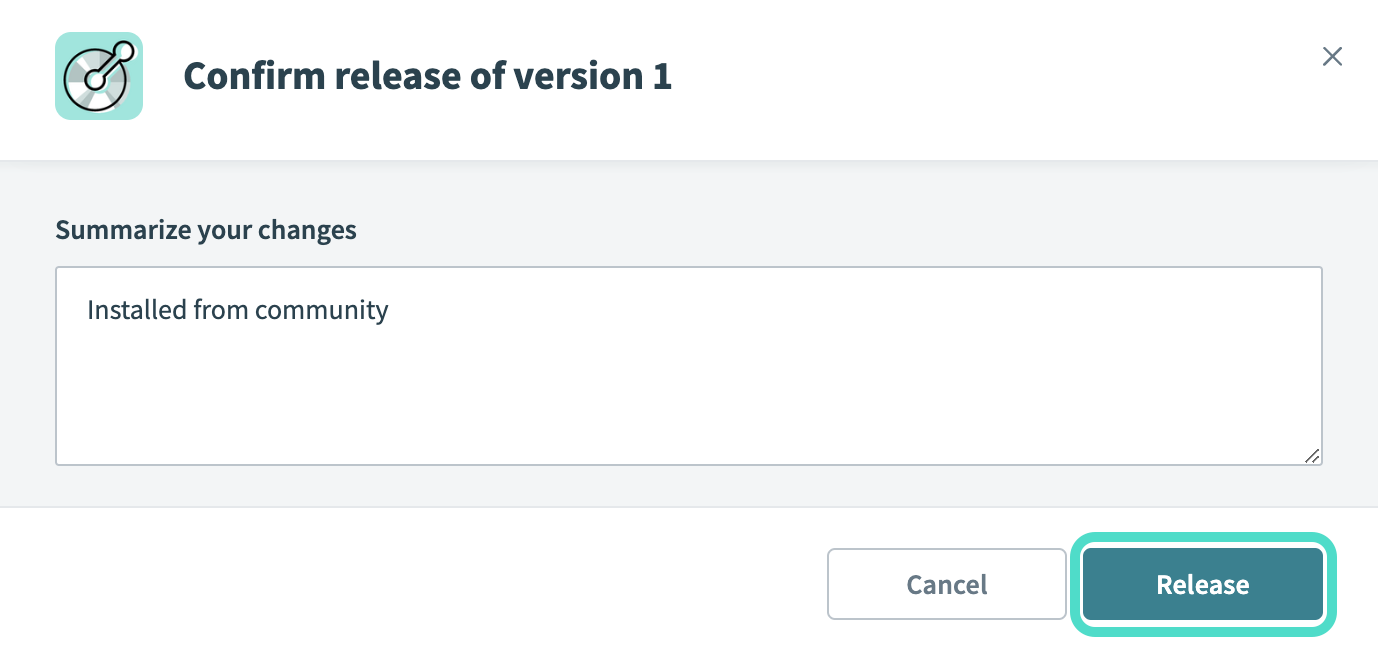 The Confirm release dialog
Connection setup
The Cornerstone HR connector uses OAuth 2.0 authentication.
Cornerstone HR setup
Complete the following steps to set up Cornerstone HR for a Workato connection:
Sign in to your Cornerstone domain as an administrator. Your domain is unique to your organization. For example, workato.csod.com
Go to Admin > Tools > Edge > API Management > Manage OAuth 2.0 Applications.
Click Register New Application.
Enter an Application Name and the User ID of an active API service user in your portal.
Select any endpoint scopes or permissions and set the Access Token Validity Period. The maximum Access Token Validity Period is 86,400 seconds / 24 hours.
Copy and securely store the Client ID and Client secret for use in Workato.
Refer to Register an application in the Cornerstone developer documentation for more information.
Connect to Cornerstone HR using OAuth 2.0
Complete the following steps to connect to Cornerstone HR in Workato:
Click Create > Connection or press C twice.
Search for and select Cornerstone HR as your connection on the New connection page.
Provide a name for your connection in the Connection name field.
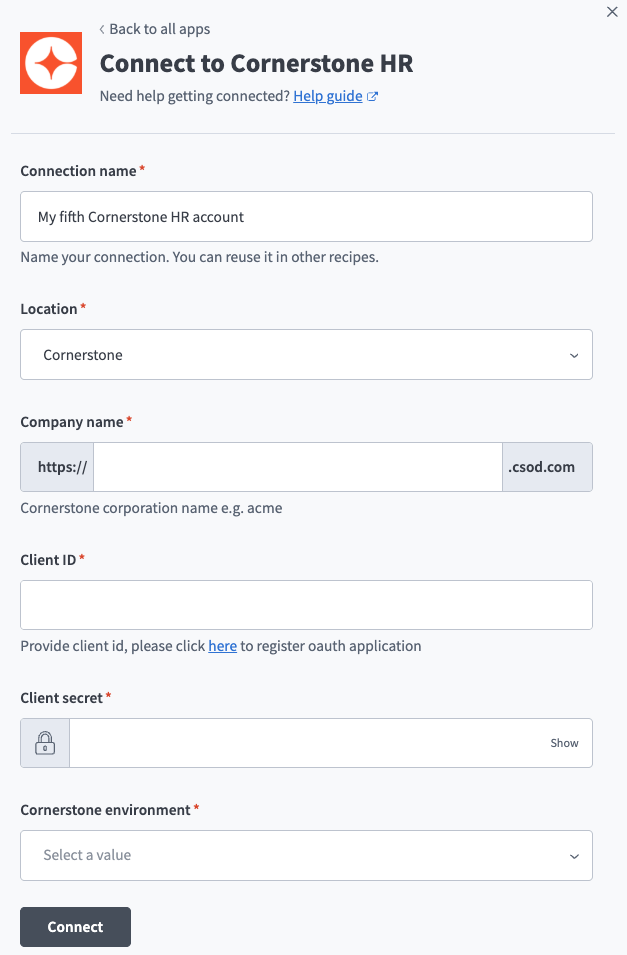 Cornerstone HR connection setup.
Use the Location drop-down menu to select the project where you plan to store the connection.
Enter your Cornerstone corporation name in the Company name field.
Enter the client ID you obtained when you registered your OAuth application in Cornerstone in the Client ID field.
Enter the client secret you obtained when you registered your OAuth application in Cornerstone in the Client secret field.
Use the Cornerstone environment drop-down menu to select Stage, Pilot, or Production.
Click Connect.
Last updated: