Firecrawl
Firecrawl turns websites into clean, AI-ready data. The Firecrawl connector lets you scrape, crawl, and search the web, and extract structured data from pages.
Use the Firecrawl connector to:
- Scrape a page to markdown, HTML, JSON, or a full-page screenshot.
- Run an Agent extraction job with a prompt, optionally constrained by a JSON schema, and check its status.
- Crawl a domain, and check the crawl job's status and page data.
- Map a site to return all of its discovered URLs.
- Search the live web for pages, news, or images.
- Detect whether a page changed since the last scrape.
You can also use custom actions to build a custom HTTP request to any Firecrawl API endpoint. Refer to the Firecrawl API documentation for endpoint details.
Install Firecrawl from the community library
Complete the following steps to install the Firecrawl connector from the community library:
Open the recipe editor and search for a connector. Alternatively, you can search for a connector in the community library.
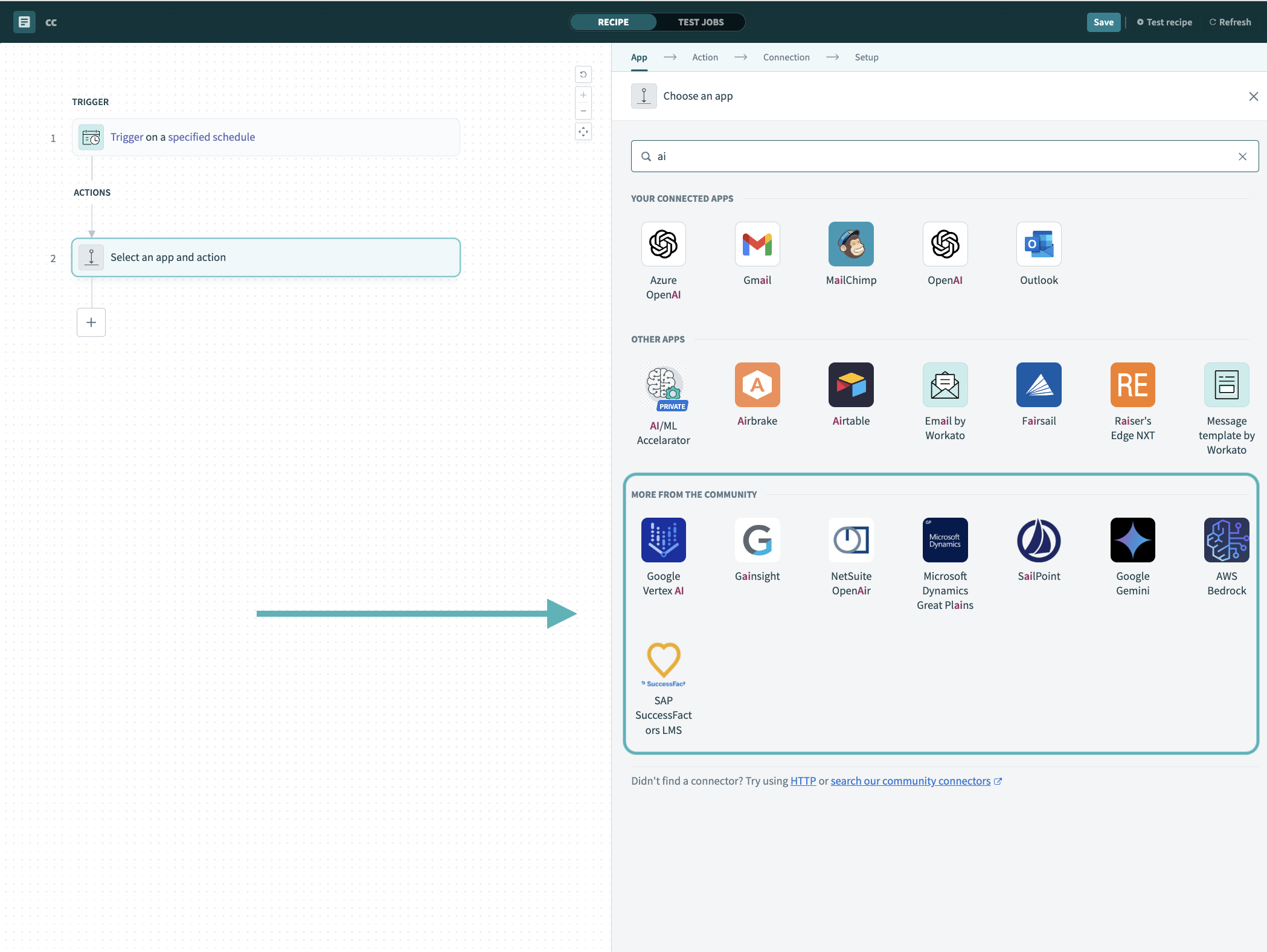 Search for community connectors in the recipe editor
Select the community connector you plan to install.
Click Install to install the connector from the community library.
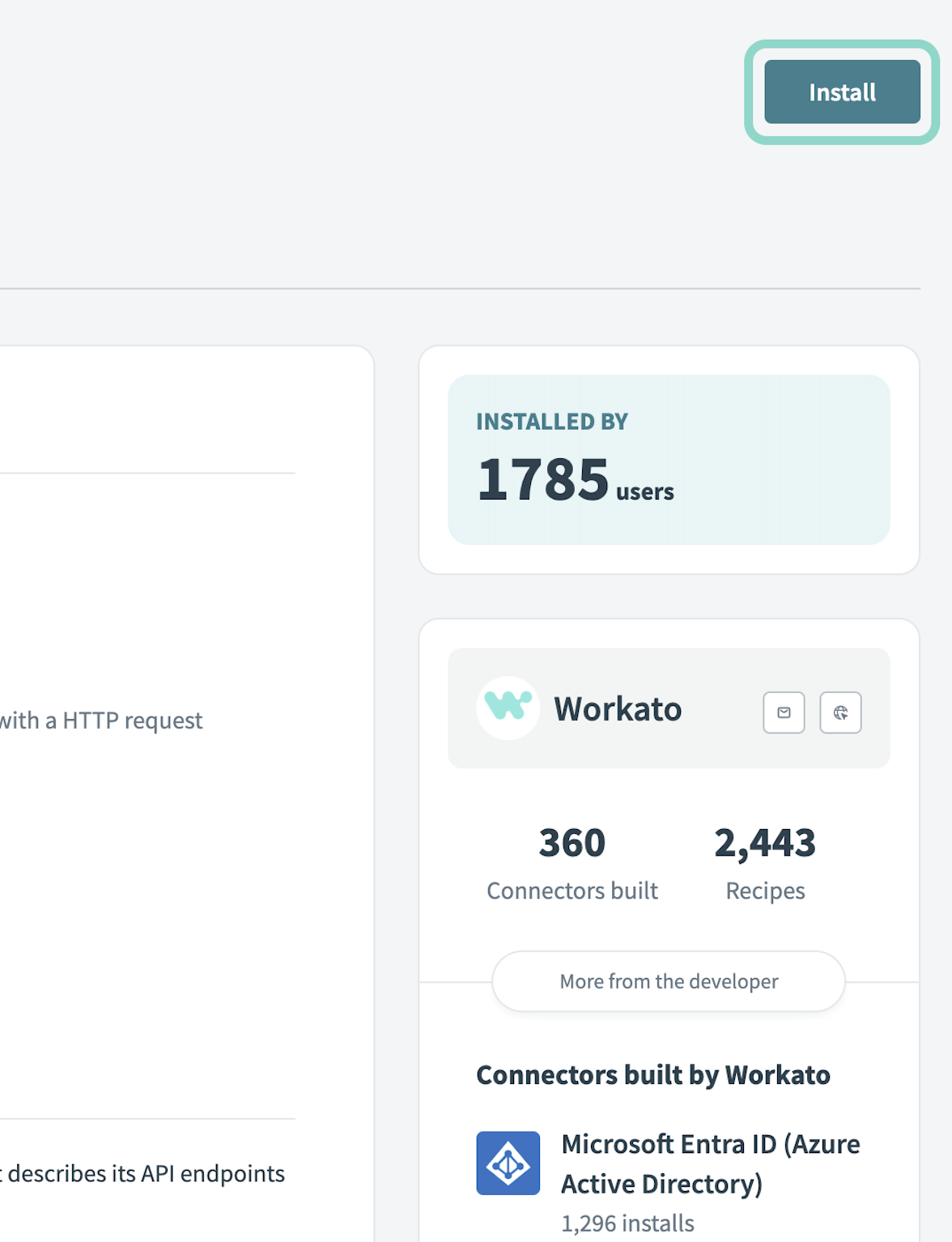 Click Install
Select Release connector. Alternatively, select Review code to review and modify the connector code before releasing it to the workspace.
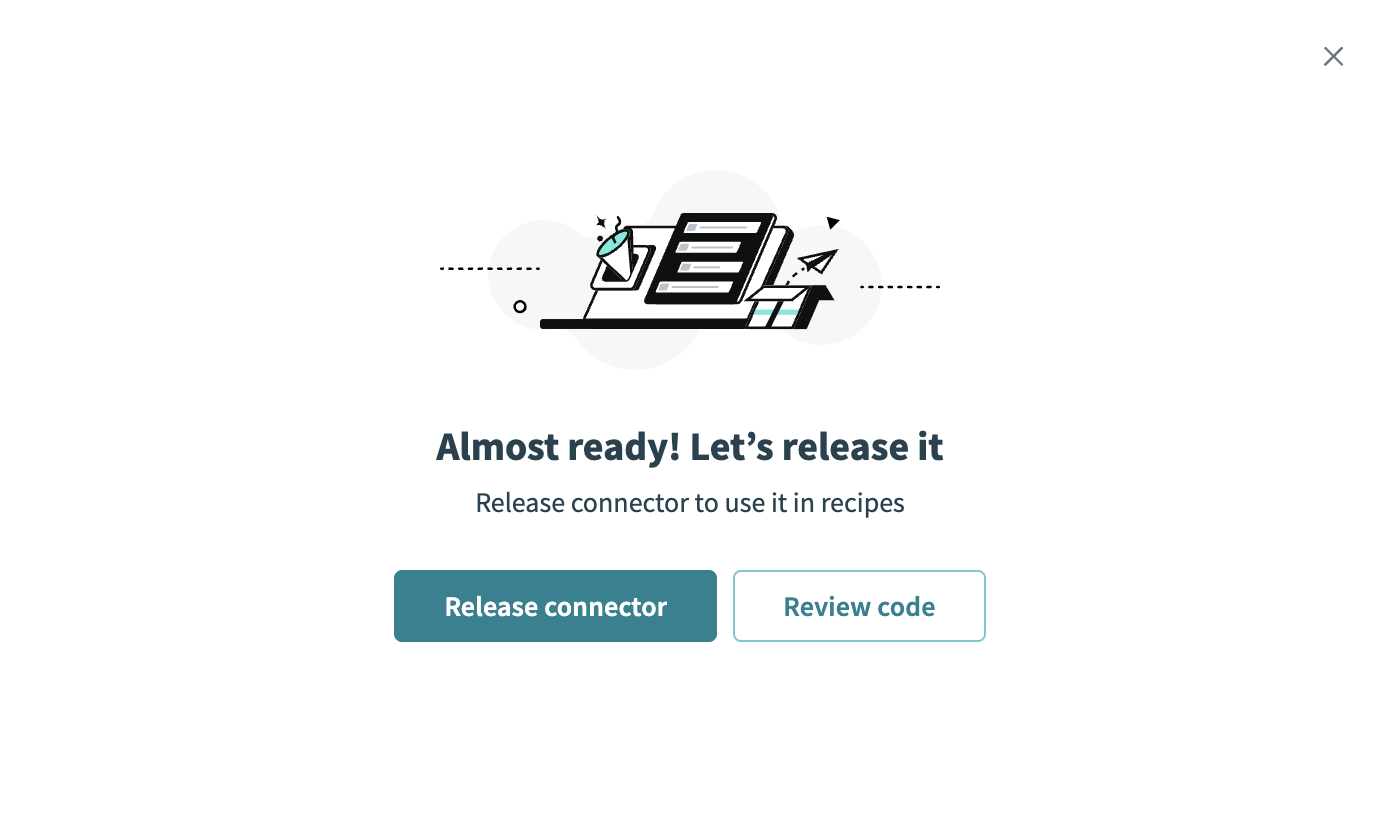 Release the connector
Summarize any changes you made to the connector, then click Release to allow workspace collaborators to use the connector in recipes.
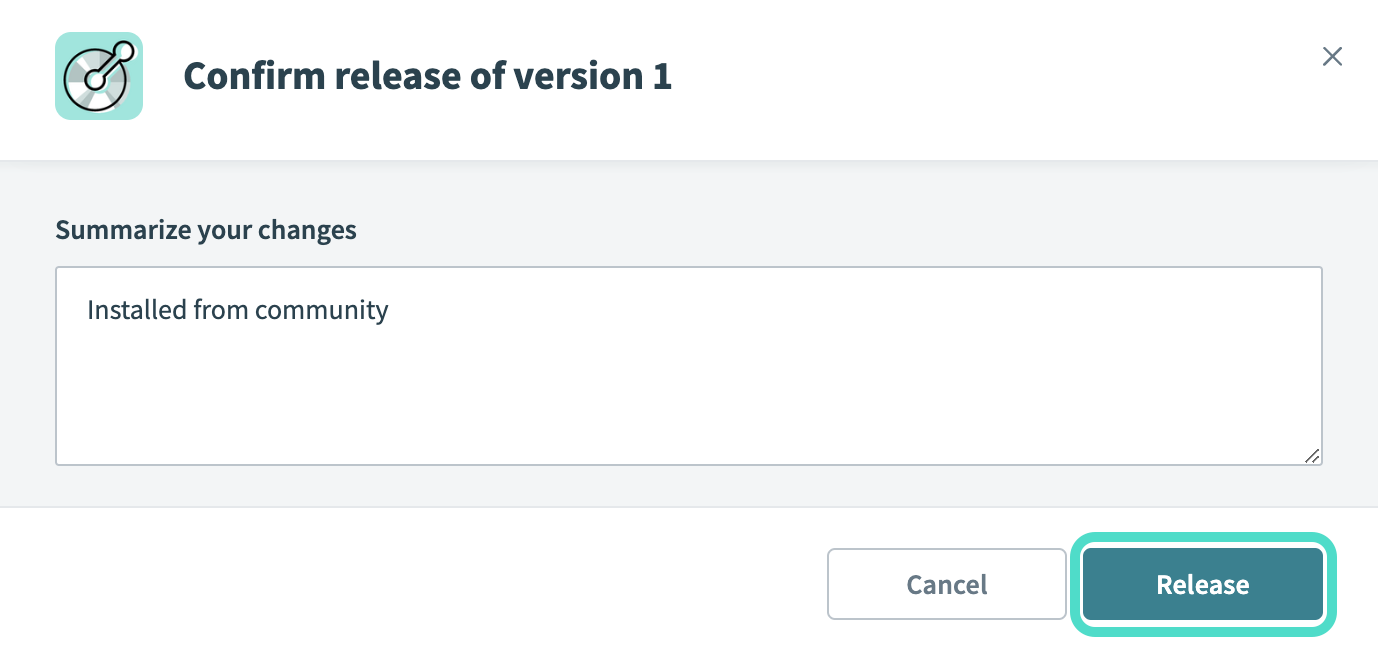 The Confirm release dialog
Connection setup
The Firecrawl connector uses API key authentication.
Firecrawl setup for API key authentication
Complete the following steps to retrieve a Firecrawl API key:
Sign in to the Firecrawl dashboard.
Go to API Keys. A default API key starting with fc- is generated for you automatically.
Click Copy to save the API key for use in Workato.
Connect to Firecrawl with API key authentication
Complete the following steps to set up a Firecrawl connection in Workato:
Click Create > Connection or press C twice.
Search for Firecrawl and select it as your app.
Provide a name for your connection in the Connection name field.
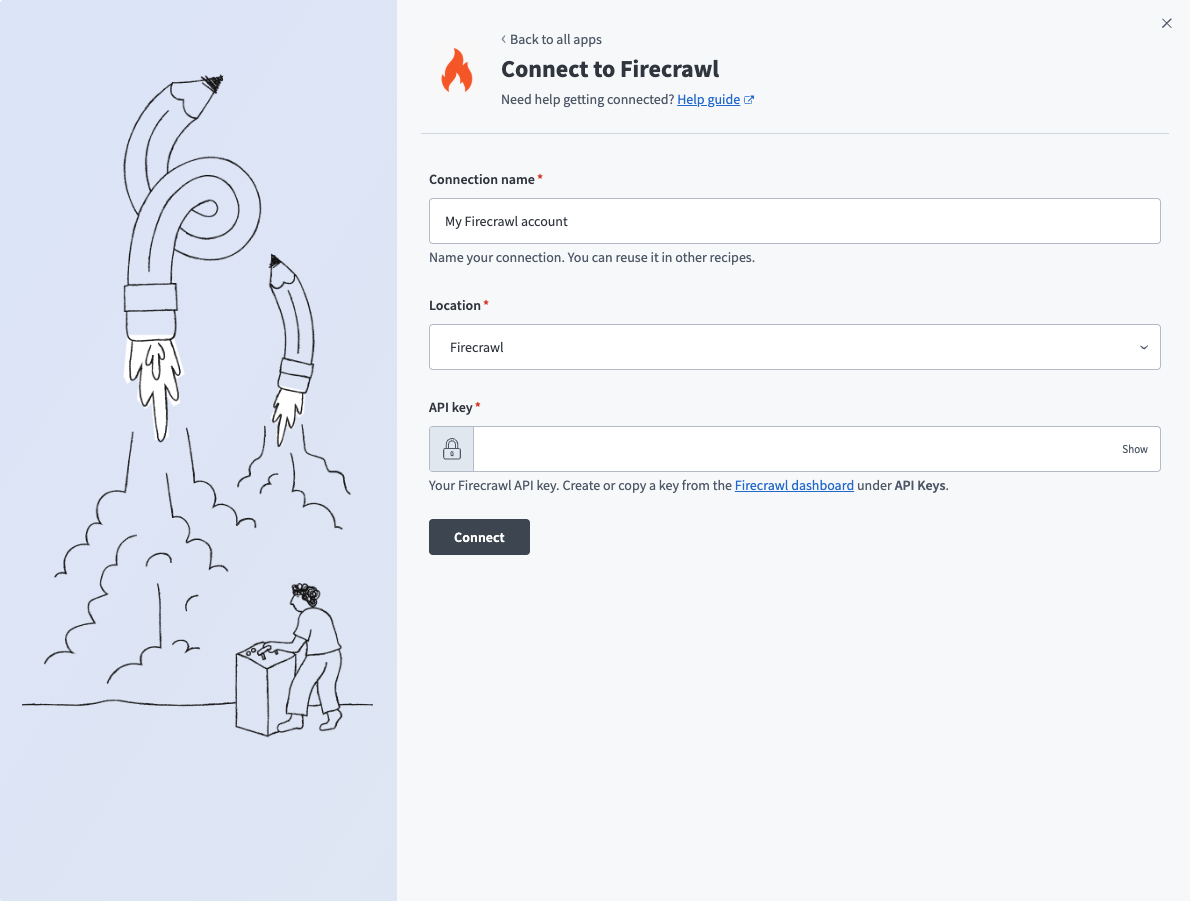 Firecrawl connection setup
Use the Location drop-down menu to select the project where you plan to store the connection.
Enter the API key. Refer to Firecrawl setup for API key authentication for more information.
Click Connect.
Last updated: