Gainsight NXT
Gainsight NXT is a customer success platform that helps organizations manage their customer relationships, monitor customer health, and drive retention and growth. The Gainsight NXT connector enables you to search, retrieve, create, update, and upsert Company and Person records, and trigger recipes when records are created or updated.
Prerequisites
You must provide an access key and your Gainsight NXT domain to establish a connection to Gainsight NXT.
Obtain an access key from Gainsight NXT
The connector authenticates using an API access key generated from your Gainsight NXT tenant.
Contact your Gainsight NXT admin to obtain an access key for your Gainsight NXT tenant, or to generate a new access key.
Refer to the Generate API Access Key article in the Gainsight NXT documentation for more details.
Copy and securely store the access key for use in Workato.
Connection setup
Establishing a connection to Gainsight NXT involves the following configuration:
Install the Gainsight NXT connector from the community library
Complete the following steps to install the Gainsight NXT connector from the community library:
Open the recipe editor and search for a connector. Alternatively, you can search for a connector in the community library.
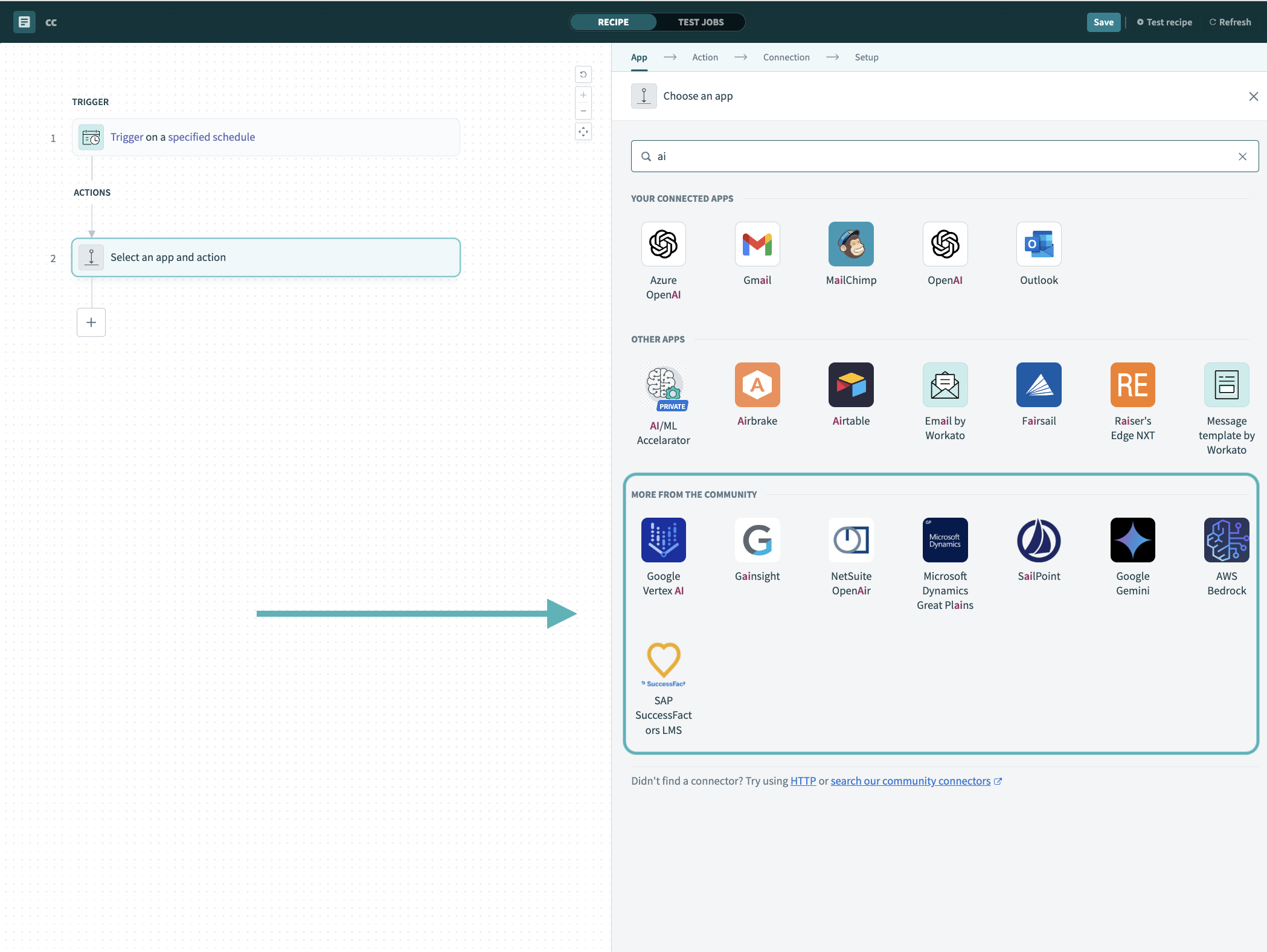 Search for community connectors in the recipe editor
Select the community connector you plan to install.
Click Install to install the connector from the community library.
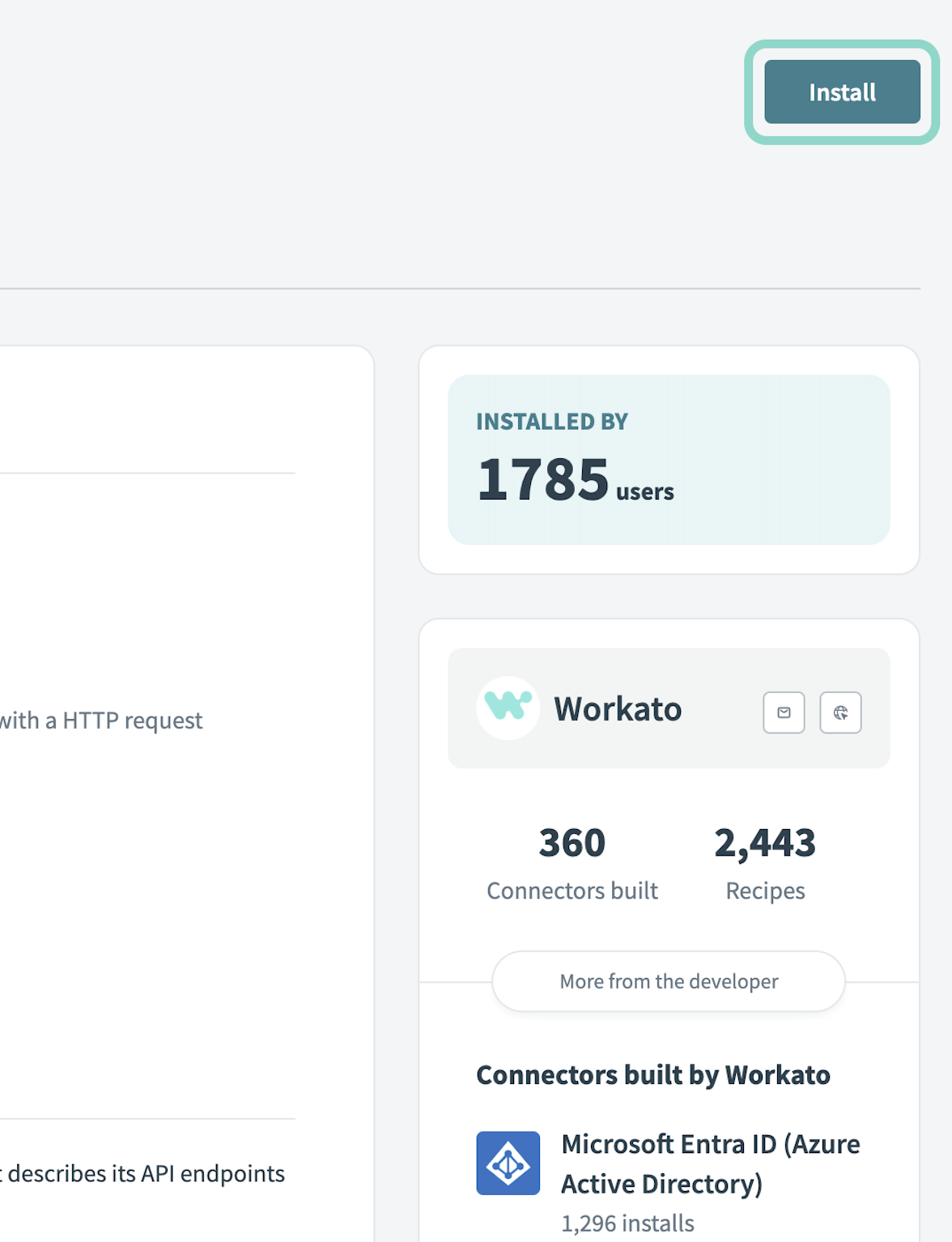 Click Install
Select Release connector. Alternatively, select Review code to review and modify the connector code before releasing it to the workspace.
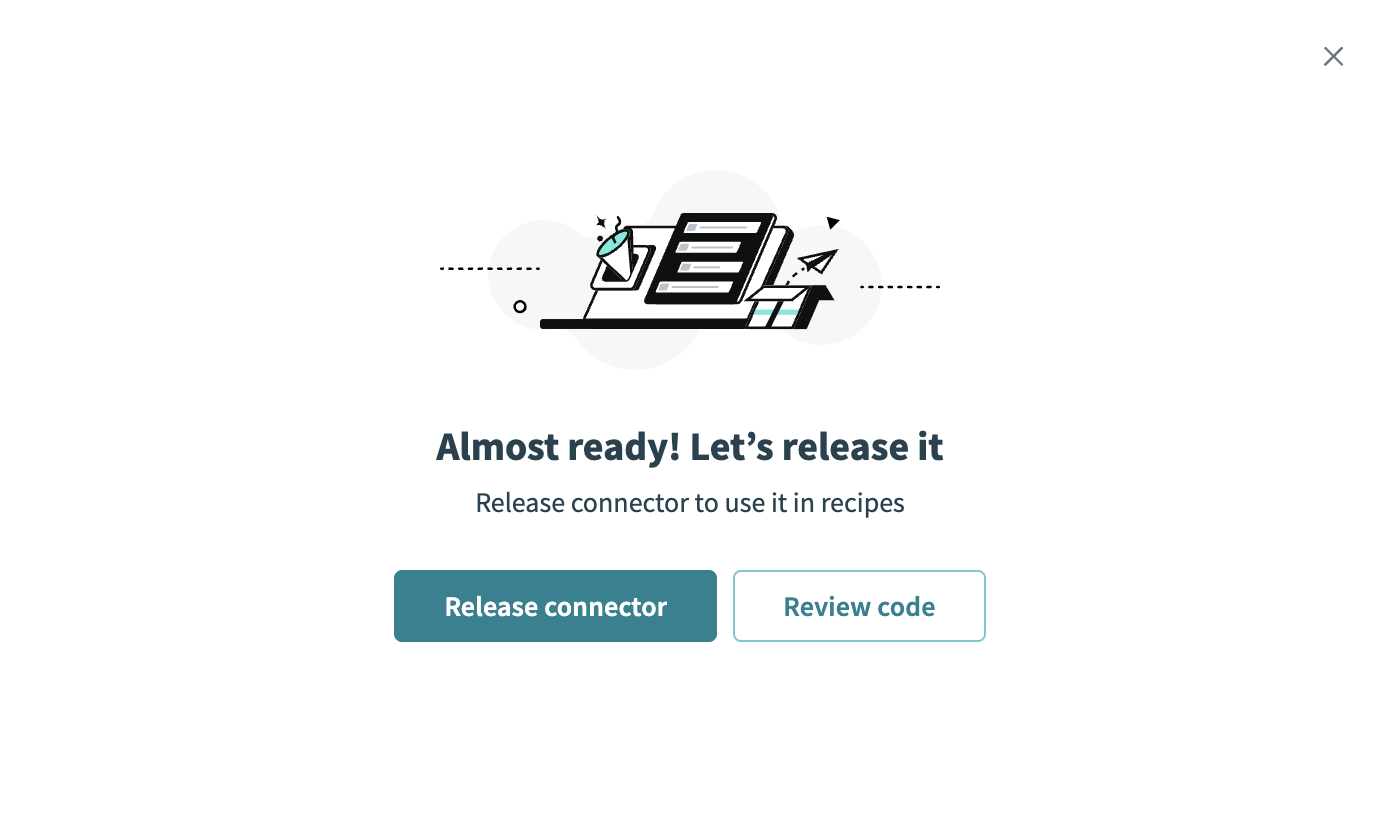 Release the connector
Summarize any changes you made to the connector, then click Release to allow workspace collaborators to use the connector in recipes.
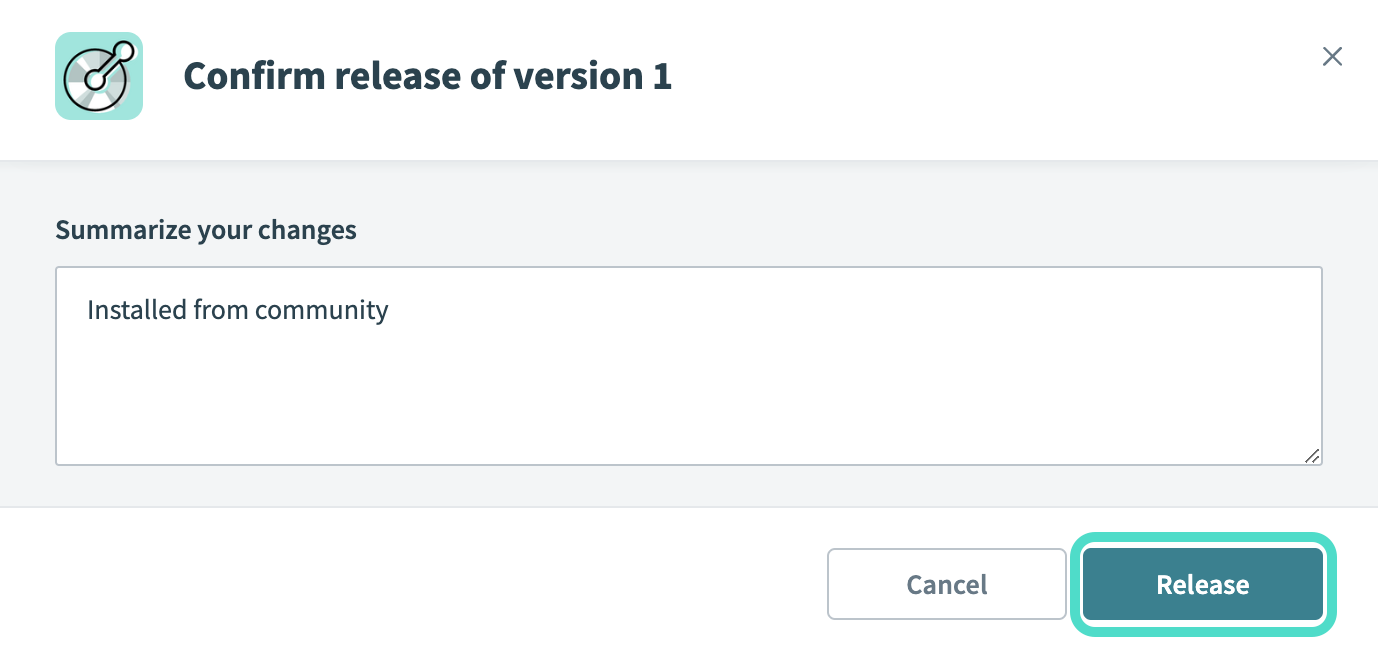 The Confirm release dialog
Complete setup in Workato
Complete the following steps to establish a connection to Gainsight NXT.
Click Create > Connection or press C twice.
Search for Gainsight NXT and select it as your connection on the New connection page.
Provide a name for your connection in the Connection name field.
Use the Location drop-down menu to select the project where you plan to store the connection.
Enter your access key in the Access key field.
Enter your application domain in the Domain field, for example, demoworks.gainsightcloud.com.
Click Connect.
Last updated: