OPA Webhook
OPA Webhook is a webhook HTTP request forwarder. OPA Webhook runs on a Workato On‑Premise Agent (OPA). This connector lets internal services send webhook events to Workato.
Example OPA Webhook workflow:
- Workato calls the connector trigger
webhook_subscribewhen a recipe starts. - The connector registers the recipe’s Workato webhook URL with the OPA extension for a specified routing key.
- Your internal service sends HTTP requests to
http://<opa-host>:<listenPort>/<routing_key>. - The OPA extension forwards the request body to all running recipes with that routing key.
Install OPA Webhook from the community library
Complete the following steps to install the OPA Webhook connector from the community library:
Open the recipe editor and search for a connector. Alternatively, you can search for a connector in the community library.
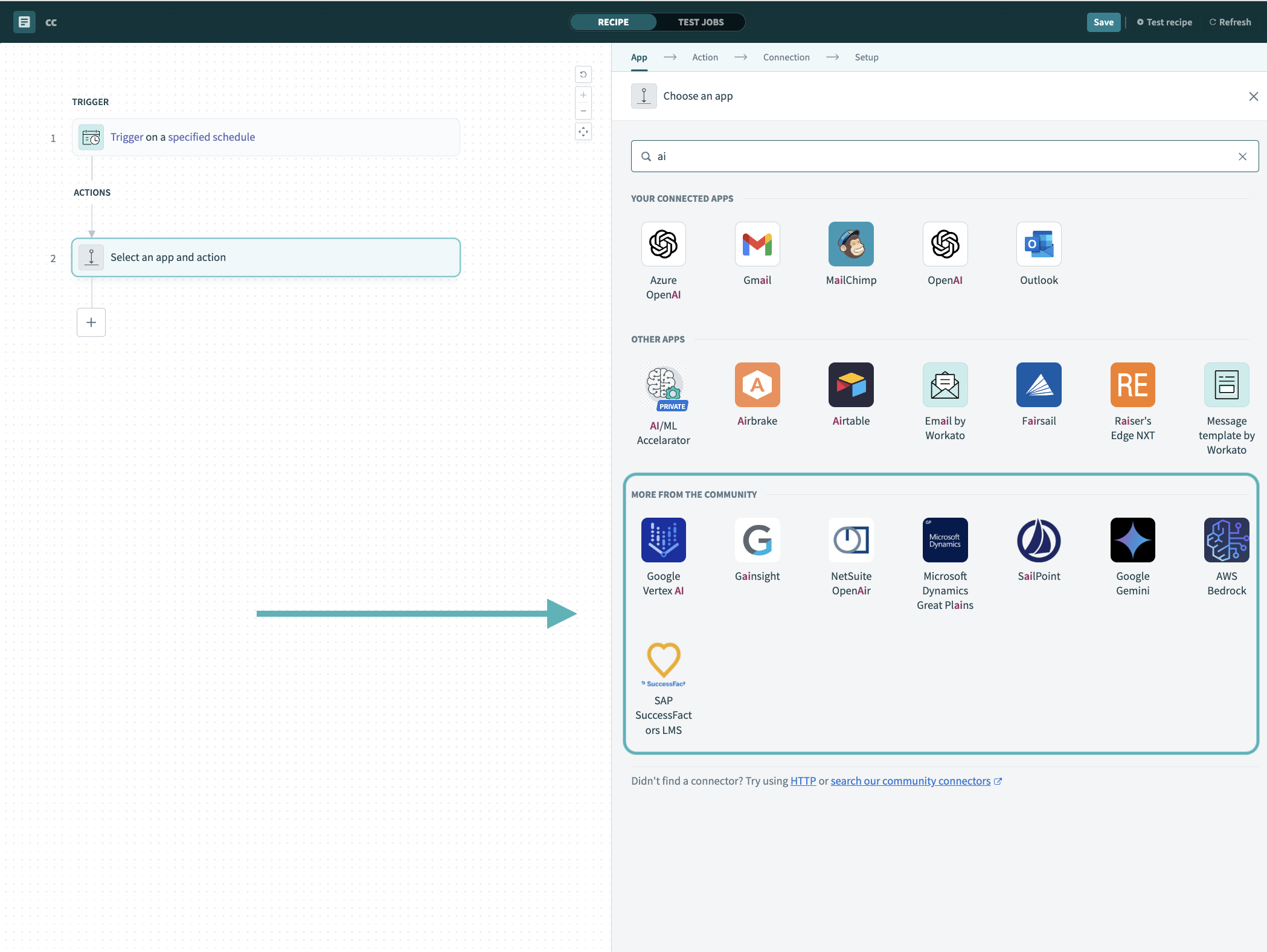 Search for community connectors in the recipe editor
Select the community connector you plan to install.
Click Install to install the connector from the community library.
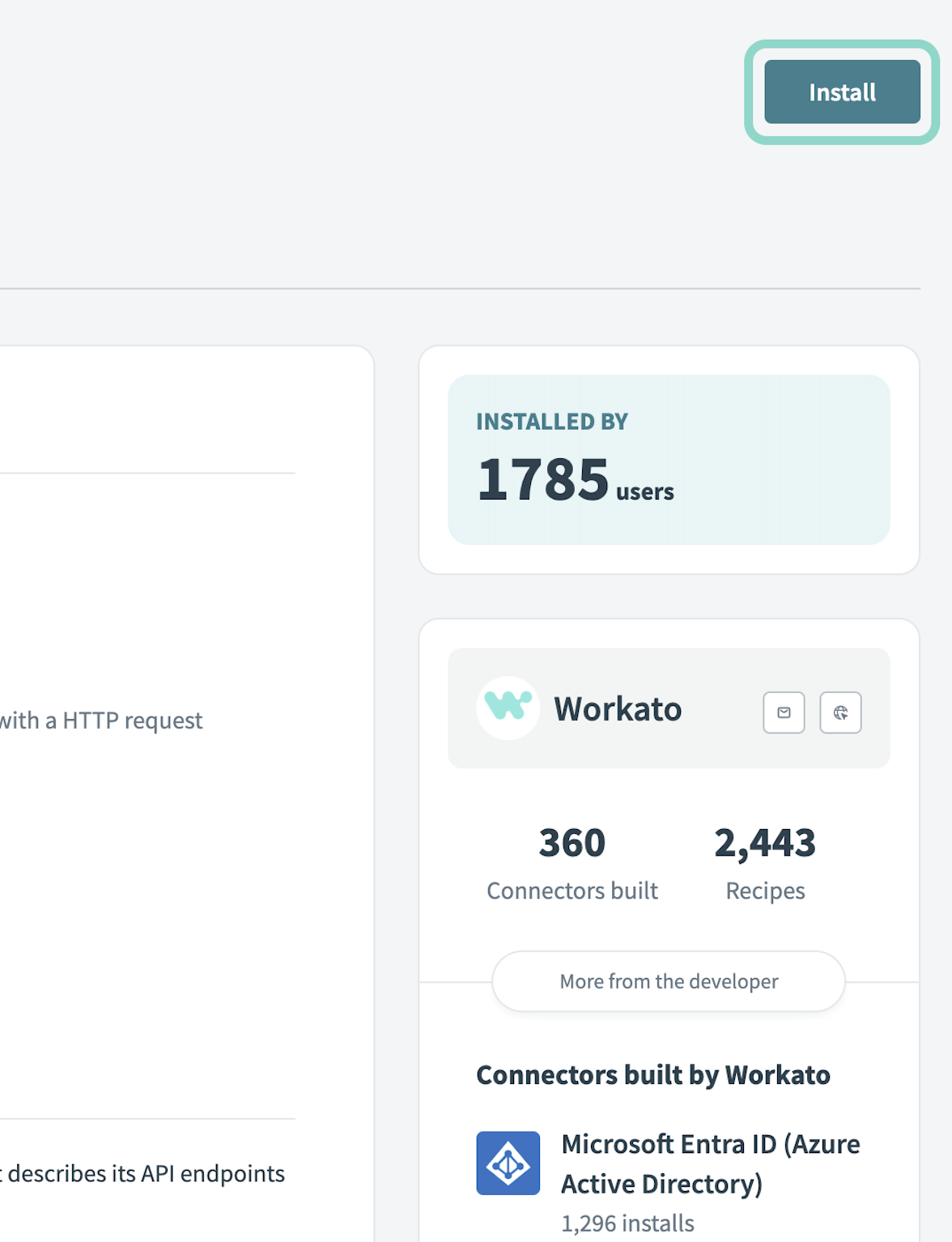 Click Install
Select Release connector. Alternatively, select Review code to review and modify the connector code before releasing it to the workspace.
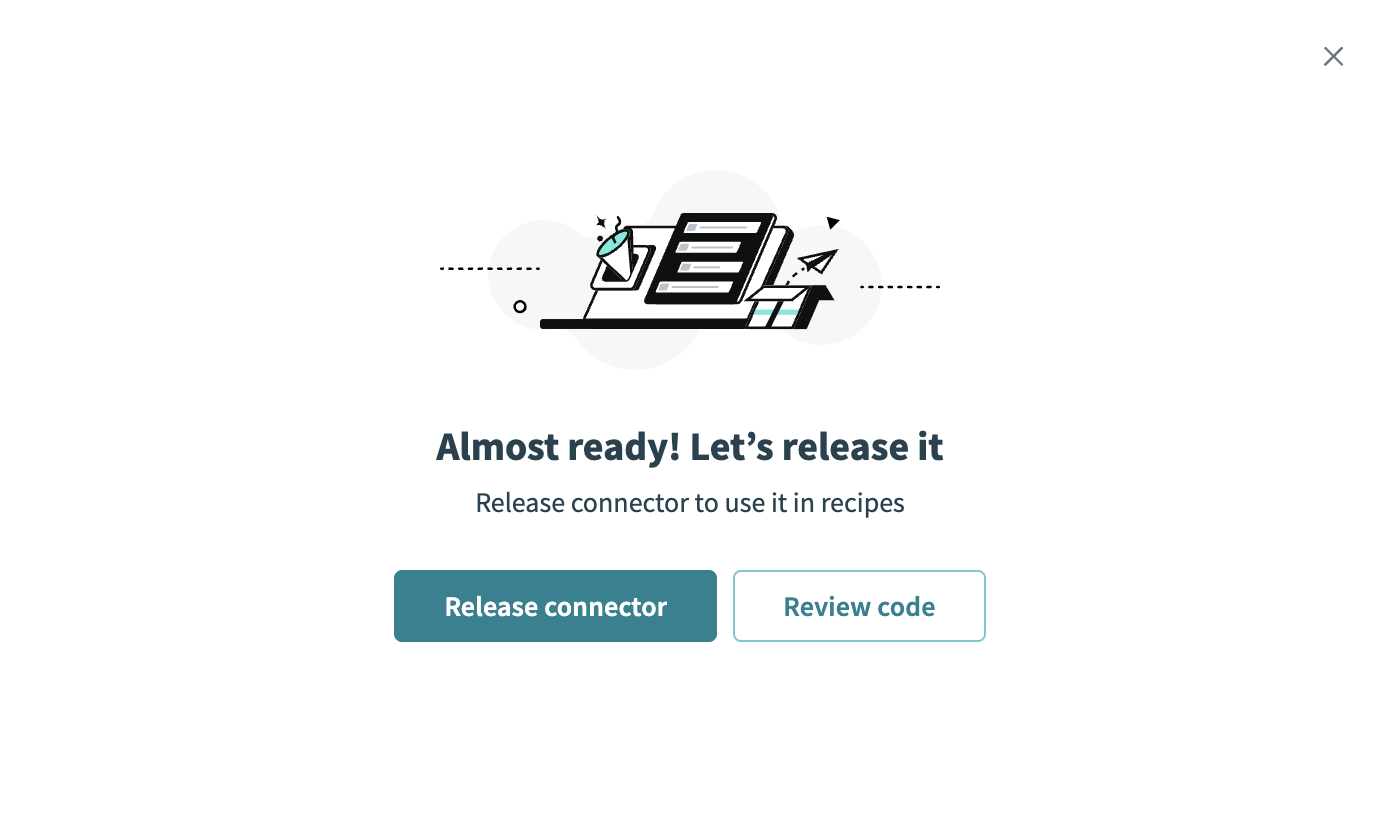 Release the connector
Summarize any changes you made to the connector, then click Release to allow workspace collaborators to use the connector in recipes.
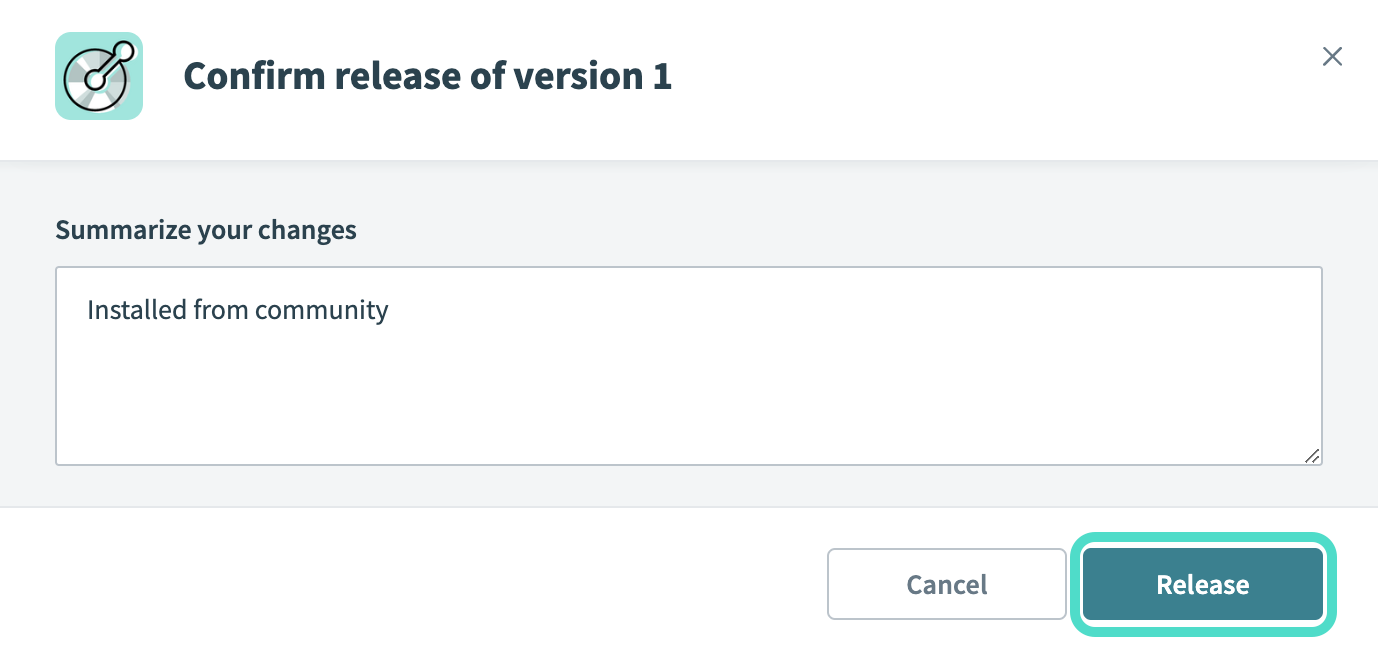 The Confirm release dialog
Connection setup
The OPA Webhook connector uses an external secrets manager for authentication.
Secure your data in the OPA Webhook connector by using an external secrets manager. Refer to Secret management for connection credentials for more information about using an external secrets manager.
On-premise agent setup
Complete the following steps to set up OPA Webhook for external secrets manager authentication:
Install an on-prem agent and connect it to the workspace where you plan to use OPA webhooks. Refer to On-prem agent for detailed instructions.
Download the OPA Webhook extension ZIP file.
Extract the JAR file from the OPA Webhook extension ZIP file.
Save the JAR file in your OPA extension folder, such as lib_ext/.
Update your OPA config.yml to include the following:
extensions:
  webhook:
    controllerClass: com.workato.extension.webhook.ExtensionController
    listenPort: 8081
    maxRetries: 3
    retryDelayMs: 2000
    connectionTimeout: 30000
    readTimeout: 30000
Connect to OPA Webhook with external secrets manager authentication
Complete the following steps to connect to OPA Webhook in Workato:
Click Create > Connection.
Search for OPA Webhook and select it as your app.
Enter a name for your connection in the Connection name field.
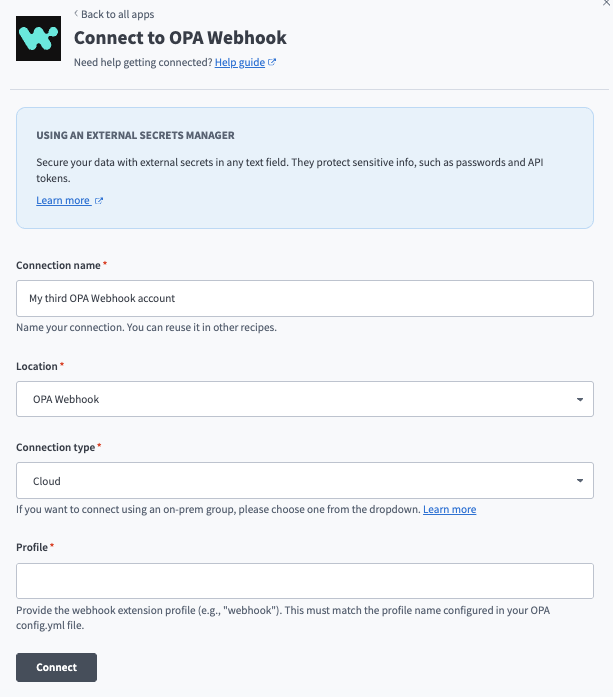 Set up an OPA Webhook connection.
Use the Location drop-down menu to select the project where you plan to store the connection.
Select the Connection type. Options include Cloud or an on-prem group.
Enter a webhook extension Profile. This must match the profile name configured in your OPA config.yml file.
Click Connect.
Last updated: