Set your preferences
You can customize your setting preferences within Control plane.
Choose a theme
Complete the following steps to choose a theme:
1
Go to your Control plane account.
2
Click your profile icon to view the Theme settings.
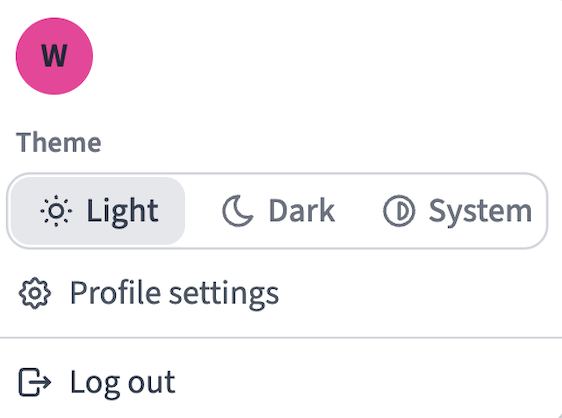 Theme settings
3
Click the theme setting you plan to use. Options are Light, Dark, and System.
Last updated: