Clay Contact & Company Explorer MCP server
The Clay Contact & Company Explorer MCP server enables LLMs to interact with Clay for prospecting, research, and qualification workflows through natural conversation. It provides tools to retrieve enriched company profiles, funding information, and contact details without requiring direct interaction with the Clay interface.
Uses
Use the Clay Contact & Company Explorer MCP server to perform the following actions:
- Research a company's profile and funding before outbound calls
- Look up a contact's role and background using their name and company
- Qualify companies against your ideal customer profile (ICP) criteria
- Explore account information for expansion and upsell opportunities
- Identify stakeholders and decision-makers within target accounts
- Discover companies matching specific industry, size, or technology criteria
- Retrieve firmographic data including industry, employee size, and location
- Get a company's total funding and revenue range for account prioritization
Example prompts
Use the following example prompts to invoke Clay Contact & Company Explorer MCP server tools:
Tell me about acme.com's total funding and industryWhat's the background of Kai Chen at AcmeCo.com?Find engineering managers at AcmeCo.comList companies in the SaaS industry with 50-500 employeesIs AcmeCo.com a good fit for our ICP?Who are the C-suite executives at AcmeCo.com?What companies use Salesforce in the healthcare industry?What's the company size and location for AcmeCo?Find companies in New York with over $50M in total funding
Clay Contact & Company Explorer MCP server tools
The Clay Contact & Company Explorer MCP server provides the following tools:
| Tool | Description |
|---|---|
| get_company_profile | Retrieve firmographic details for a company using its domain or name. |
| get_company_funding | Retrieve a company's total funding amount range and estimated annual revenue range. |
| get_person_profile | Retrieve a professional profile for an individual using their full name and company. |
| search_people | Search for people at a company by title, seniority, name, and location. |
| search_companies | Search for companies by industry, employee size, funding amount, company type, technology, and location. |
Install the Clay Contact & Company Explorer MCP server
Complete the following steps to install a prebuilt MCP server to your project:
Sign in to your Workato account.
Go to AI Hub > Enterprise MCP > Custom servers.
Click + Create MCP server.
Go to the Start with pre-built MCP Servers using your connected apps section and select the prebuilt MCP server you plan to use.
Click Use this server.
Provide a name for your MCP server in the Server name field.
Use the Location drop-down menu to select the project for the MCP server.
Go to the Connections section and connect to your app account.
Select the connection type you plan to use for the MCP server template.
- User's connection: MCP server tools perform actions based on the identity and permissions of the user who connects to the application. Users authenticate with their own credentials to execute the skill.
- Your connection: This option uses the connection established by the recipe builder and follows the same principles as normal app connections.
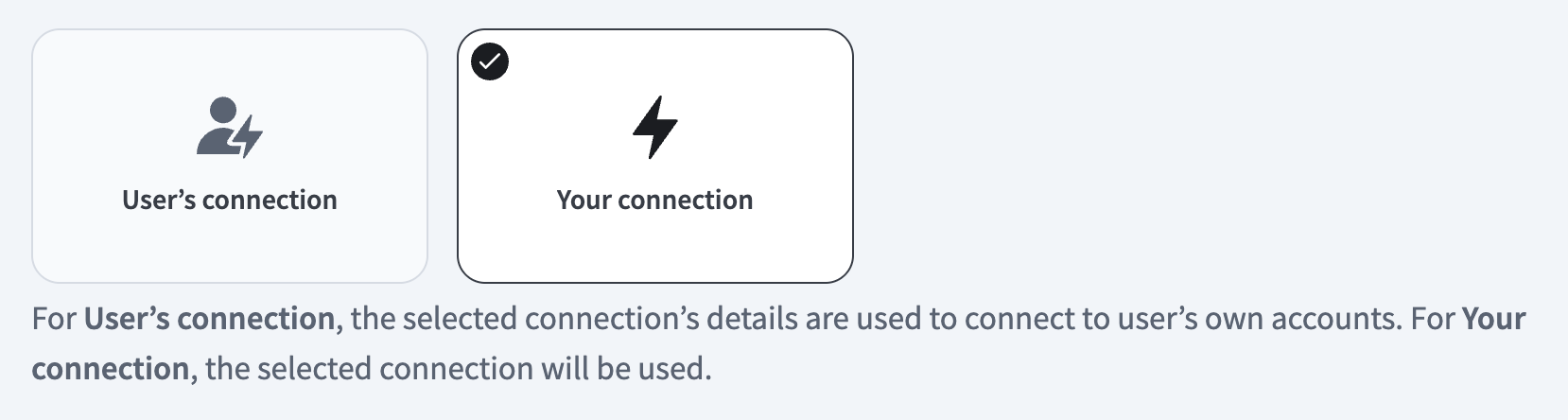 Select your connection type
VERIFIED USER ACCESS AUTHENTICATION REQUIREMENTS
Only app connections that use OAuth 2.0 authorization code grant are available for user's connection. Refer to Verified user access for more information.
Complete the app-specific connection setup steps in the following section.
Clay Contact & Company Explorer connection setup
View Clay Contact & Company Explorer connection setup steps
Ensure you complete the following steps before using the Clay connector in Workato:
Download Clay from the community
View Download Clay from the community steps
Complete the following steps to install the Clay connector from the community library:
Open the recipe editor and search for a connector. Alternatively, you can search for a connector in the community library.
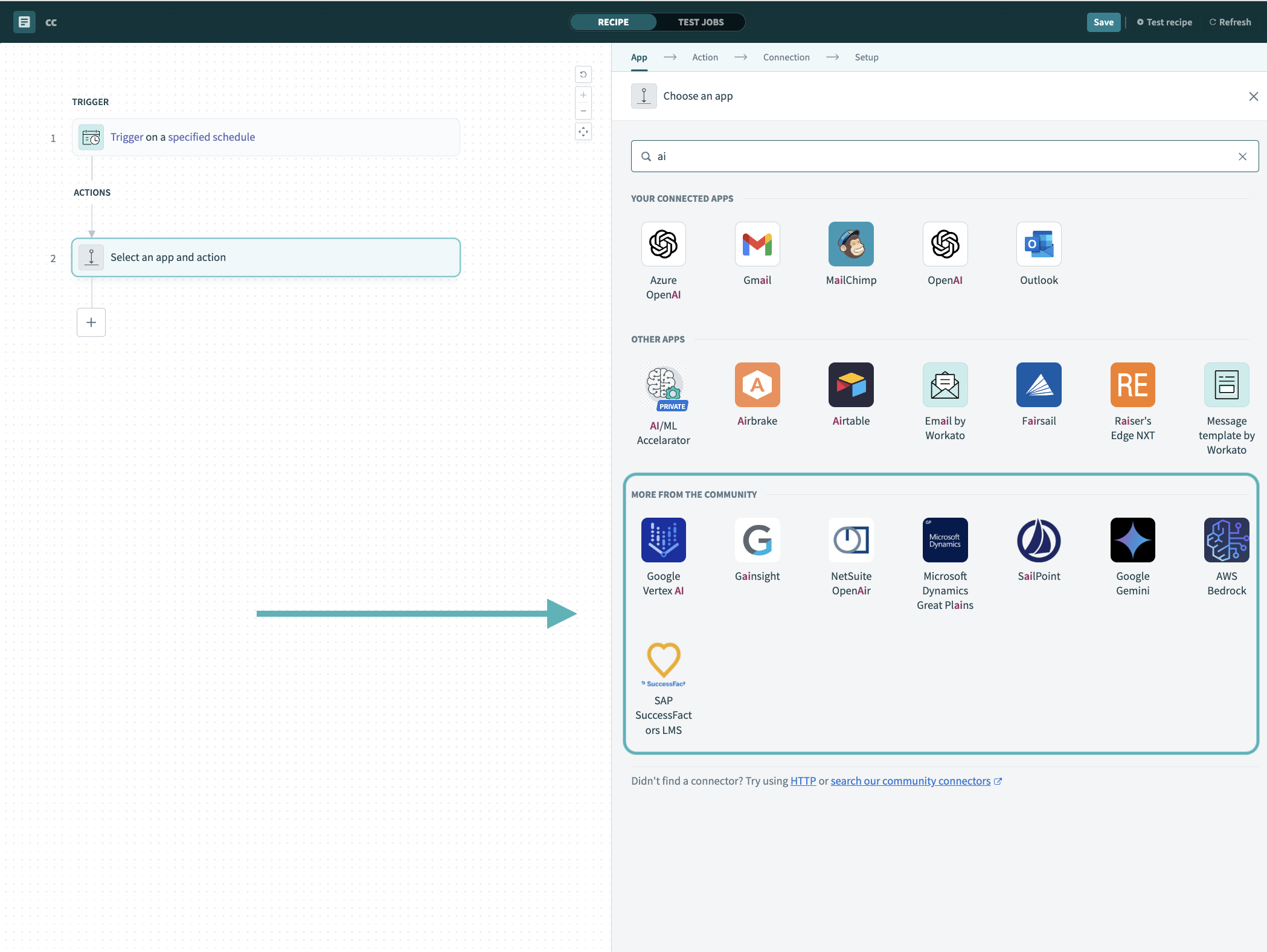 Search for community connectors in the recipe editor
Select the community connector you plan to install.
Click Install to install the connector from the community library.
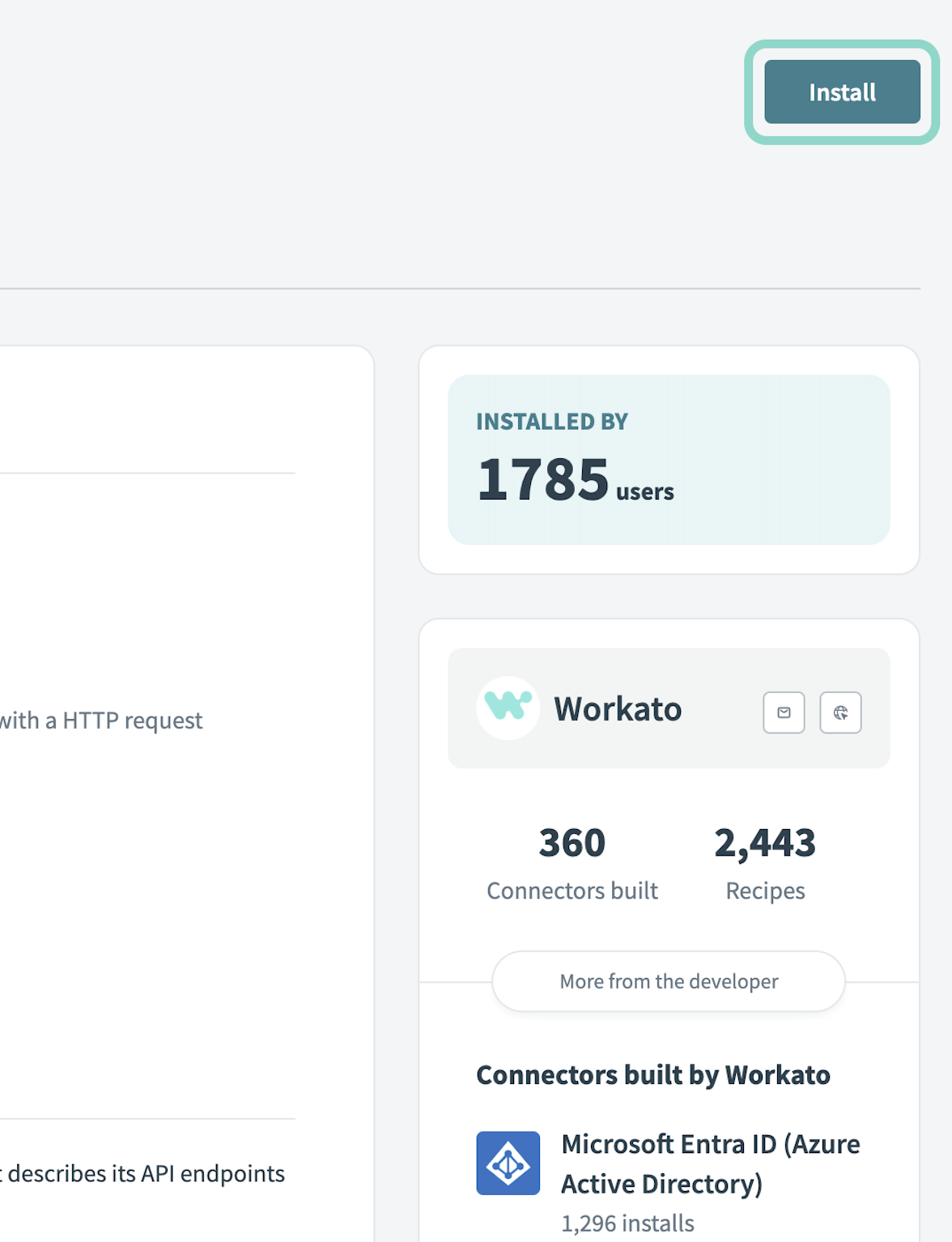 Click Install
Select Release connector. Alternatively, select Review code to review and modify the connector code before releasing it to the workspace.
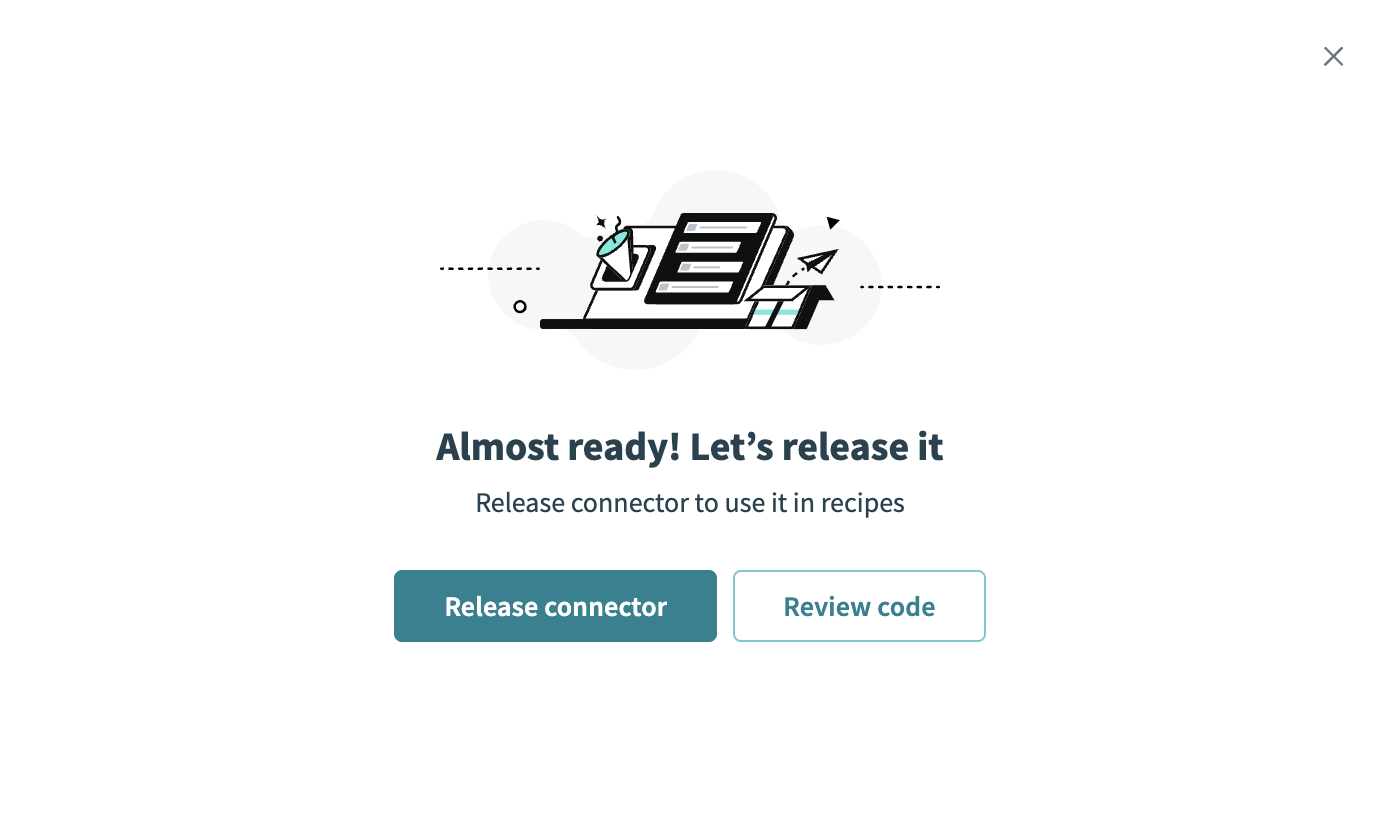 Release the connector
Summarize any changes you made to the connector, then click Release to allow workspace collaborators to use the connector in recipes.
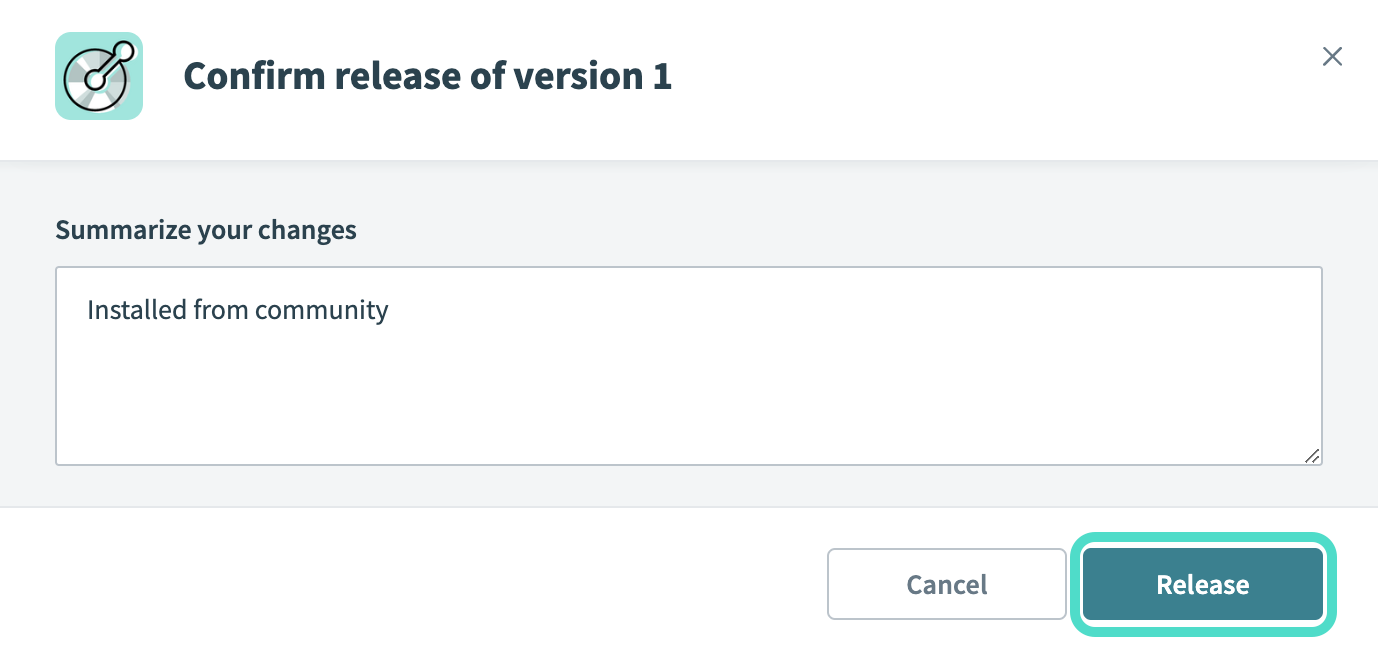 The Confirm release dialog
Retrieve API key in Clay
Refer to the Clay Find your API key guide to retrieve your Clay API key.
Connect to Clay on Workato
View Connect to Clay on Workato steps
Complete the following steps to connect your Clay account to Workato:
Click Create > Connection.
Search for Clay and select it as your connection on the New Connection page.
Enter a name for the connection in the Connection name field.
Use the Location drop-down menu to select the project or folder where you plan to store the connection.
Enter the Clay API key. Refer to Retrieve API key in Clay to obtain this value.
Click Connect.
Clay role requirements
Each tool's availability depends on the access scope and entitlement tier of your connected Clay account. If the connected account lacks the required entitlement for a tool, that tool returns a permission-denied outcome instead of a partial result. The Clay Contact & Company Explorer MCP server doesn't perform additional user-level permission checks beyond what the Clay API enforces. Refer to Clay's Roles and permissions guide for the complete list of role capabilities.
How to use Clay Contact & Company Explorer MCP server tools
Refer to the following sections for detailed information on available tools:
get_company_profile tool
The get_company_profile tool retrieves firmographic details for a company using its domain or name. Your LLM uses this tool to gather core company information including industry, employee size, location, description, and available funding and revenue range indicators.
Try asking:
What industry is Acme Inc in and how many employees do they have?Tell me about AcmeCo's headquarters location and company descriptionGet the company profile for example.com
get_company_funding tool
The get_company_funding tool retrieves a company's total funding amount range and estimated annual revenue range using its domain or LinkedIn company URL. Your LLM uses this tool to gauge company maturity as a growth signal for account prioritization and qualification.
Try asking:
What's the total funding and revenue range for AcmeCo.com?How much capital has techstart.com raised in total?Is AcmeCo.com a mature, well-funded company?
get_person_profile tool
The get_person_profile tool retrieves a professional profile for an individual using their full name together with their company's domain or LinkedIn URL. Your LLM uses this tool to understand a contact's title, location, and LinkedIn profile for personalized outreach and account planning. This tool doesn't accept email addresses or personal LinkedIn URLs as identifiers, so your LLM always pairs the person's full name with their company.
Try asking:
Tell me about Dana Patel at acme.comWho is Alex Nguyen at AcmeCo.com?Get the professional profile for Taylor Park at acme.com
search_people tool
The search_people tool searches for people at a company by title, seniority, name, and location. Your LLM uses this tool to identify decision-makers, influencers, and relevant personas for multi-threaded outreach and stakeholder mapping within target accounts.
Try asking:
Find engineering managers at AcmeCo.comWho are the C-suite executives at AcmeCo.com?Find VP of Sales roles across multiple companiesFind finance directors in New York
search_companies tool
The search_companies tool searches for companies by industry, employee size, funding amount, company type, technology, and location. Your LLM uses this tool to discover prospects matching your ideal customer profile, identify companies using specific technologies, and support prospect research and lead generation workflows.
Try asking:
List companies in the SaaS industry with 50-500 employeesFind companies in healthcare that use SalesforceWhat software companies in California have raised over $50M in funding?Search for fintech companies with more than 1,000 employees
Getting started
View and manage your MCP server tools in the Details tab Tools section. Tool management provides the following capabilities:
TOOLS MUST BE STARTED
Your LLM can only access active tools in your MCP server connector.
Last updated: