ハウツーガイド - オブジェクトの作成
このセグメントでは、ターゲットアプリケーションでオブジェクトを作成するためのアクションの作成について説明します。通常、オブジェクト作成リクエストの送信にはPOST HTTPリクエストメソッドを使用します。
アクションのタイムアウト
SDKアクションには、180秒のタイムアウト制限があります。
サンプルコネクター - Zuora
{
title: 'My Zuora connector',
# More connector code here
actions: {
create_account: {
title: 'Create account',
subtitle: "Creates an account in Zuora",
description: lambda do |input, picklist_label|
"Create <span class='provider'>account</span> in " \
"<span class='provider'>Zuora</span>"
end,
help: "Creates a new account in Zuora",
input_fields: lambda do |object_definitions|
[
{
name: "AccountNumber",
label: "Account Number",
hint: "Unique account number assigned to the account. " \
"Leave null to auto-generate."
},
{
name: "AccountName",
label: "Account name",
hint: "The name of newly created account."
},
{
name: "Currency",
label: "Currency",
hint: "Currency that the customer is billed in.",
optional: false
}
]
end,
execute: lambda do |connection, input|
post("https://rest.zuora.com/v1/object/account", input).
after_error_response(/.*/) do |_, body, _, message|
error("#{message}: #{body}")
end
end,
output_fields: lambda do |object_definitions|
[
{ name: "Success", type: "boolean", control_type: "checkbox" },
{ name: "Id" },
{
name: "Errors",
type: "array",
of: "object",
properties: [{ name: "Code" }, { name: "Message" }]
}
]
end,
sample_output: lambda do |connection, input|
{
"success" => "true",
"Id" => "107bb8280175668b1f47e51710214497"
}
end
}
}
# More connector code here
}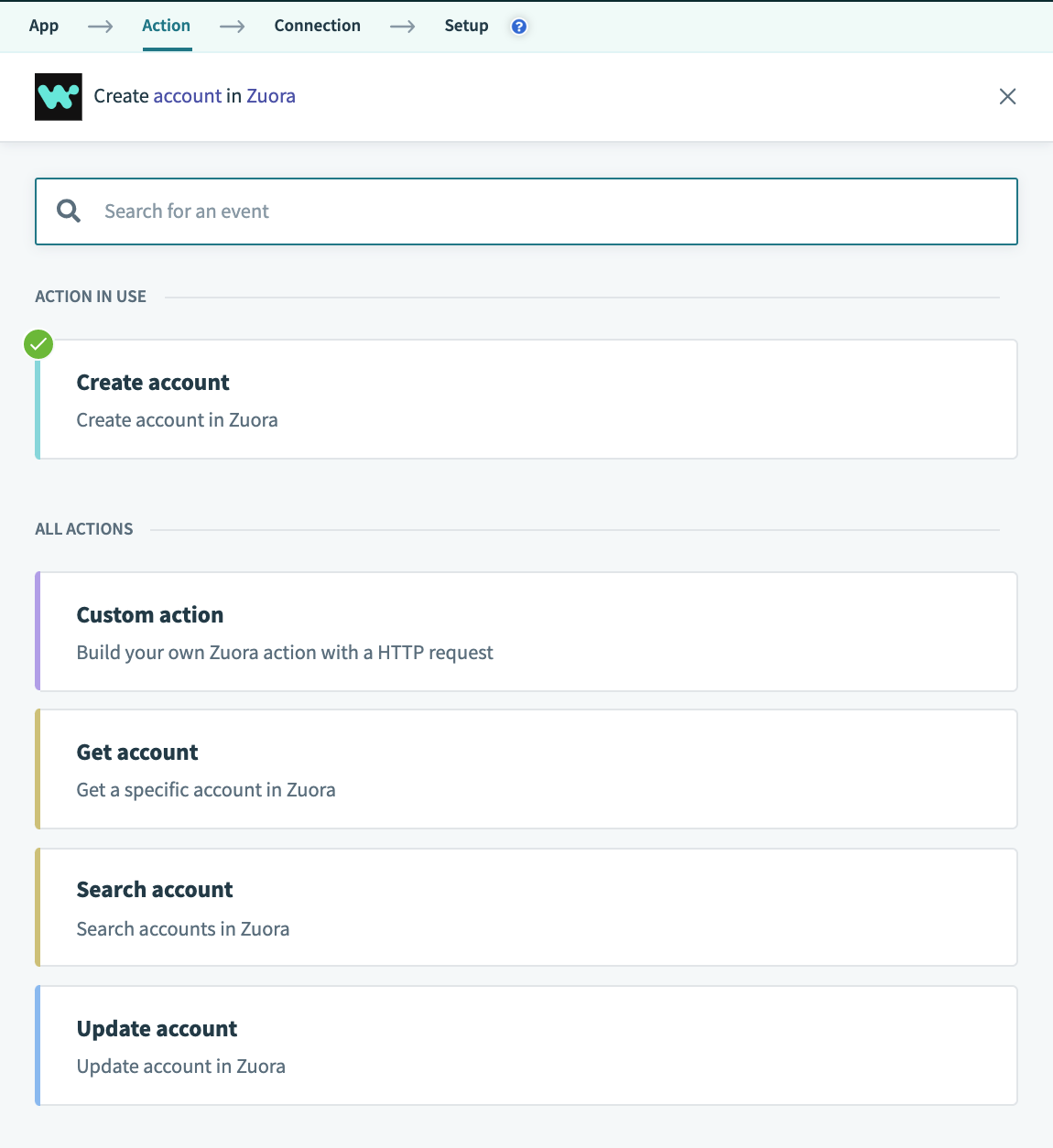 アカウント作成アクションの選択
ステップ1 - アクションのタイトル、サブタイトル、説明、ヘルプ
優れたアクションを作成するための最初のステップは、アクションが何を行い、どのように実行するかを適切に伝え、ユーザーに追加のヘルプを提供することです。そのため、Workatoではアクションのタイトルと説明を定義し、ヒントを提供できます。簡単に言えば、タイトルはアクションのタイトルであり、サブタイトルはアクションの詳細を示します。アクションの説明には、そのアクションが何を実現するかについての仕様と説明、および接続先アプリケーションのコンテキストが含まれます。最後に、ヘルプセグメントでは、アクションを機能させるために必要な追加情報をユーザーに提供します。
このステップの詳細については、SDKリファレンスを参照してください
ステップ2 - 入力フィールドの定義
input_fields: lambda do |object_definitions|
[
{
name: "AccountNumber",
label: "Account Number",
hint: "Unique account number assigned to the account. " \
"Leave null to auto-generate."
},
{
name: "AccountName",
label: "Account name",
hint: "The name of newly created account."
},
{
name: "Currency",
label: "Currency",
hint: "Currency that the customer is billed in.",
optional: false
}
]
end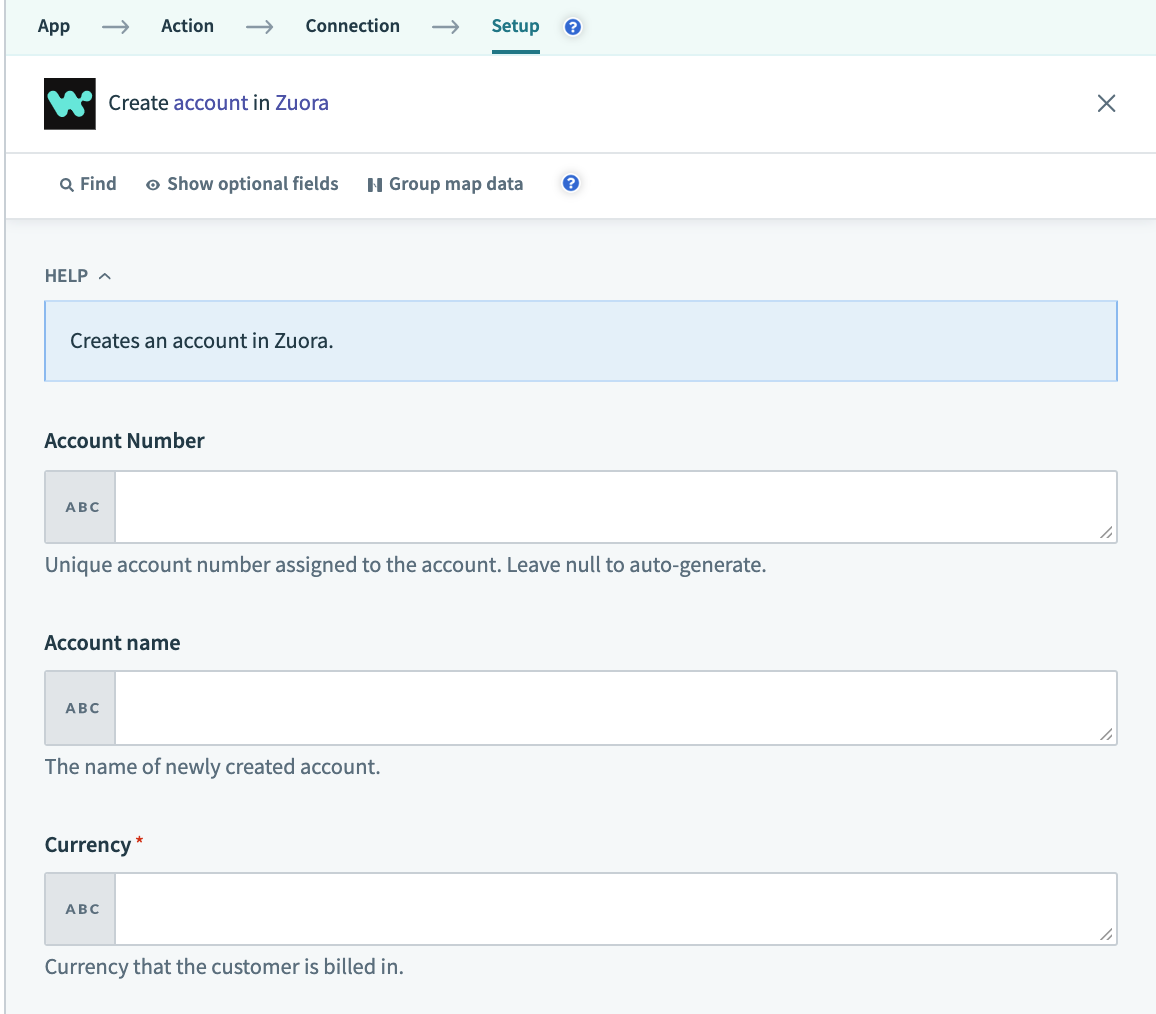 アカウント作成入力フィールド
このコンポーネントは、オブジェクトを作成しようとしているユーザーに表示するフィールドをWorkatoに指示します。たとえばZuoraでアカウントを作成する場合、ユーザーは作成する新しいアカウントのAccountNumber、AccountName、Currencyを入力する必要があります。 Currency入力フィールドでは、"optional"キーに値"false"が割り当てられていることに注意してください。これは、顧客に請求する通貨の値をユーザーが指定する必要があることを意味します。指定しない場合、ユーザーはレシピの作成を続行できません。
上記で定義したもの以外にも、入力/出力フィールドにはさまざまなキーと値のペアが存在します。詳細については、入力フィールドを参照してください。
オブジェクト定義
object_definitionsが引数として渡されることに注意してください。 Workatoでは、コネクタービルダーがオブジェクトの定義を"object_definitions"キーで個別に指定できます。このキーは、オブジェクトの定義が大きい場合や動的に取得できる場合に使用します。
この詳細については、SDKリファレンスを参照してください
ステップ3 - executeキーの定義
executeキーは、リクエストの送信先エンドポイントと、使用するHTTPリクエストメソッドをWorkatoに指示します。この例では、POSTメソッドを使用してhttps://rest.zuora.com/v1/object/accountにリクエストを送信します。また、リクエストにafter_error_responseメソッドを追加してエラーを捕捉し、レシピ作成中のデバッグに役立つようユーザーに表示します。
execute: lambda do |connection, input|
post("https://rest.zuora.com/v1/object/account", input).
after_error_response(/.*/) do |_, body, _, message|
error("#{message}: #{body}")
end
end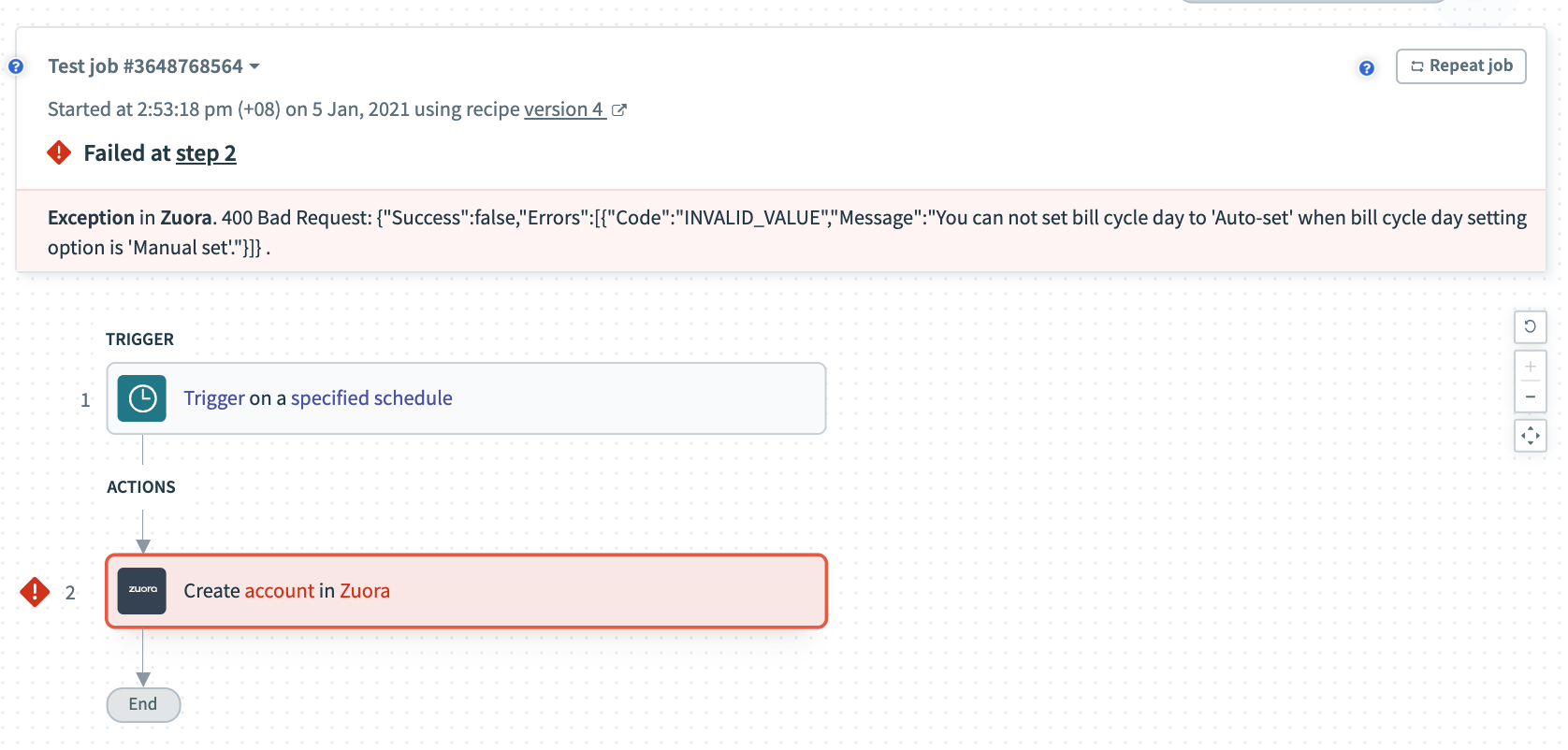 エラー例
エラー例
executeキーの詳細については、SDKリファレンスを参照してください
ステップ4 - 出力フィールドの定義
このセクションでは、トリガーの出力として表示するデータピルを指定します。各データピルのname属性は、executeキーの出力に含まれるキーと一致している必要があります。
output_fields: lambda do |object_definitions|
[
{ name: "Success", type: "boolean", control_type: "checkbox" },
{ name: "Id" },
{
name: "Errors",
type: "array",
of: "object",
properties: [{ name: "Code" }, { name: "Message" }]
}
]
end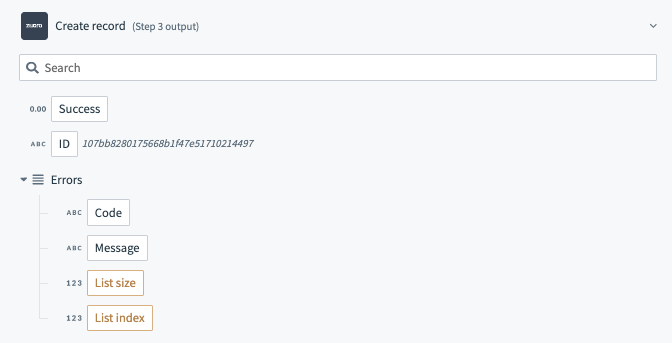 アカウント作成出力フィールド
output fieldsキーの詳細については、SDKリファレンスを参照してください
オブジェクト定義
object_definitionsが引数として渡されることに注意してください。 Workatoでは、コネクタービルダーがオブジェクトの定義を"object_definitions"キーで個別に指定できます。このキーは、オブジェクトの定義が大きい場合や動的に取得できる場合に使用します。
この詳細については、SDKリファレンスを参照してください
ステップ5 - sample outputの定義
sample outputキーはコネクターの補助的なコンポーネントですが、想定される出力フィールドの一般的なデータ型と形式をユーザーに示すことで、ユーザーエクスペリエンスを大幅に向上させます。これにより、ユーザーはレシピをより迅速に作成できます。
  sample_output: lambda do |connection, input|
    {
      "success" => "true",
      "Id" => "107bb8280175668b1f47e51710214497"
    }
  end
sample outputキーの詳細については、SDKリファレンスを参照してください
最終更新日: