Google Text to Speech
Google Text to Speech allows you to convert text into natural-sounding speech with 30 voices, available in multiple languages and variants. It applies DeepMind's research in WaveNet and Google’s neural networks to deliver high-fidelity audio.
Workato's Google Text to Speech connector allows you to build powerful automation and connect with other applications in the workflow.
FEATURE AVAILABILITY
The Google Text to Speech connector isn't available to workspaces in the CN data center. This reflects local regulatory requirements and applies to our multi-tenant and Virtual Private Workato (VPW) offerings.
API version
The Google Text to Speech connector uses the Cloud Text to Speech API v1.
How to connect to Google Text to Speech
The Google Text to Speech connector supports OAuth 2.0 authentication.
Complete the following steps to create a Google Text to Speech connection in Workato:
Sign in to Workato.
Select the project where you plan to store the Google Text to Speech connection.
Click Create > Connection or press C twice.
Search for the Google Text to Speech connector and select it as your app.
Enter a name for your connection in the Connection name field.
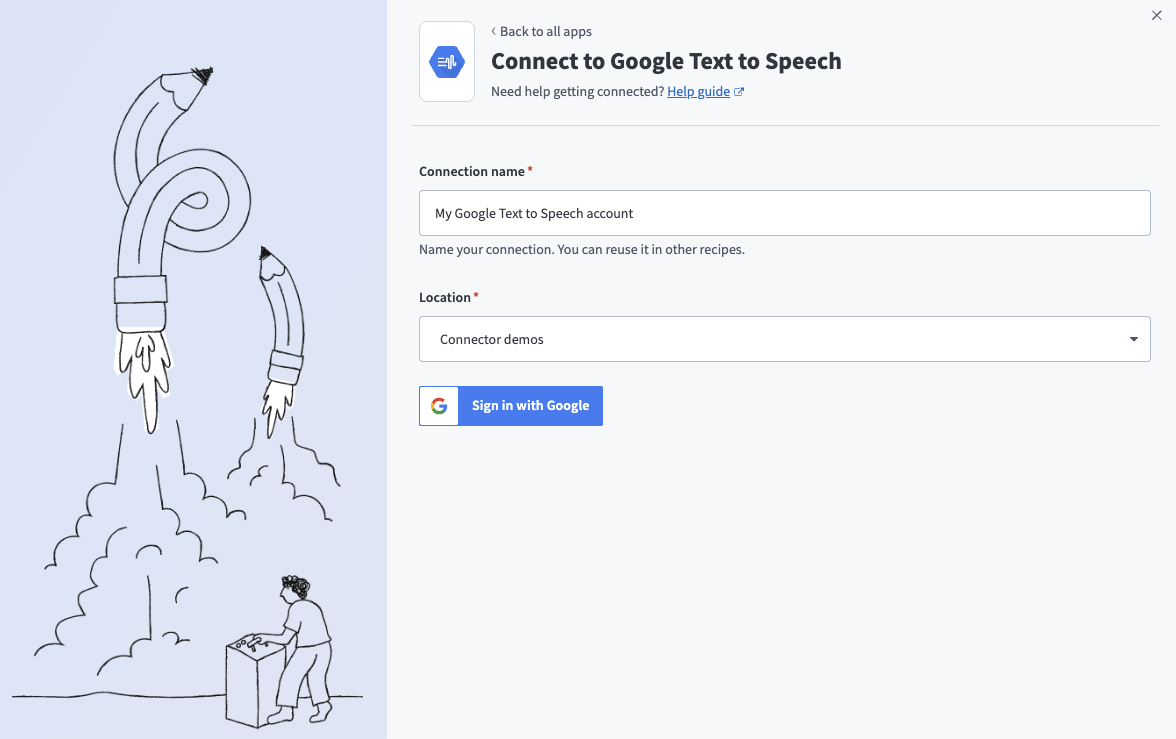 Google Text to Speech connection setup
Select the project or folder where you plan to store the connection from the Location drop-down menu.
Click Sign in with Google.
Click Allow when prompted to authorize Workato to access your Google account.
Last updated: