Agent Studio
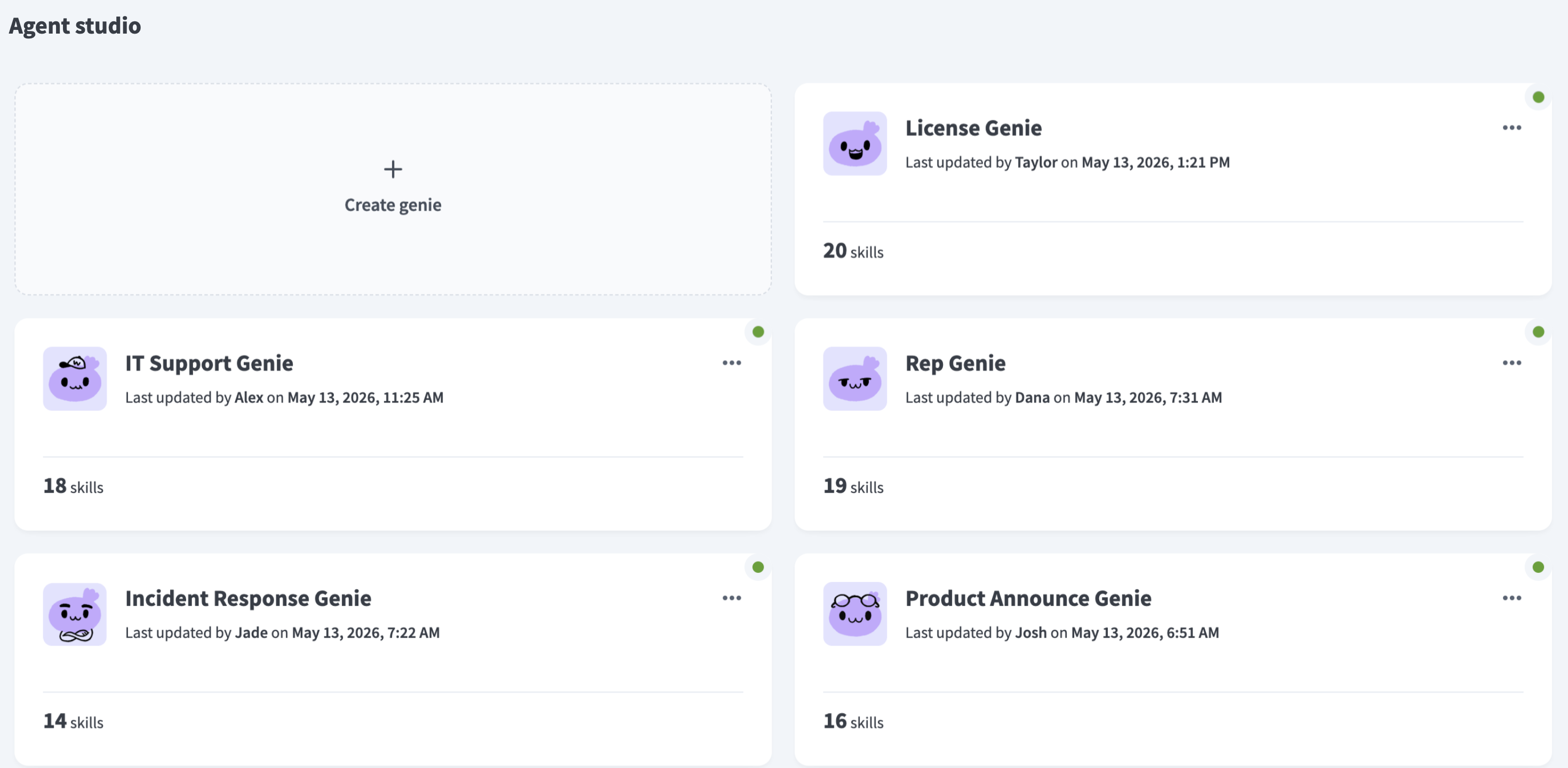
Agent Studio enables you to build and leverage interactive AI agents, known as genies, for deployment within your organization. Genies dynamically perform actions and call workflows. Genies understand the context of each scenario and execute pre-defined skills to achieve a goal you set.
 Genies
You can use Agent Studio to create and manage genies without code by connecting agents modularly within your organizational framework. This enables you to natively extend genies to your own systems for integration with your existing infrastructure.
AGENT STUDIO AND WORKATO GENIES
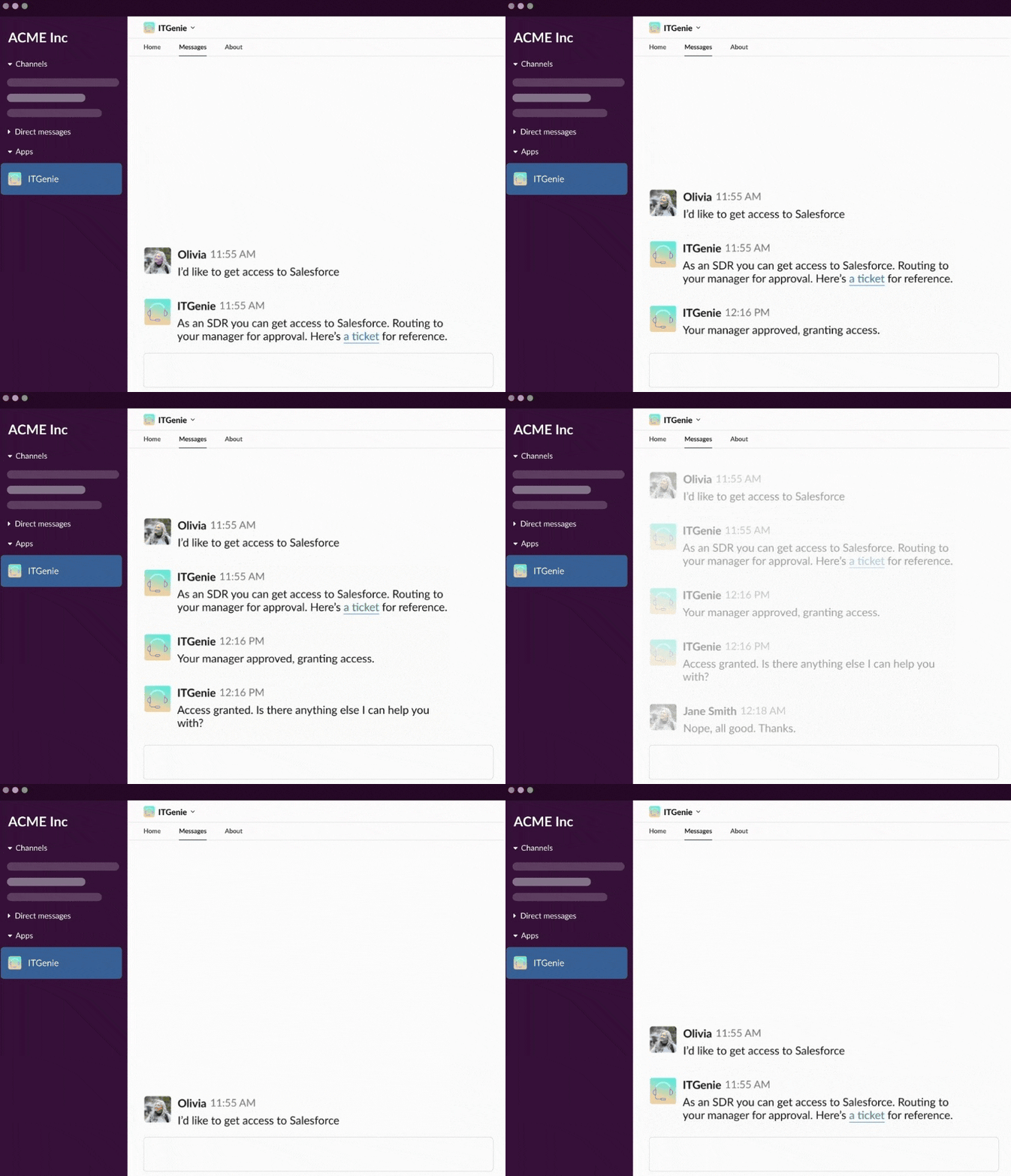
Agent Studio allows you to create custom genies. Workato Genies offer proven skills and patterns for specific business functions, providing a foundation to accelerate genie development.
 IT genie
FEATURE AVAILABILITY
Genies are available to all users in the US, EU, AU, SG, and JP data centers. Genie models are hosted in the US, EU, and APAC regions and respect data residency requirements where possible. Contact your Customer Success representative if you're interested in using genies or require additional information.
Genies key components
Genies consist of four key components that power its contextual understanding and skill set:
| Genie component | Function | Description |
|---|---|---|
| AI model and job description | Provides your genie's LLM and defines your genie's LLM and behavior, persona, and constraints. | Instructions and guidelines, such as tone, formatting, and role. |
| Chat Interface | Provides a space for users to interact with your genie. | Platform-specific configurations for the interface you select. Options are: Slack, Teams, and Workato GO. |
| Knowledge Base | Provides a source of factual information for answering user questions, such as FAQs, policies, and company data. | Includes structured data, documents, articles, and other text-based resources. |
| Skills | Enables your genie to take action, such as retrieving data from an app or sending a message. | Built using Workato workflows and recipes. |
Genies features
Genies provide the following abilities:
Domain expertise
Genies possess an intricate understanding of your organization's systems and processes to navigate and execute tasks effectively. This expertise is built through the following processes:
- Integration with existing systems and databases
- Continuous learning from user interactions and feedback
Reasoning ability
Genies are equipped with a sophisticated reasoning engine that interprets and executes both straightforward and complex directives. Your genie's reasoning includes the following capabilities:
- Natural language understanding to interpret user intentions
- Contextual analysis to determine the most appropriate course of action
- Logical inference to make decisions based on available information
- Ability to handle multi-step tasks and complex workflows
Responsible action
Genies execute actions strictly within the bounds of delegated abilities, with options to easily adjust (upskill or downskill) the capabilities of the genie as required. Responsive action includes the following capabilities:
- Clear definition of permitted actions for the genie
- Ability to set approval workflows for critical actions
- Easy-to-use interface for administrators to modify genie capabilities
Continuous learning
Genies perpetually refine their knowledge and performance through interactions and added skills. Continuous learning is achieved through the following processes:
- Regular updates to the knowledge base
- Feedback loops that incorporate user input
- Native ability to adapt to changing organizational requirements and processes
- Flexible and adaptable for multiple use cases
File and image uploads
You can upload files and images to your genies through your chat interface. This enables you to use files and images to train your genie. You can also use file and images in your skills.
The maximum supported file size is 25MB per file. Agent Studio can interpret the text content of the following document file types:
.pdf.doc.csv.md.txt
The maximum supported image size is 5MB per file. Agent Studio supports the following image formats:
.jpg.png
Refer to Agent Studio upload files and images for more information.
Advanced file and data analysis
Advanced file and data analysis allows you to upload csv, xlsx, json, and xml files to perform data and statistical analysis or process data in file. This enables you to perform the following tasks:
- Provide custom queries for calculations
- Use isolated and persistent code sandboxes to execute code in the cloud also referred as Code Interpreter
- Upload files to a sandbox to work with files generated from code within skills
Refer to Advanced file and data analysis for more information.
MCP client
Genies can consume model context protocol (MCP) servers to provide the following abilities:
- Access external APIs
- Integrate with third-party tools without requiring custom skill development
- Call Workato-hosted MCP servers and external MCP servers
Genie MCP clients provide the following authentication options:
Token authentication: The MCP server uses header-based authentication with API token or query parameters.
- No reference connection is required.
- Single authentication context for all users.
- All requests use same token.
- Doesn't support verified user access.
OAuth2 authentication: The MCP server uses OAuth2 authentication.
- Requires URL authentication. For example:
/your-application.com/mcp - Uses a reference connection to discover available tools.
- Supports optional verified user access for user-specific authentication.
- Requires URL authentication. For example:
Enterprise-grade security features
Agent Studio provides role-based access, verified user access, and secure authentication. Refer to the following sections for more information.
Agent Studio provides role-based access control (RBAC) for genies and knowledge bases. This enables you to configure collaborator privileges to define specific access permissions for each role. These permissions include access to:
- Manage genies and knowledge bases, such as view, edit, create, and delete
- Test mode
- Conversation history
Refer to collaborator privileges for genies and Knowledge bases for more information.
Verified user access works through runtime user connections and allows each end user to authenticate with their own credentials when a skill runs. This ensures that the skill performs actions using the identity and permissions of the individual user. This feature provides the following capabilities:
- User-scoped connections: Genies authenticate actions at runtime to create user connections that link to the parent connection, environment, and user ID in Workato Identity.
- Keyword management in genie chat: Genies support a
! list_connectionskeyword that you can type directly into the chat to manage your runtime user connections.
Secure authentication
Genie actions, responses, and data access depend on either the builder's configured connection or the end user's identity and permissions. This ensures compliance with your security policies.
Agent Studio security provides the following capabilities:
- Integration with your existing authentication systems
- Role-based access control (RBAC)
- Audit trails for all actions taken
- Compliance with your organization's security policies
Refer to Workato Identity for more information.
Last updated: