Event streams
Event streams empowers integration solutions by offering an event-driven, message-oriented architecture that separates publishers and consumers.
You can use Workato Event streams in recipes to ensure guaranteed and persistent message delivery, the facilitation of sequential recipe chaining, and more. Recipes can publish messages triggering workflows for multiple other recipes. This connector allows for seamless addition or modification of consumer recipes without affecting publisher recipes. This decoupling ensures zero downtime for publishers, simplifying recipe management and reducing the time required for creation, testing, and maintenance.
Additionally, Event streams public APIs enable you to publish and retrieve messages from event topics, which is crucial for efficient message processing and workflow control. Each message in an event topic is identified by a unique ID or timestamp.
You can share Event streams topics across workspaces using cross-workspace grants if your organization uses Automation HQ.
Go to one of the following locations to access Event streams:
- Platform > Event streams
- Projects > All assets
- The Assets view of a specific project
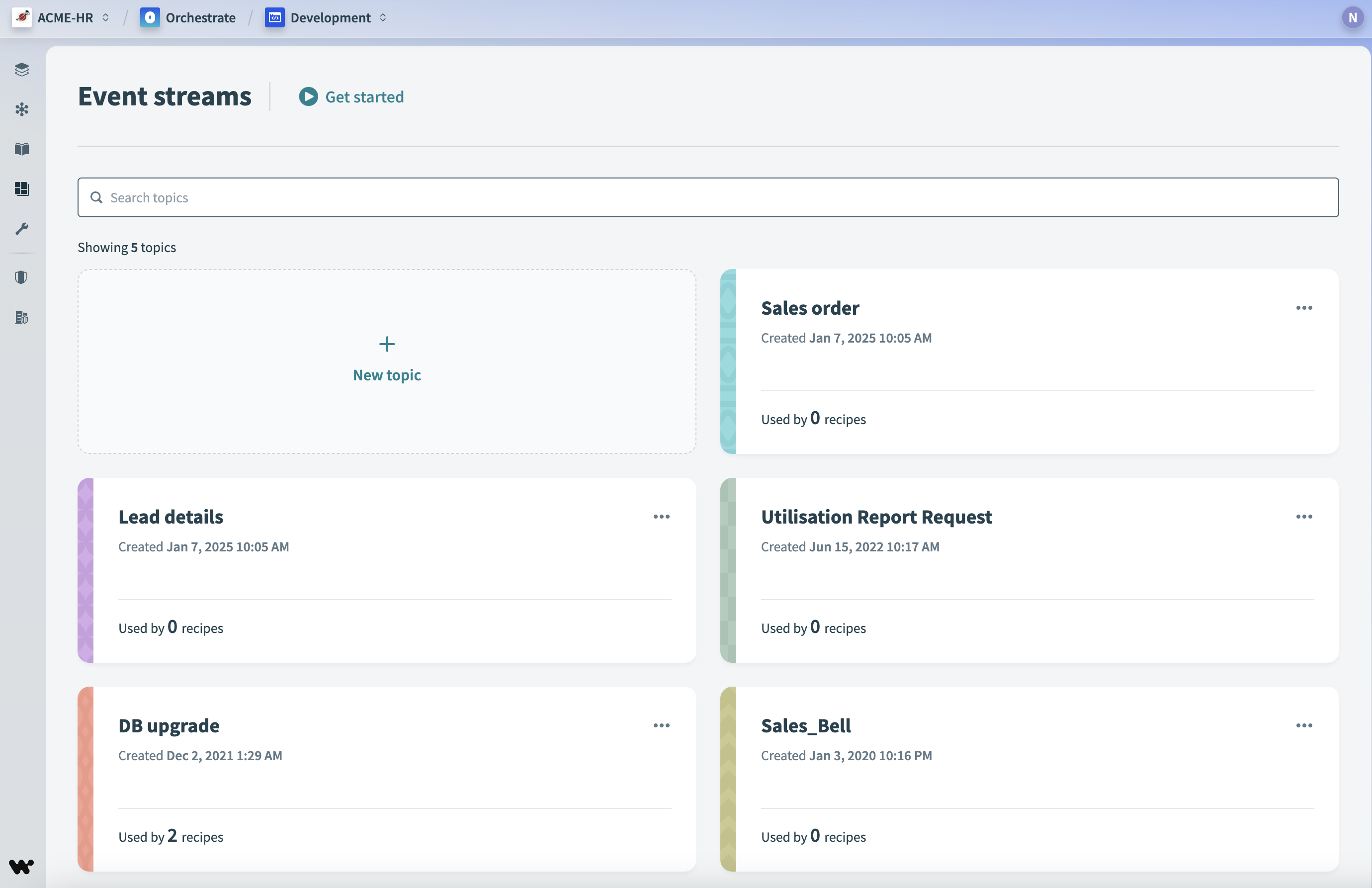 Access event streams in Platform > Event streams
Event streams as project assets
Event streams are project assets. Like recipes and connections, each event stream belongs to a folder or project and appears in the Assets view. This enables you to organize, share, and manage event streams together with the assets that rely on them.
The Event Streams project is the default storage location for existing event streams and for new event streams created without a specified location. Workato creates this project when it's needed and migrates event streams to it with no downtime for dependent recipes. You don't need to preserve the Event Streams project, Workato recreates it as needed.
DELETING AN EVENT STREAMS PROJECT
Deleting a project that stores event streams permanently deletes those event streams.
Manage event stream assets using the following features:
Access control
Collaborators can access event streams with either project-level or environment-level privileges during the transition period. Only the project-level privilege applies after the transition period.
How Workato migrates existing access depends on your workspace's permission model:
- Legacy roles (RBAC 1.0): Collaborators keep access through the migrated Event Streams project and the new project-level Event streams permission. You must update permissions to maintain collaborator access if you move an event stream out of the Event Streams project.
- Environment roles (RBAC 2.0): Workato creates a dedicated collaborator group and project role for each environment role, then assigns that project role on the Event Streams project. Workato skips environment roles without any collaborators, and environment roles with the same access level share one project role.
Built-in project roles also include the Event streams permission.
MIGRATION SCOPE
This migration applies to all collaborator types, including customer managers and AHQ workspace moderators.
Deployment
Packages include event streams and their storage location. This allows you to move event streams between folders and environments. During import, Workato stores event streams created before this migration that don't include a storage location in the target project. If the target is the root folder, Workato imports them into the default Event Streams project. Refer to Importing assets for more information.
Developer API
You can specify where to store an event stream when you create or update it with the Developer API.
Activity tracking
The activity audit log records event stream actions, such as when an event stream moves between projects.
FEATURE AVAILABILITY
Event streams is included in specific pricing plans. Refer to your pricing plan and contract to learn more.
Last updated: