Create an event stream
An event stream defines a schema so that publishers and consumers know what to expect when sending or receiving messages.
Complete the following steps to create an event stream:
1
Go to the Projects view or Platform > Event streams.
2
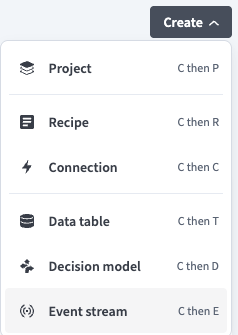
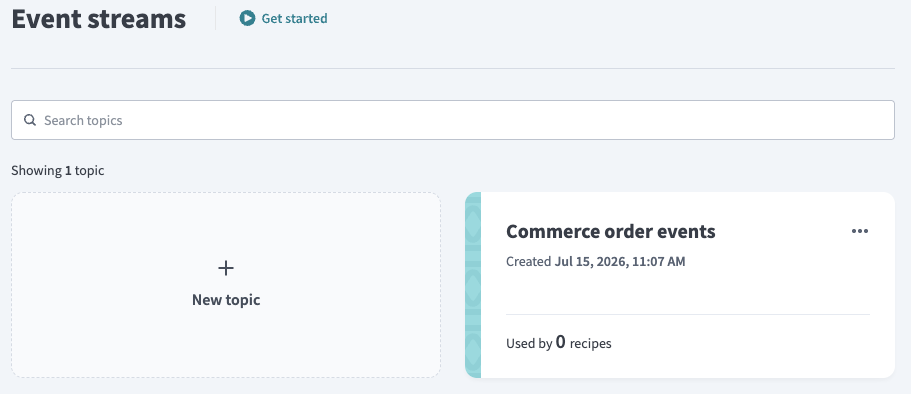
3
Enter a name for the event stream in the Event stream name field. Event stream names must be unique within a folder.
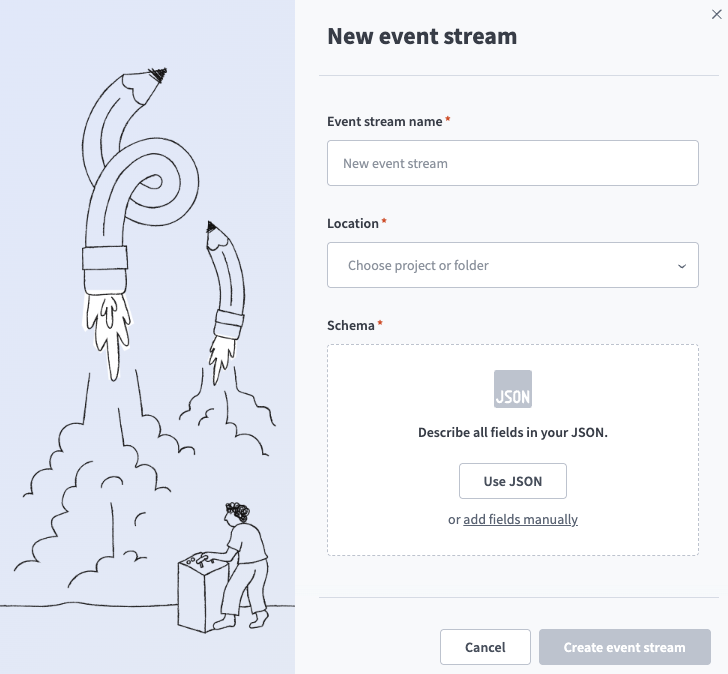 The event stream creation modal
4
Use the Location drop-down menu to select the project where you plan to store the event stream.
5
Click Use JSON or Add fields manually and define fields in the topic schema.
6
Click Create event stream.
Last updated: