Trello
Trello is a project management application by Atlassian that provides tools to plan, organize, and track projects.
API version
The Trello connector uses the Trello REST API.
Connection setup
The Trello connector uses OAuth 2.0 authentication.
Complete the following steps to connect to Trello in Workato:
Click Create > Connection or press C twice.
Search for Trello and select it as your app.
Enter a name for your connection in the Connection name field.
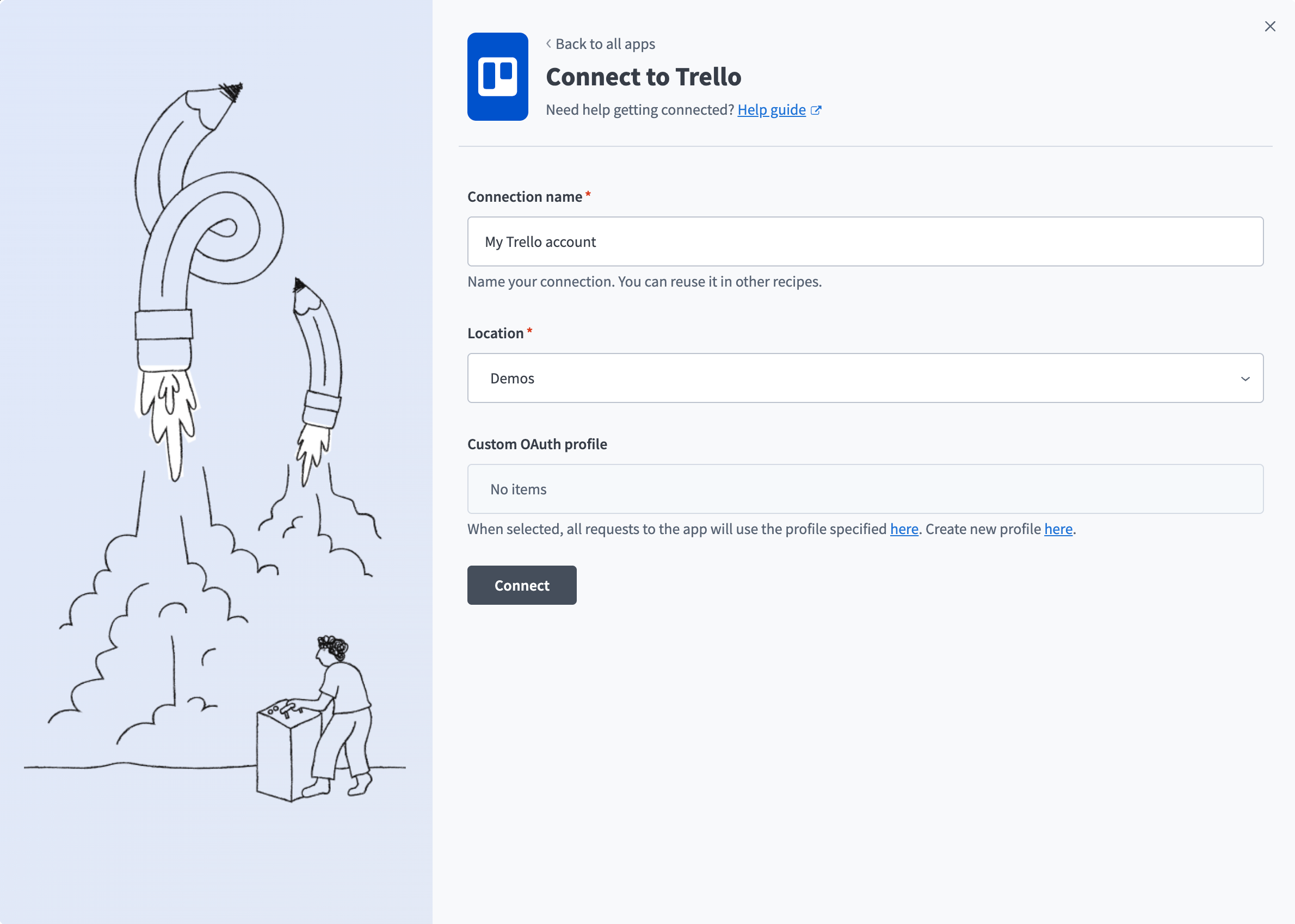 Connect to Trello
Use the Location drop-down menu to select the project where you plan to store the connection.
Optional. Use the Custom OAuth profile drop-down menu to select a custom OAuth profile for your connection.
Click Connect.
Sign in to the Trello account you plan to connect to, then click Allow to grant Workato access and complete the connection.
Last updated: