AIRO Playbooks
You can upload playbooks to provide AIRO with context on your organization's policies, standards, and best practices.
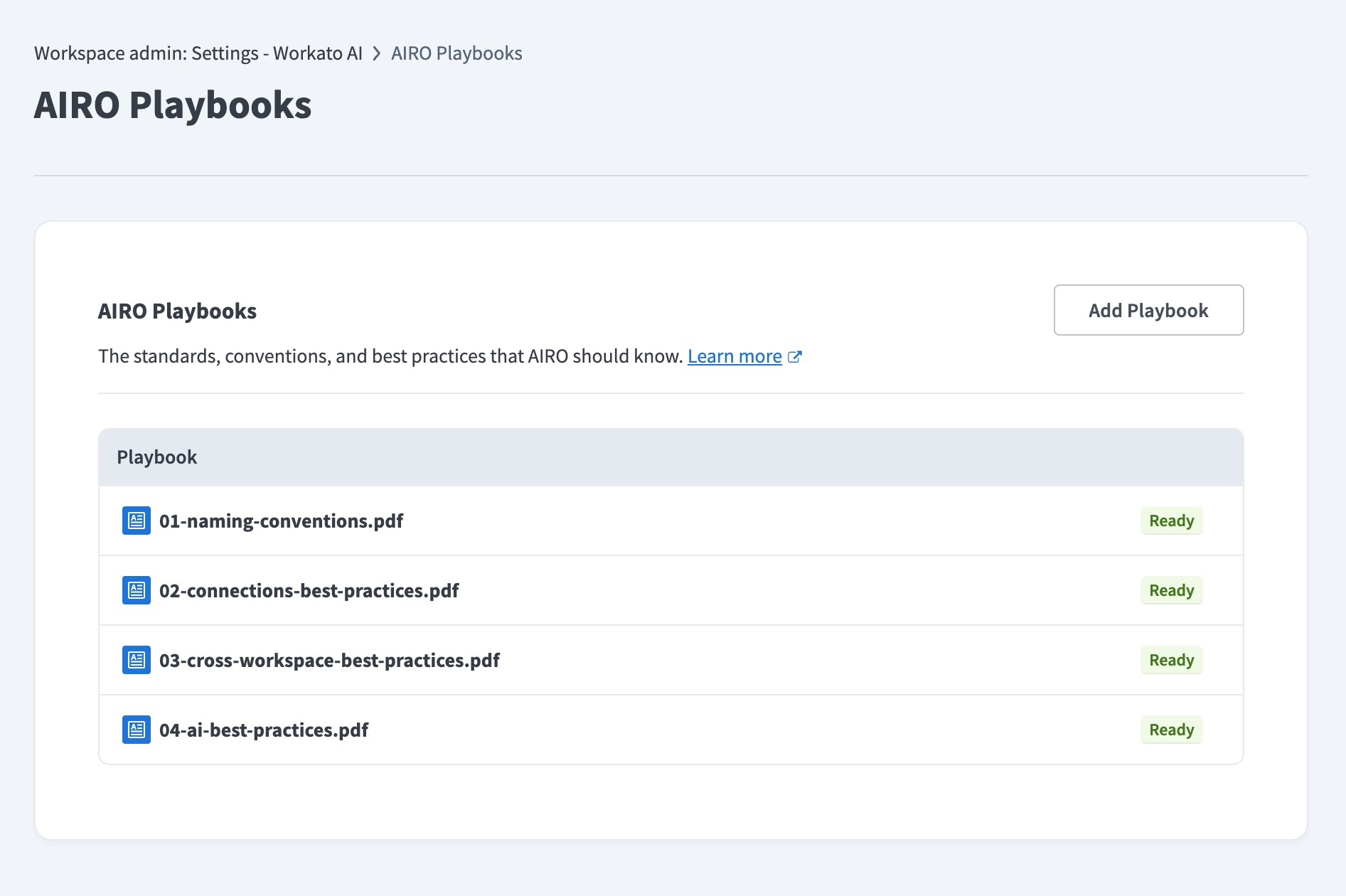 The AIRO Playbooks page
FEATURE AVAILABILITY
AIRO Playbooks is available to select customers. Contact your Customer Success Representative to confirm whether it is available in your workspace.
Upload playbooks
Complete the following steps to upload playbooks:
Go to Workspace admin > Settings > Workato AI.
Click AIRO Playbooks.
 Click AIRO Playbooks
Click Add Playbook.
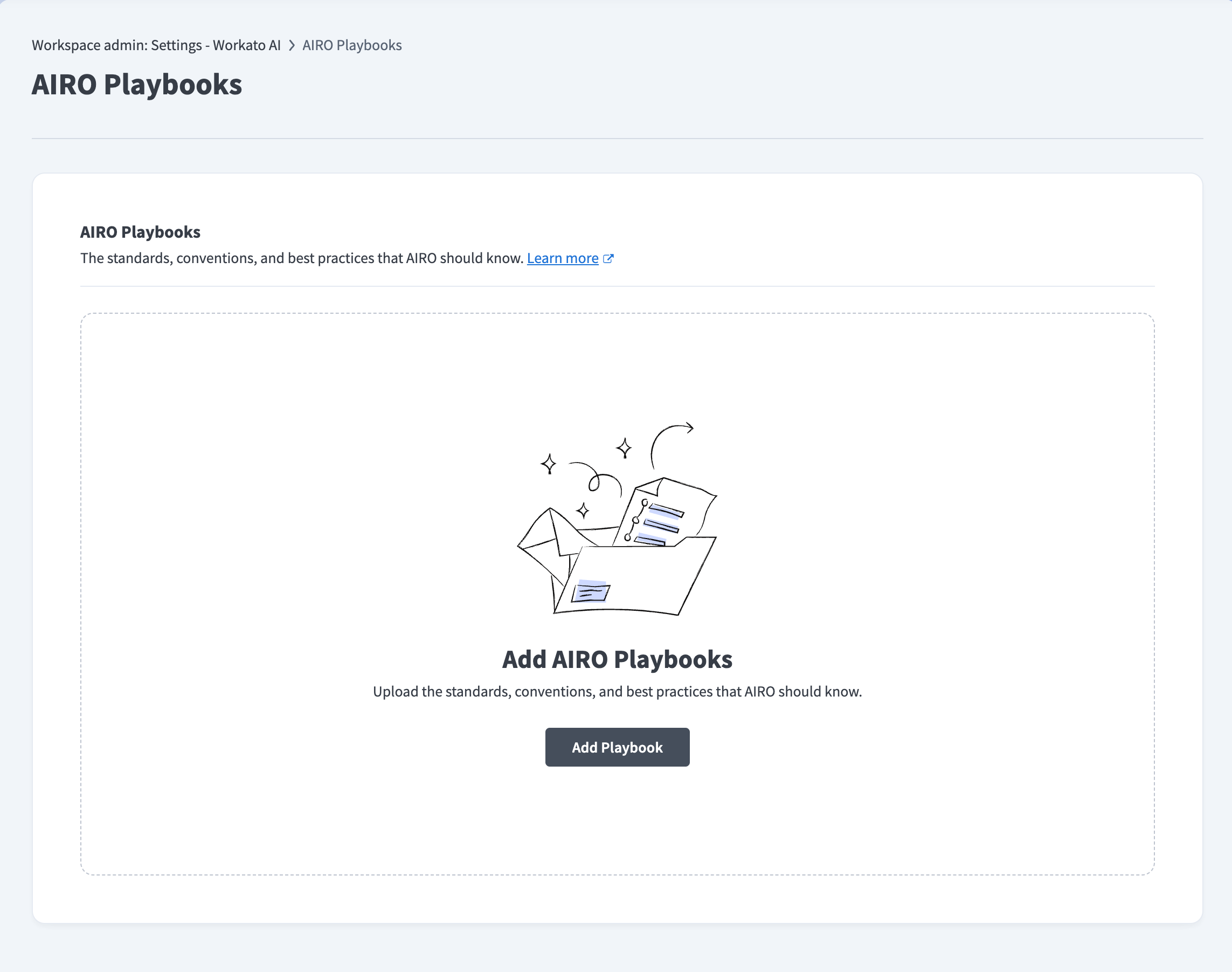 Click Add Playbook
Drag and drop your files, or click to select files from your device. You can upload CSV, DOC, DOCX, and PDF files up to 25 MB each.
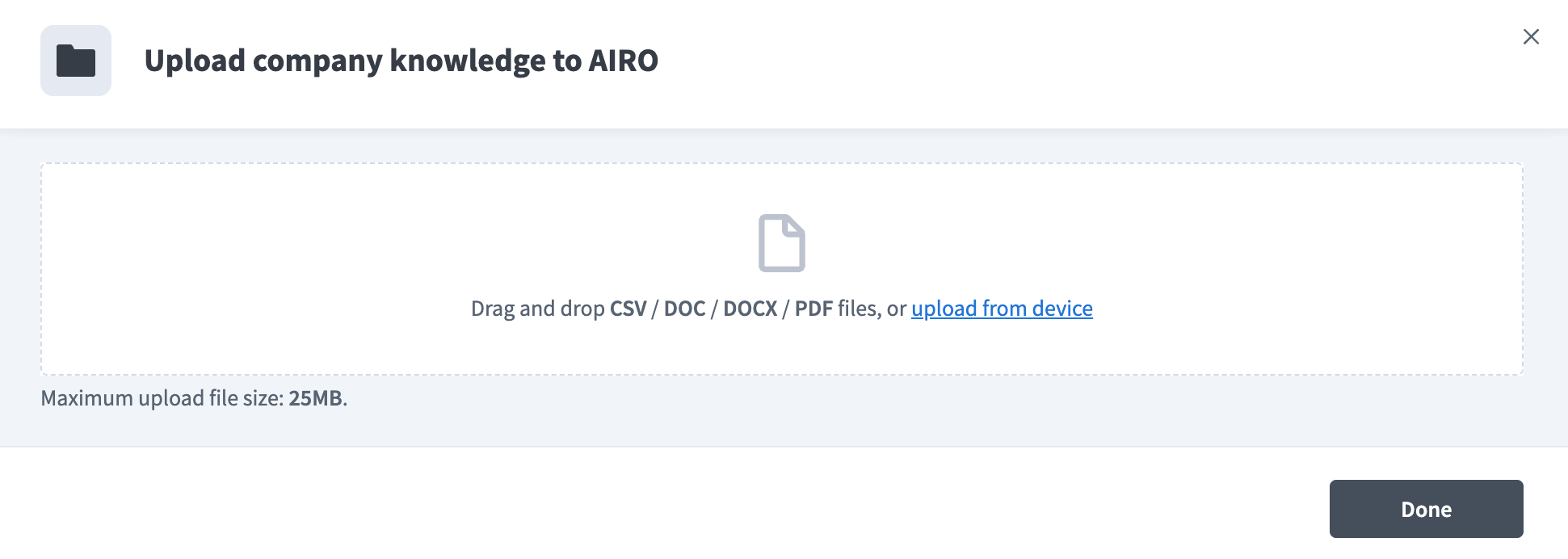 Select the files to upload
Click Done to upload the playbook. The playbook appears in the Playbook table with a Pending status while AIRO processes it. AIRO can reference the playbook in chat after the status changes to Ready.
Preview a playbook
Click a playbook name to view its details. The panel shows the file size, when it was uploaded, and when AIRO last indexed it.
The Document body section shows the content AIRO extracted from your playbook. Use it to confirm the playbook was processed correctly before asking AIRO about it.
- Fullscreen: Click the fullscreen icon to read the full document body.
- Search: Type a search term in the Search document body field to search within the document body. Enter at least 3 characters to generate results.
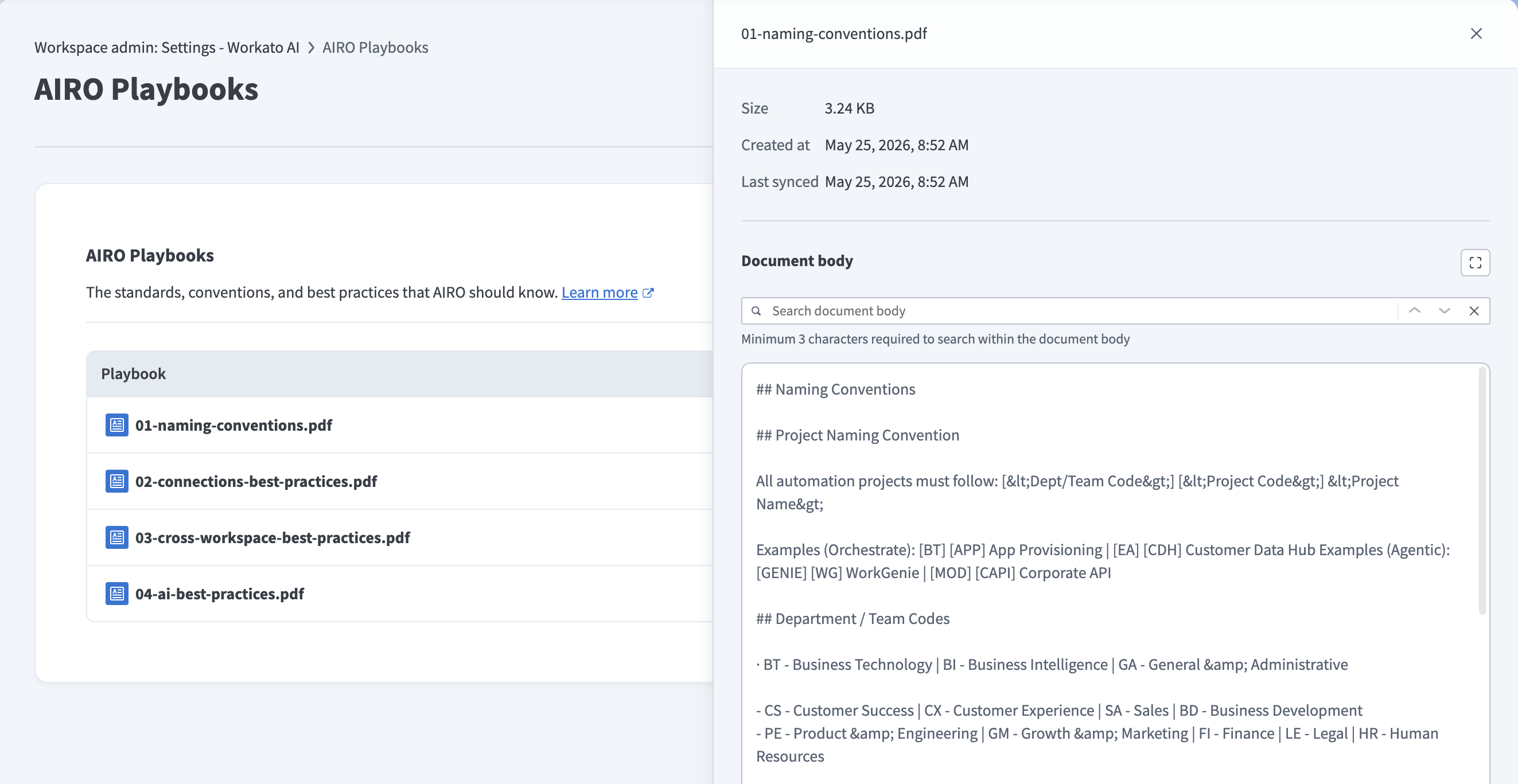 Preview a playbook in the side panel
Delete a playbook
Complete the following steps to delete a playbook:
Hover over the playbook row and click the delete icon.
Click Delete to confirm. This action can't be undone.
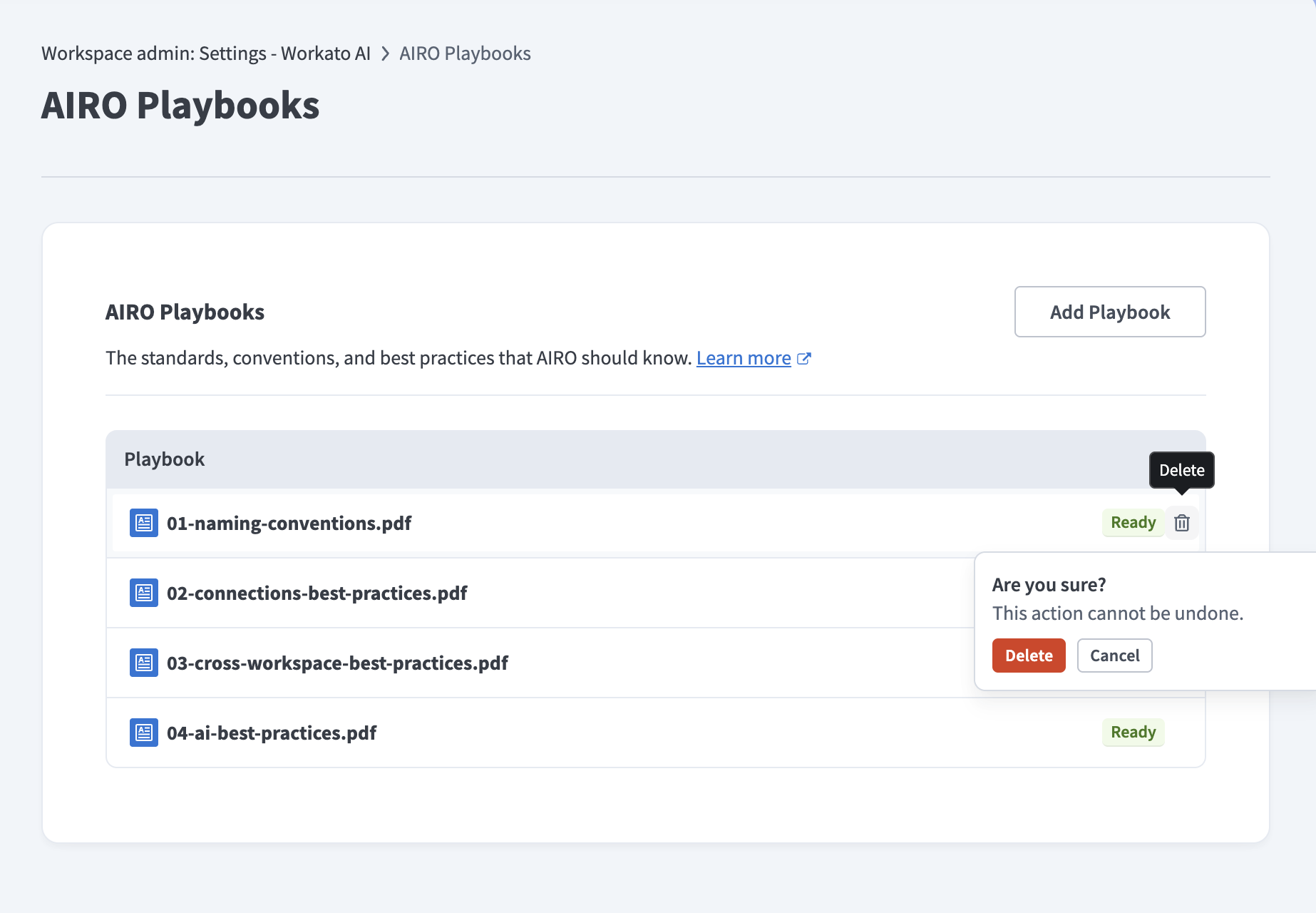 Confirm the playbook deletion
Last updated: