Blueprints
Blueprints map business requirements to the Workato assets a solution needs. You can start with a complete requirements document, such as a product requirements document or business requirements document, or with a high-level concept, and AIRO works with you to fill in gaps and refine your requirements.
How it works
AIRO analyzes your requirements and generates a blueprint with the assets it identified for the solution. You can explore each asset in the blueprint to understand its purpose and build it with AIRO's guidance and Workato best practices.
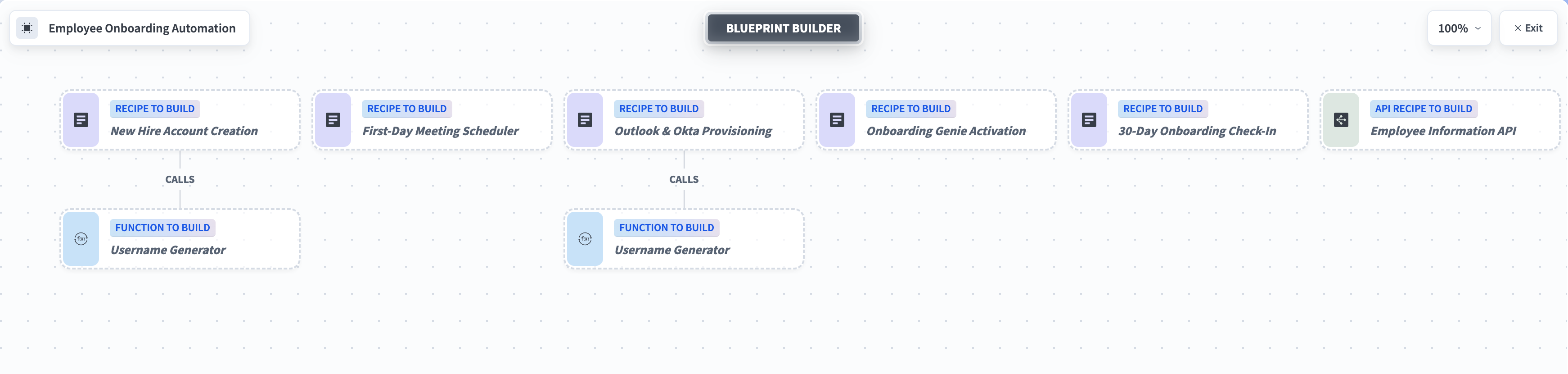 A blueprint with the assets AIRO identified for the solution
Key benefits
Blueprints help you:
- Skip manual planning for complex automation projects
- Apply Workato best practices from the start
- Identify required assets before you begin building
- Turn high-level requirements into an actionable implementation plan in minutes
Access your blueprints
You can access your blueprints by going to Projects > Blueprints.
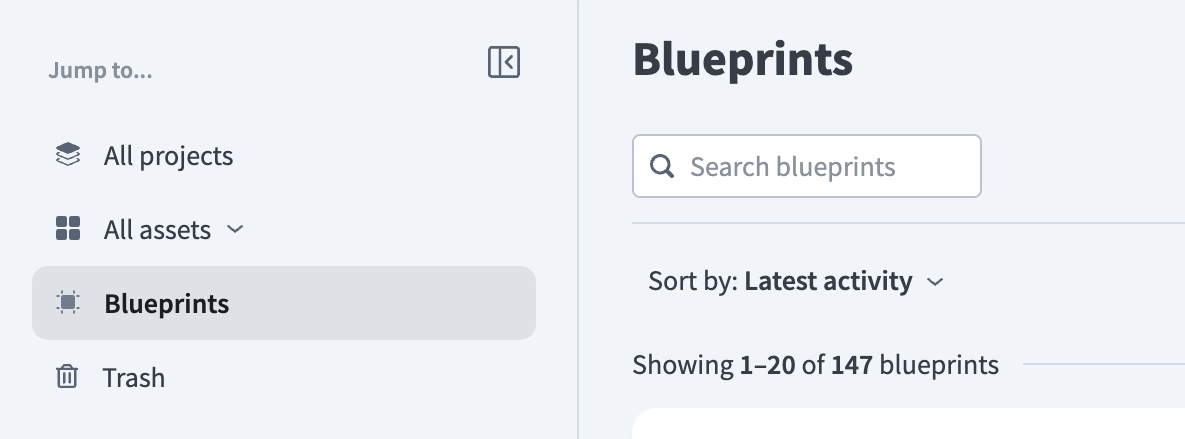 Access blueprints at the workspace level
Alternatively, select a specific project or folder and click the Blueprints tab.
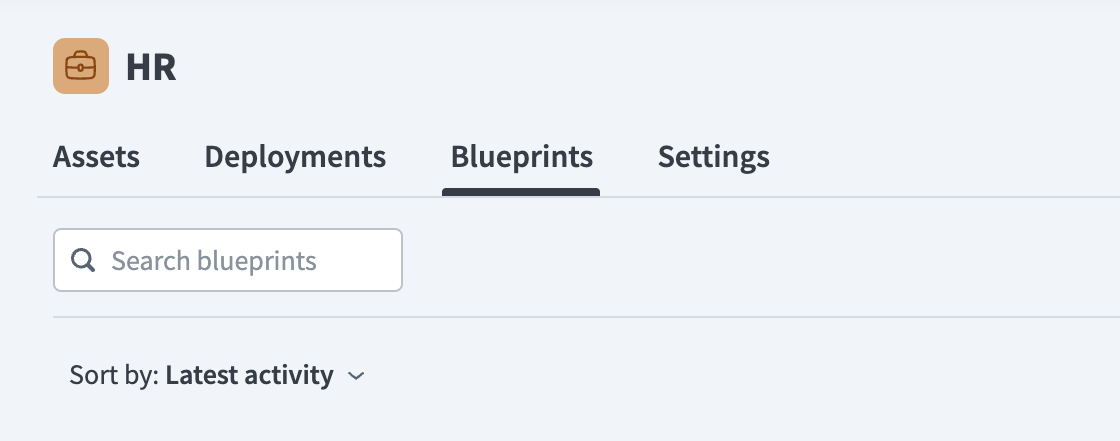 Access blueprints from within your project
Supported assets
AIRO can build the following assets from blueprints:
- Recipes
- Recipe functions
- API recipes
- Genies
- Skills
- MCP servers
AIRO can't build the following asset types from a blueprint:
- Event topics
- Lookup tables
- Data tables
- Message templates
- Common data models
- Data pipelines
- Workflow apps
KNOWLEDGE BASES
Knowledge bases aren't part of a blueprint's asset map. If a genie in the blueprint requires a knowledge base, AIRO creates or updates it separately and attaches it directly to the genie.
Build order
Assets in a blueprint are built in dependency order, not the order in which they appear in the blueprint. For example:
- Recipe functions are built before recipes that call them.
- Skills are built before genies or MCP servers that use them.
- API recipes and recipe functions are built before MCP servers that expose them.
- Genies are built after their required skills and knowledge bases are available.
This ensures each asset's dependencies are ready before it's built.
Last updated: