Odoo (JSON-2)
Odoo provides a comprehensive suite of business applications that enables businesses to manage and automate key processes across departments such as sales, CRM, inventory, and accounting. You can use this connector to interact with Odoo (JSON-2) modules, enabling efficient data management and automation.
The Odoo (JSON-2) connector uses the JSON-2 API and builds input and output schemas dynamically. The connector retrieves fields directly from your Odoo (JSON-2) environment when you select an object. Use the Odoo (JSON-2) connector to create, update, and retrieve records for any object, search records by custom criteria, run object functions and guided wizards, retrieve quotations by validity date, and trigger recipes when an object is created or updated.
Prerequisites
You must have the following prerequisites to use the Odoo (JSON-2) connector:
- An Odoo v19.0 or later environment. The Odoo (JSON-2) connector uses the JSON-2 API, introduced in Odoo v19.0. Earlier Odoo versions, which rely on the XML-RPC or JSON-RPC APIs, aren't supported.
Install Odoo (JSON-2) from the community library
Complete the following steps to install the Odoo (JSON-2) connector from the community library:
Open the recipe editor and search for a connector. Alternatively, you can search for a connector in the community library.
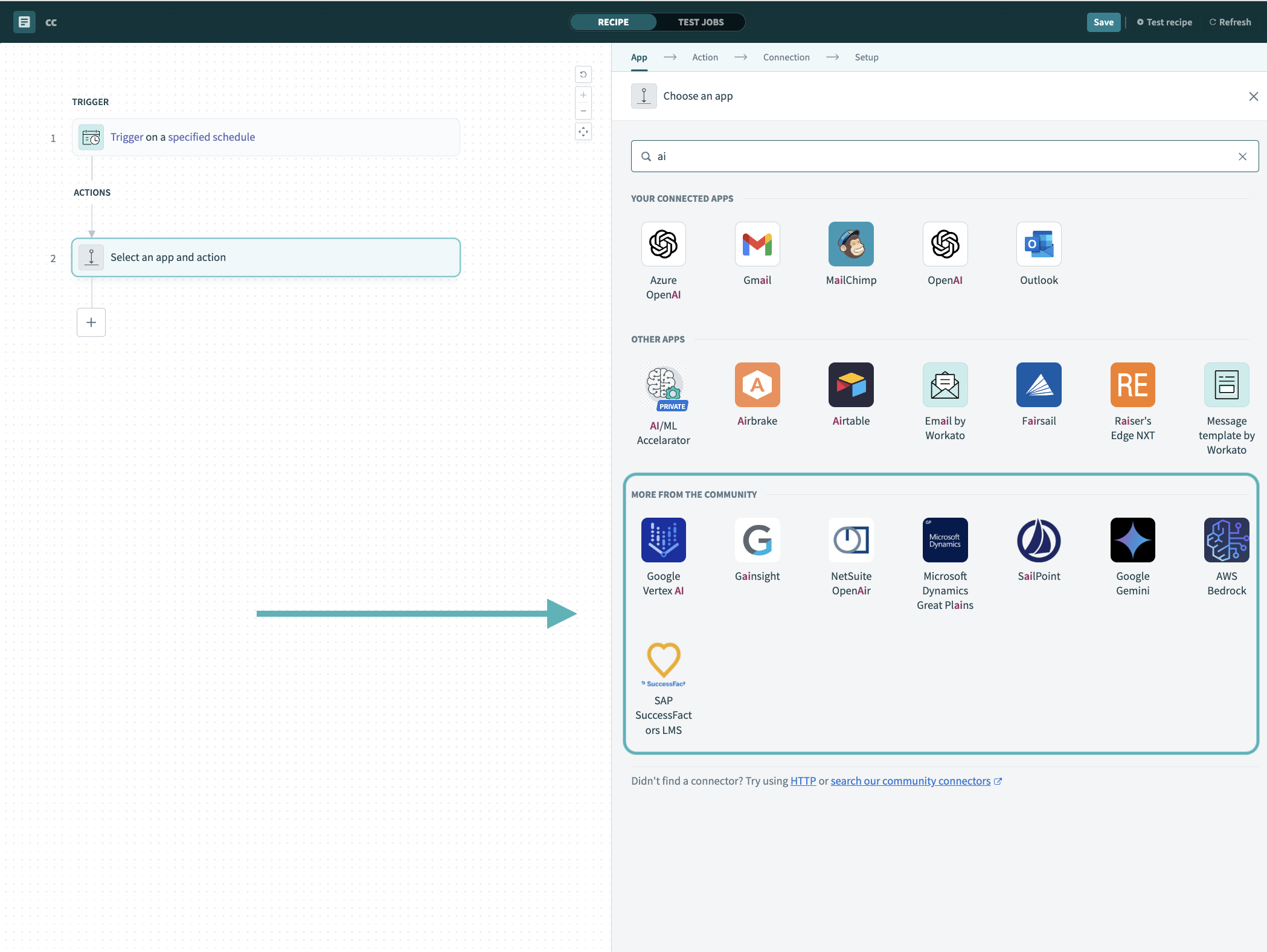 Search for community connectors in the recipe editor
Select the community connector you plan to install.
Click Install to install the connector from the community library.
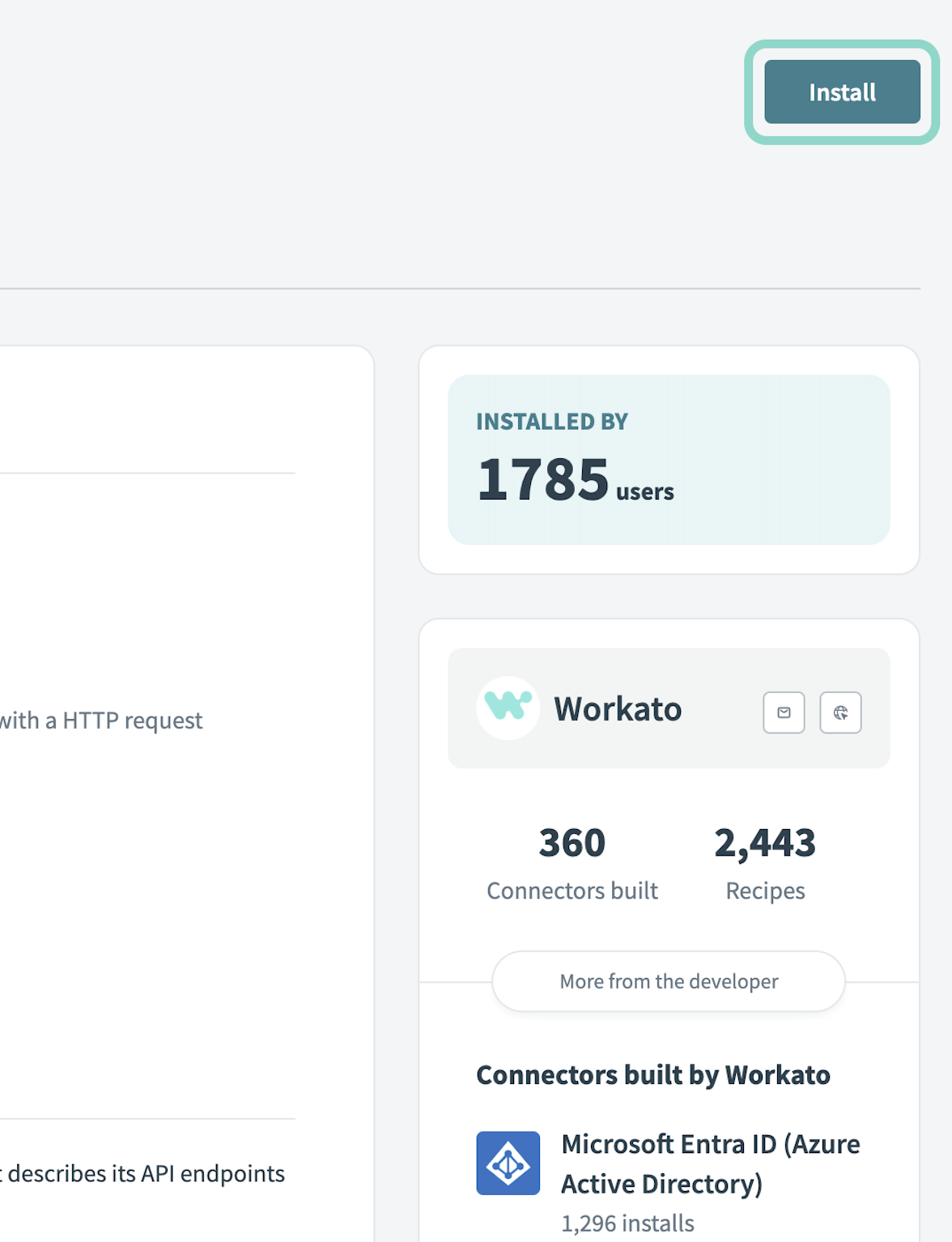 Click Install
Select Release connector. Alternatively, select Review code to review and modify the connector code before releasing it to the workspace.
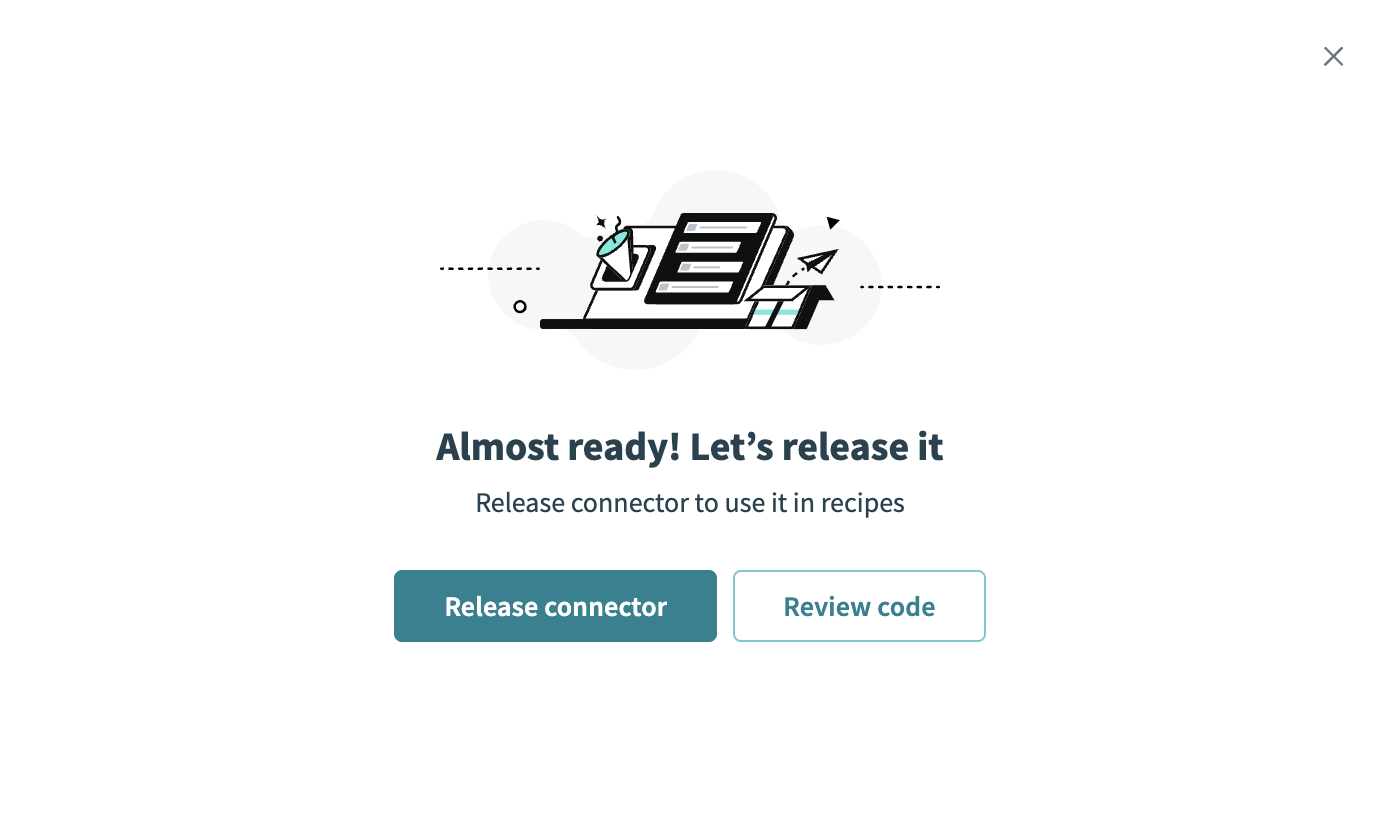 Release the connector
Summarize any changes you made to the connector, then click Release to allow workspace collaborators to use the connector in recipes.
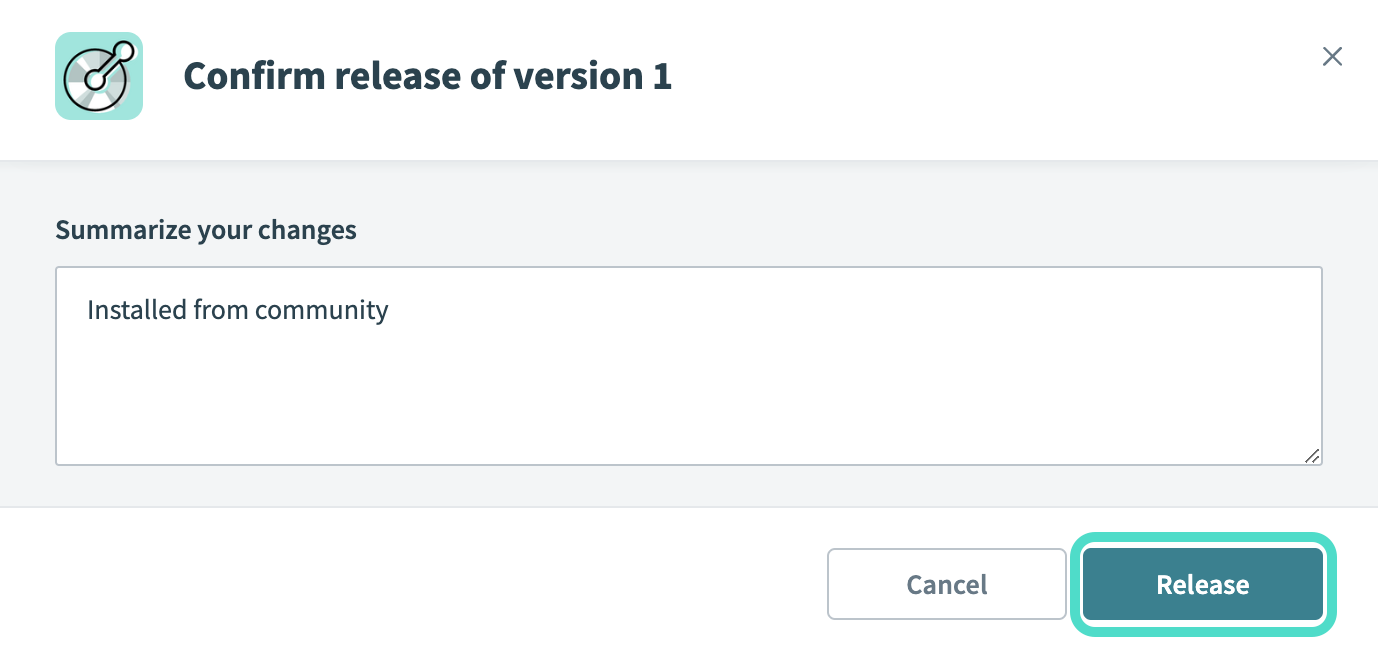 The Confirm release dialog
Connection setup
The Odoo (JSON-2) connector uses Bearer token authentication.
Odoo setup
Complete the following steps to create an API key to connect to Odoo (JSON-2) in Workato:
Sign in to your Odoo account.
Click your profile icon.
Go to My Preferences.
Click Account Security.
Click New API Key and follow the prompts to generate a key.
Copy and securely store the API key to use in Workato.
Complete setup in Workato
Complete the following steps to establish a connection to Odoo (JSON-2).
Click Create > Connection or press C twice.
Search for Odoo (JSON-2) and select it as your app.
Provide a name for your connection in the Connection name field.
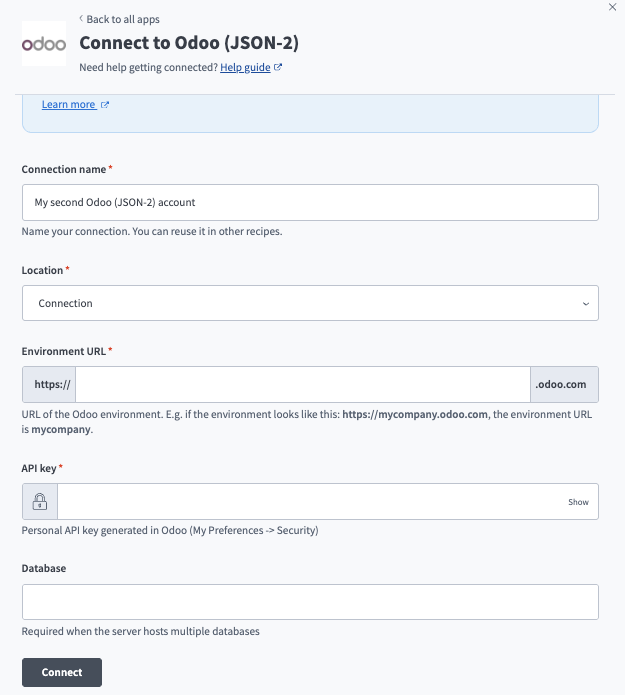 Create an Odoo connection in Workato.
Use the Location drop-down menu to select the project where you plan to store the connection.
Enter your Odoo environment URL in the Environment URL field. For example, if your environment is https://workato.odoo.com, enter workato.
Enter your personal API key in the API key field.
Enter your database name in the Database field. This is only required when your Odoo server hosts multiple databases.
Click Connect.
Last updated: