Configure subdomain
You must configure a subdomain to provide end users with access to the Control plane.
Complete the following steps to configure your subdomain:
1
Sign in to your Workato account.
2
Expand the workspaces menu.
3
Click Control plane.
4
Sign in using your Control plane credentials or SSO.
5
Go to Settings.
6
Click Subdomain in the side navigation bar.
7
Enter a unique subdomain in the Subdomain field.
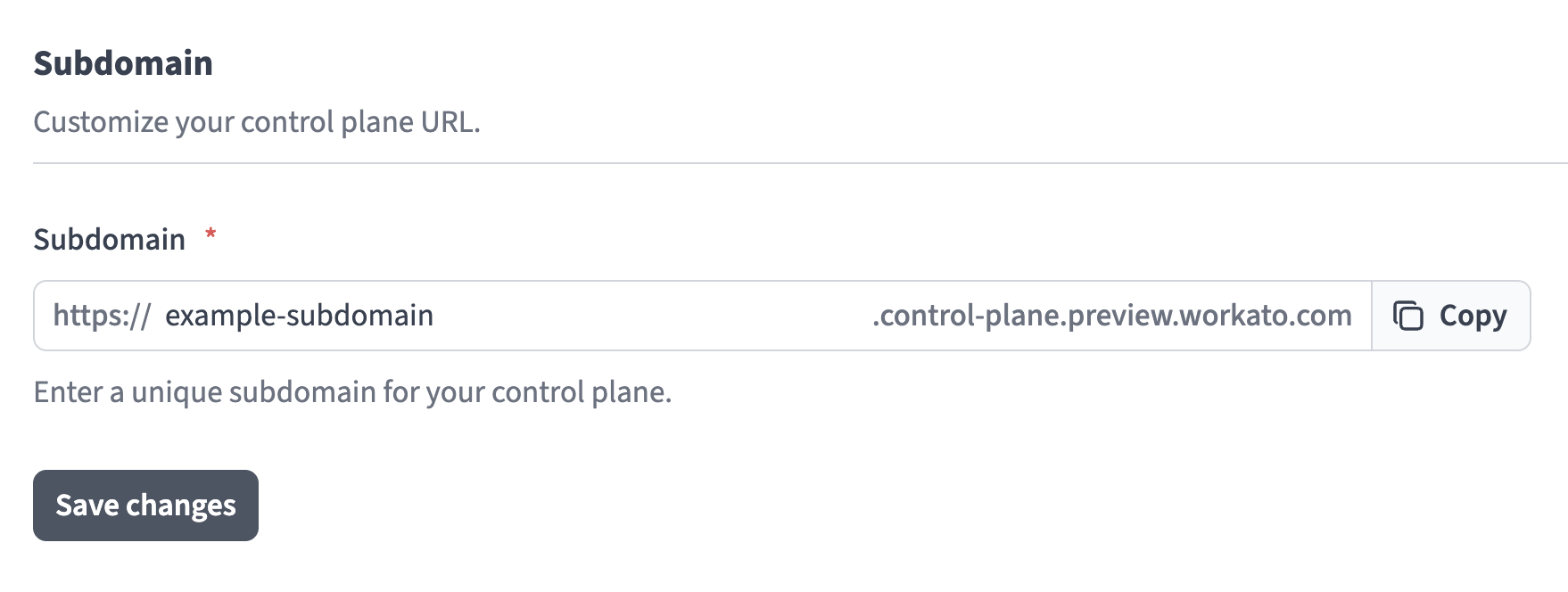 Enter a unique subdomain in the Subdomain field
8
Click Save changes.
Last updated: