End-user group management
Control plane enables you to create and manage end-user groups. You can store end-users and end-user groups with customized environment access and assign access to specific groups. This lets you scope user access more securely.
End-user groups are created within specific environments. You must add end-users before you can assign them to a user group. Each end-user group must have at least one end user assigned to it.
Create an end-user group
End-user groups are specific to each environment. You must select the environment before you can create a group.
Complete the following steps to create an end-user group in an environment:
Sign in to Workato.
Expand the workspaces menu.
Click Control plane. Control plane opens in a new tab by default.
Sign in using your Control plane credentials or SSO.
Go to End user access > Authentication & groups.
Select the environment where you plan to add the user group.
Click + Create end-user group.
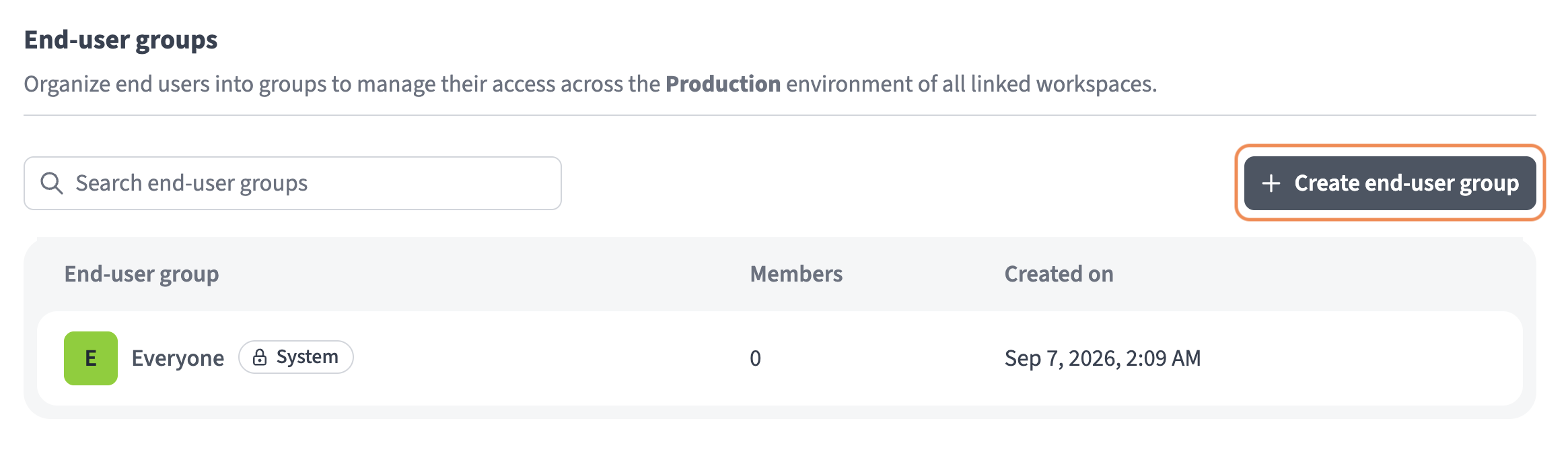 Click + Create end-user group
Provide a name for the group in the Name field.
Click Create.
User group authentication
End users sign in with their email address and password by default. You can define how end users authenticate across all linked workspaces in Control plane by environment by configuring SAML identity providers for end user groups. Identity providers are shared with linked workspaces. Workspace admins can choose whether to use the IdP.
Complete the following steps to define user group authentication settings for a Control plane environment:
Go to End user access > SAML identity providers.
Click + Set up new provider.
Go to the Enforce SAML authentication for section and select either All domains or Selected domains. You must enter multiple domains separated by commas in the Specify domains field if you choose Selected domains.
Go to the SP Entity ID field and click Copy. You must add this value to your IdP to configure SAML SSO.
Go to the ACS (Reply) URL field and click Copy. You must add this value to your IdP to configure SAML SSO.
Go to the Do you have your identity provider metadata URL? section and select the option that applies to you.
Click Setup.
Last updated: