Request MCP server registry access
You can request access to MCP servers listed in your organization's MCP registry. MCP servers require either Workato Identity or an API token for authentication.
Request access to an MCP server
Complete the following steps to request access to an MCP server in your organization's MCP registry:
Go to AI Hub > Enterprise MCP > Custom servers.
Use the search box or page through the registry to find the MCP server you plan to access.
Click the MCP server. Access information about the MCP server is located directly under the MCP server name.
Access must be granted by an admin. Request access if needed: The MCP server uses Workato Identity for authentication.
A token is required to access this server. Request one if needed: The MCP uses an API token for authentication.
 MCP server access method information
Review the MCP server information and tool list to ensure this is the MCP server you need to access.
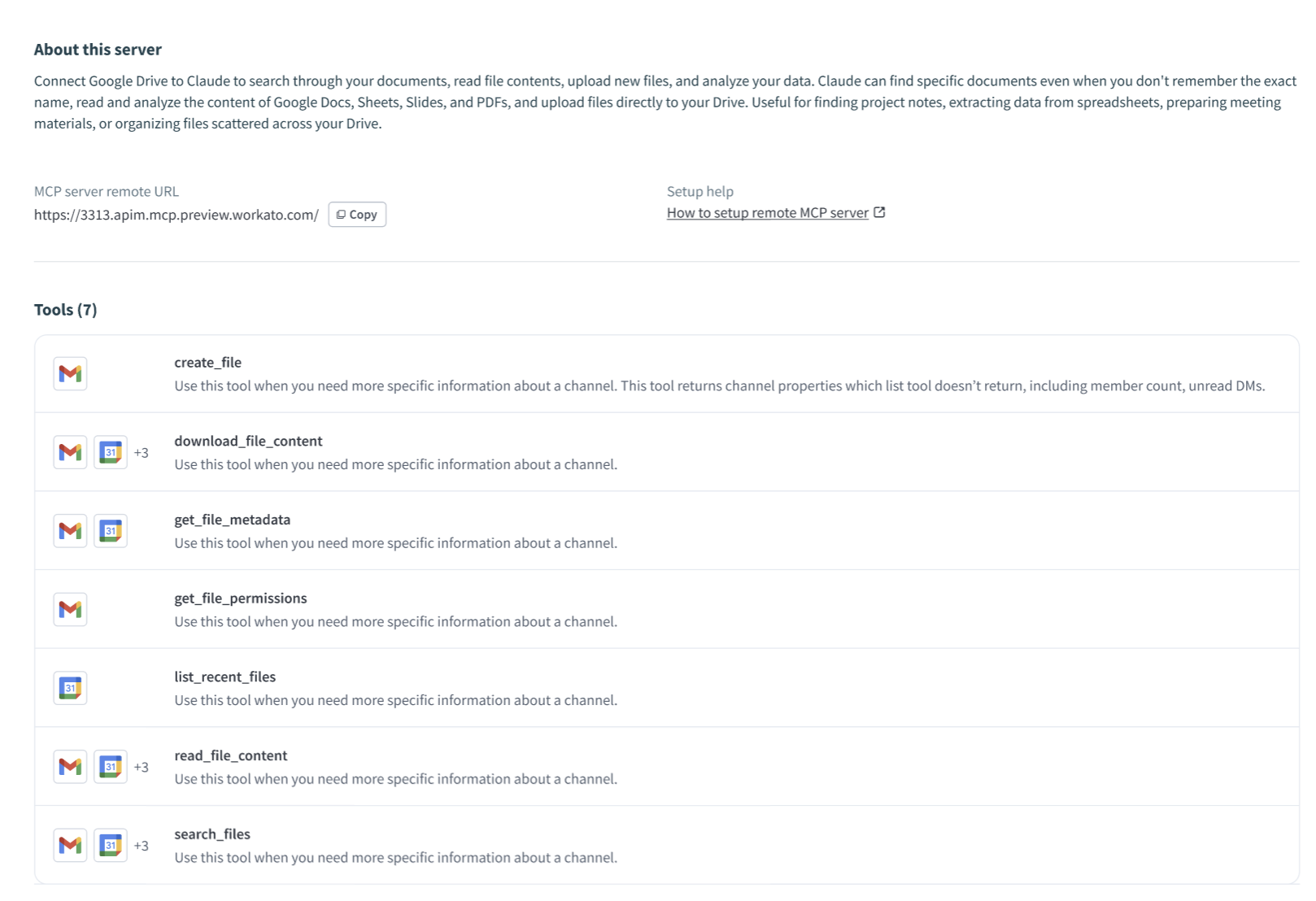 Review the MCP server information and tool list
Click Request access.
Enter your email address in the Your email address field.
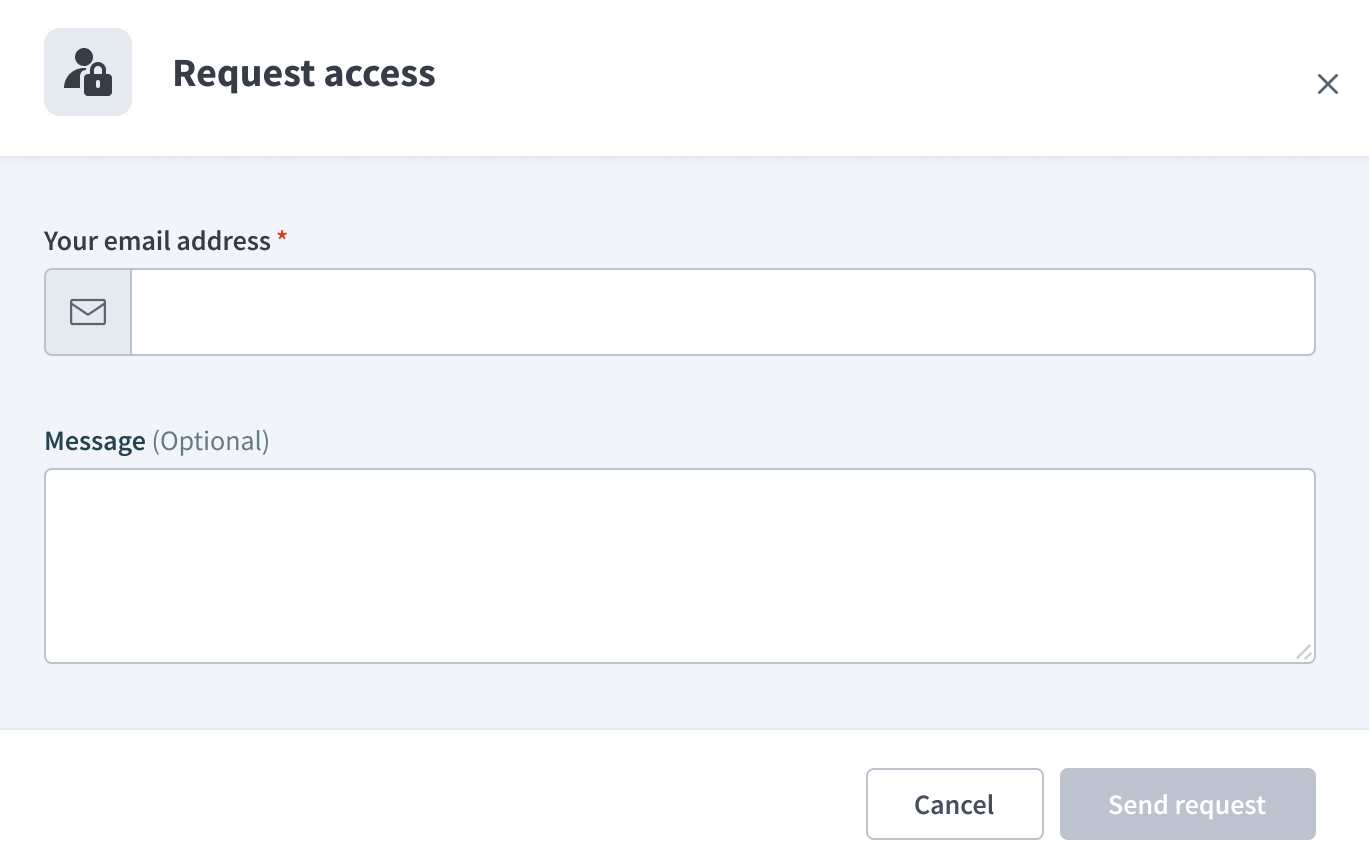 Enter your email address in the Your email address field
Optional. Enter a message explaining why you're requesting access to this specific MCP server.
Click Send request. Your admin receives an email with your request and sends a notification when access is granted.
Last updated: