Declutter your inbox with AIRO
AIRO can sort a cluttered inbox for you, filing newsletters and receipts away from the emails that actually need your attention. Describe the problem in a conversation, and AIRO asks a few clarifying questions before building the solution for you.
Video guide: Build your first project with AIRO
STEPS MAY VARY
AIRO can take a different path to achieve the same goal. The questions it asks and the steps it takes may differ from this example.
Describe the problem
Start a new conversation with AIRO and describe the problem the way you'd describe it to a coworker:
My Gmail inbox is out of control. I get so many newsletters, receipts, and notifications every day that I keep missing the emails that actually matter.
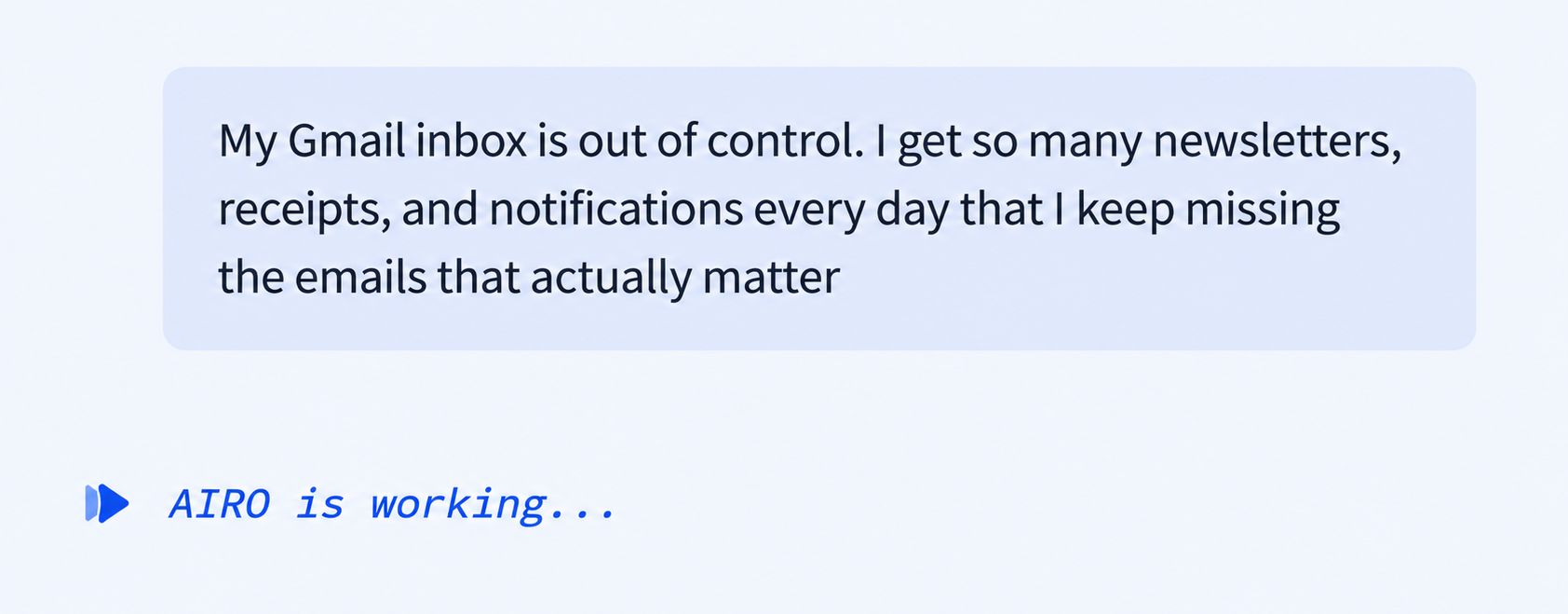 Describe the problem to AIRO
Answer AIRO's questions
AIRO asks a few questions to turn your description into a plan:
- Important emails: Get notified in Slack, Microsoft Teams, or text. Have emails labeled or starred, or receive a daily digest.
- Noise: Auto-archive it, move it into folders, unsubscribe automatically, or leave it alone so only what matters surfaces.
- What counts as important: Emails from specific people, emails that need a reply or action, or let AI decide based on content. Combine options. For example, treat emails that need action as important, and let AI decide on everything else.
Choose a project
AIRO asks where it should build the solution. Create a new project or pick an existing project, then confirm which email platform to use.
Skip optional assets
AIRO may offer to build additional assets related to your request, such as an asset that lets you ask questions about your inbox from Slack. Skip building the asset if you don't need it yet. You can return to the same conversation later to add it.
Review the blueprint and connect your apps
AIRO shows you the plan before building anything, also known as a blueprint. The blueprint for this example involves two separate recipes: one recipe alerts you in Slack as soon as an important email arrives, and the other recipe labels and files the rest of the emails so they don't clutter your inbox.
Ask AIRO to walk you through the blueprint, or tell it to change something, before you continue.
AIRO then asks to connect the apps involved, such as Gmail and Slack. Confirm your existing connections or create new connections, then tell AIRO to build.
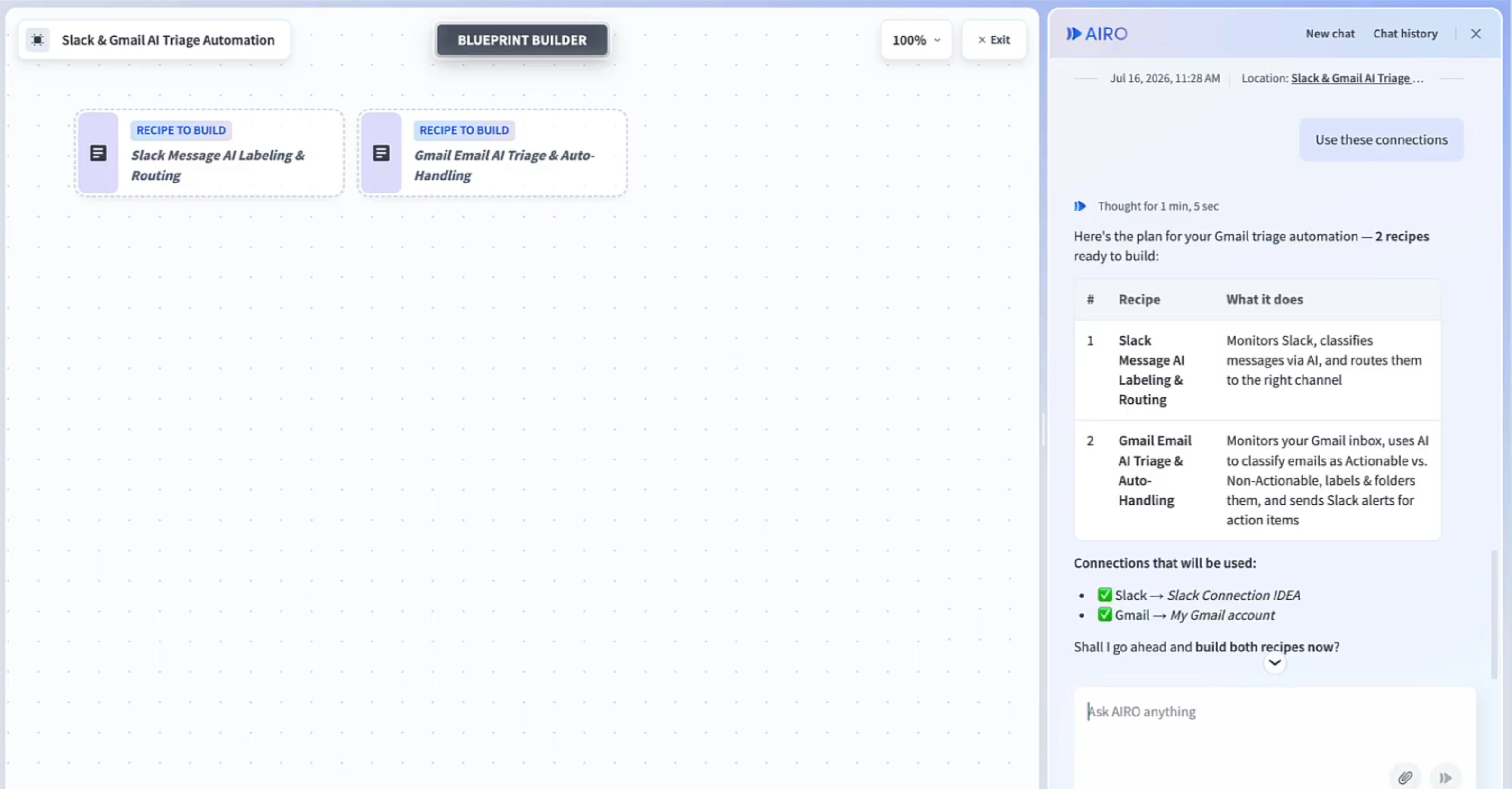 AIRO's blueprint for two recipes
Start your recipes
AIRO builds each recipe and adds a note to every step explaining what it does and why. Review and start the recipes to begin sorting your inbox.
Last updated: