Configure Coupa as your data pipeline source
Set up Coupa as a data pipeline source to extract and sync records into your destination. This guide includes connection setup, pipeline configuration, and key behavior for working with Coupa as a source.
Features supported
The following features are supported when using Coupa as a data pipeline source:
- Extract data using the Coupa REST API
- Support for full and incremental sync
- Field-level selection for object extraction
- Schema drift detection and handling
- Field-level data masking
Prerequisites
You must have the following configuration and access:
- A Coupa instance with API access enabled
- Coupa instance URL
- Required scopes for the API
- Read access to the objects you plan to sync
How to connect
Complete the following steps to connect to Coupa as a data pipeline source. This connection allows the pipeline to extract and sync data from your Coupa instance:
Connect to Coupa
Select Create > Connection or press C twice.
Search for Coupa and select it as your app.
Enter a name in the Connection name field.
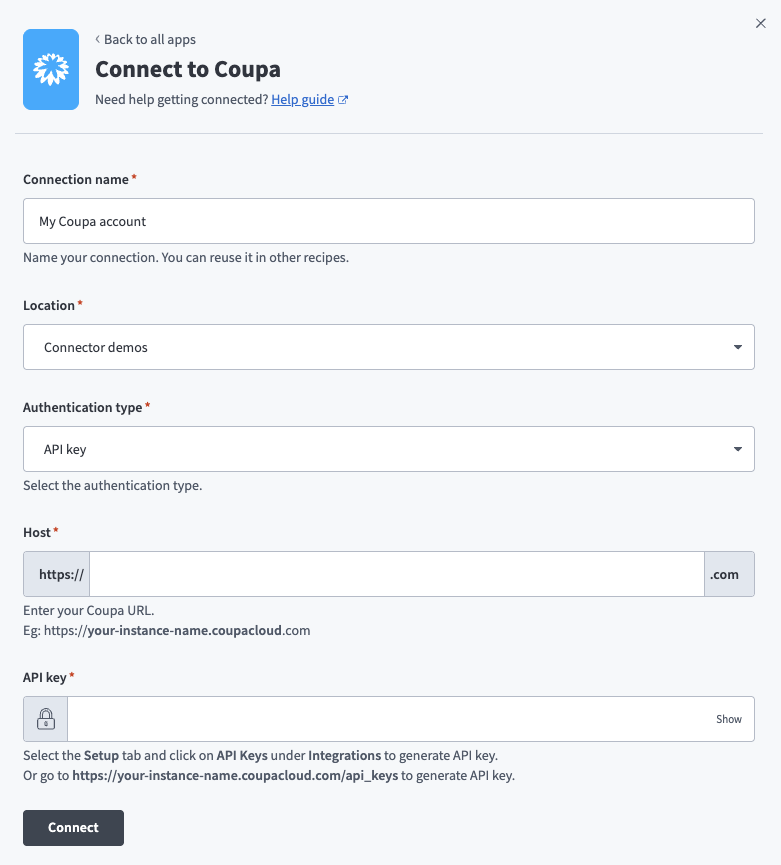 Coupa connection setup
Use the Location drop-down to select the project where you plan to store the connection.
Use the Authentication type drop-down menu to select one of the following authentication types:
- API key
- Client credentials
- Authorization code grant
The required fields vary depending on the authentication type.
Fill in the following fields based on the selected authentication method:
Click Connect to verify and establish the connection.
Configure the pipeline
Complete the following steps to configure Coupa as your data pipeline source:
Select Create > Data pipeline or press C+I.
Enter a name for the data pipeline in the Data pipeline name field.
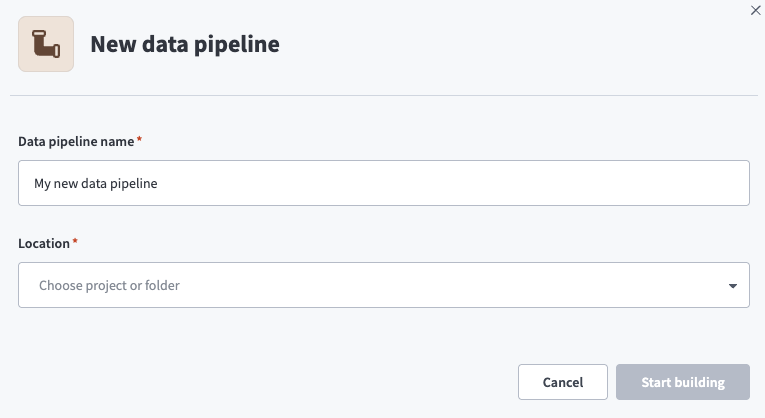 Data pipeline setup
Use the Location drop-down menu to select the project where you plan to store the data pipeline.
Click Start building.
Click the Extract new/updated records from source app trigger. This trigger defines how the pipeline retrieves data from the source application.
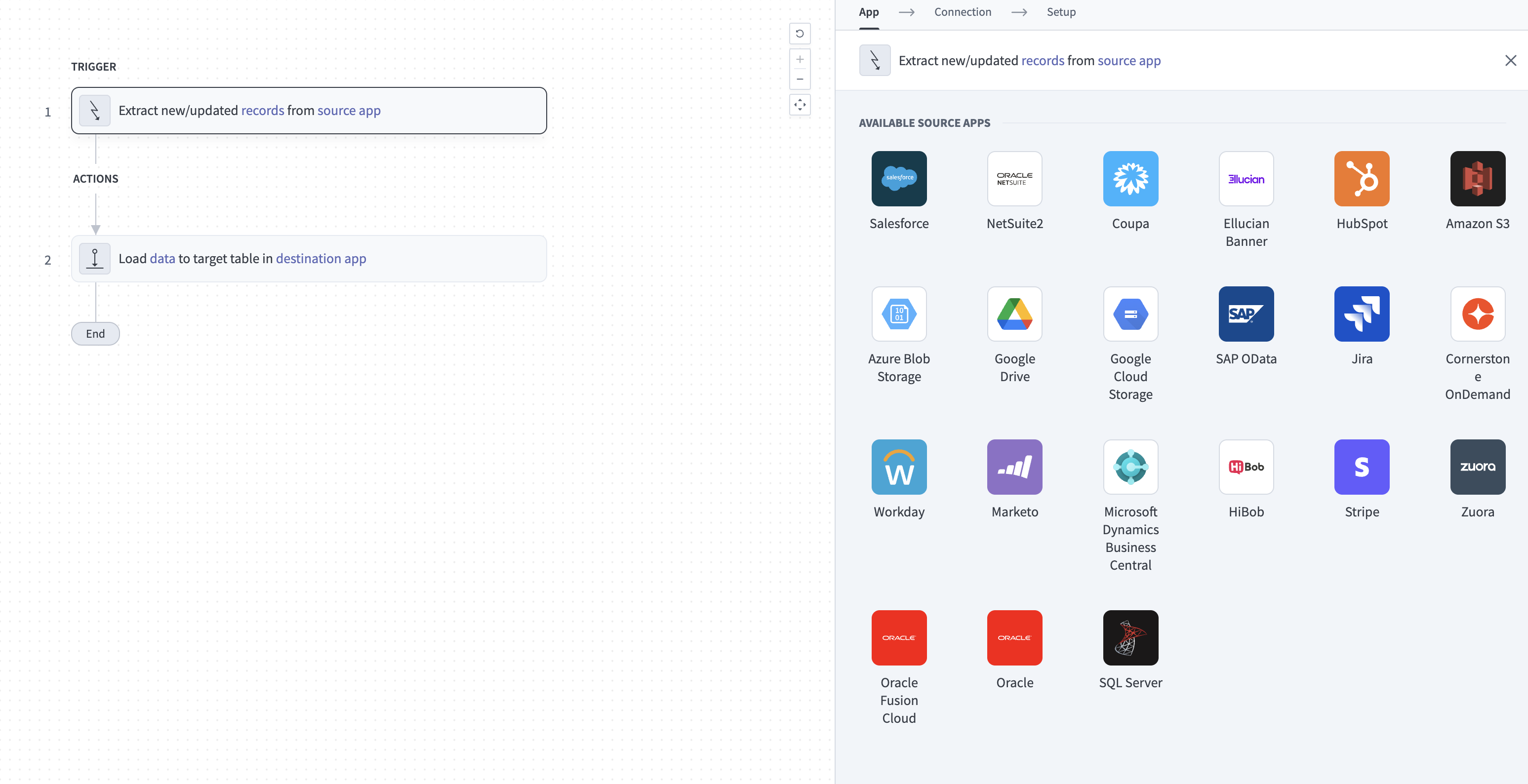 Configure the Extract new/updated records from source app trigger
Use the Your Connected Source Apps drop-down menu to select Coupa.
Choose the Coupa connection you plan to use for this pipeline. Alternatively, click + New connection to create a new connection.
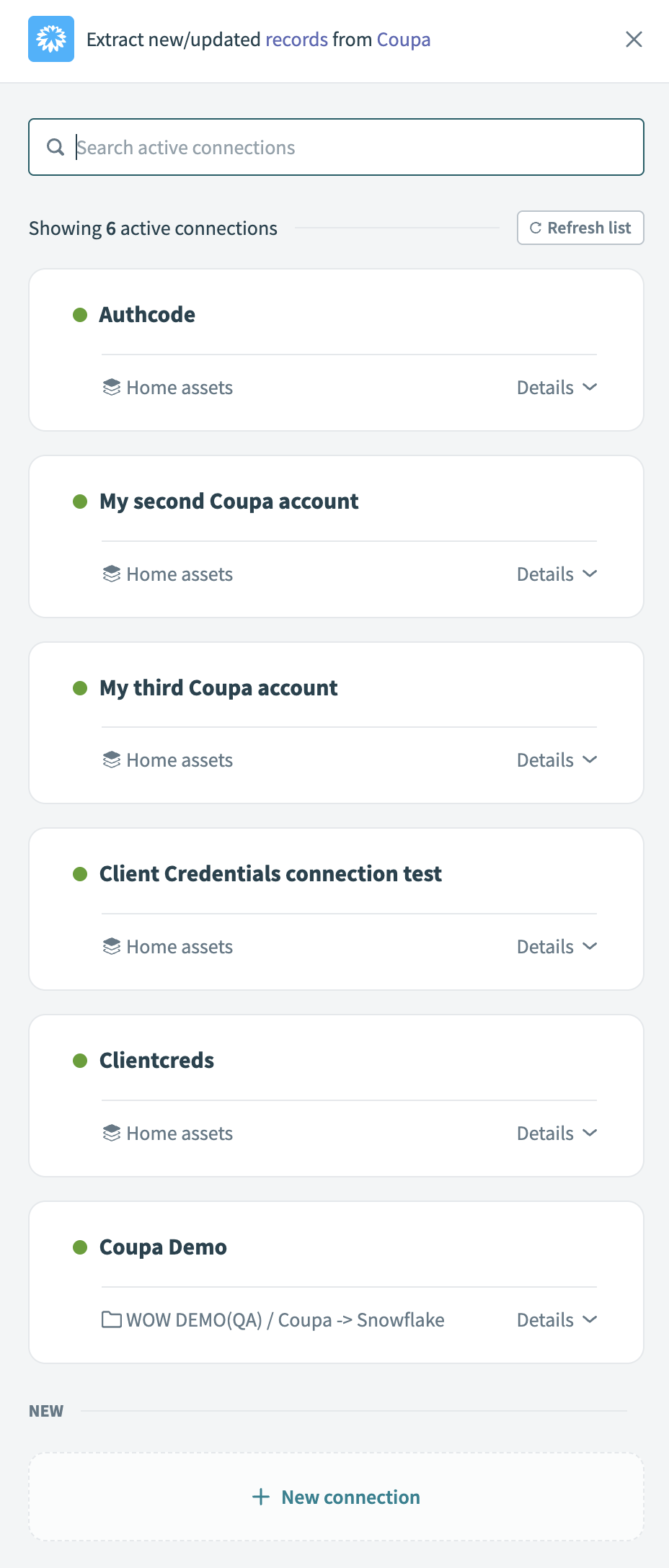 Choose a Coupa connection
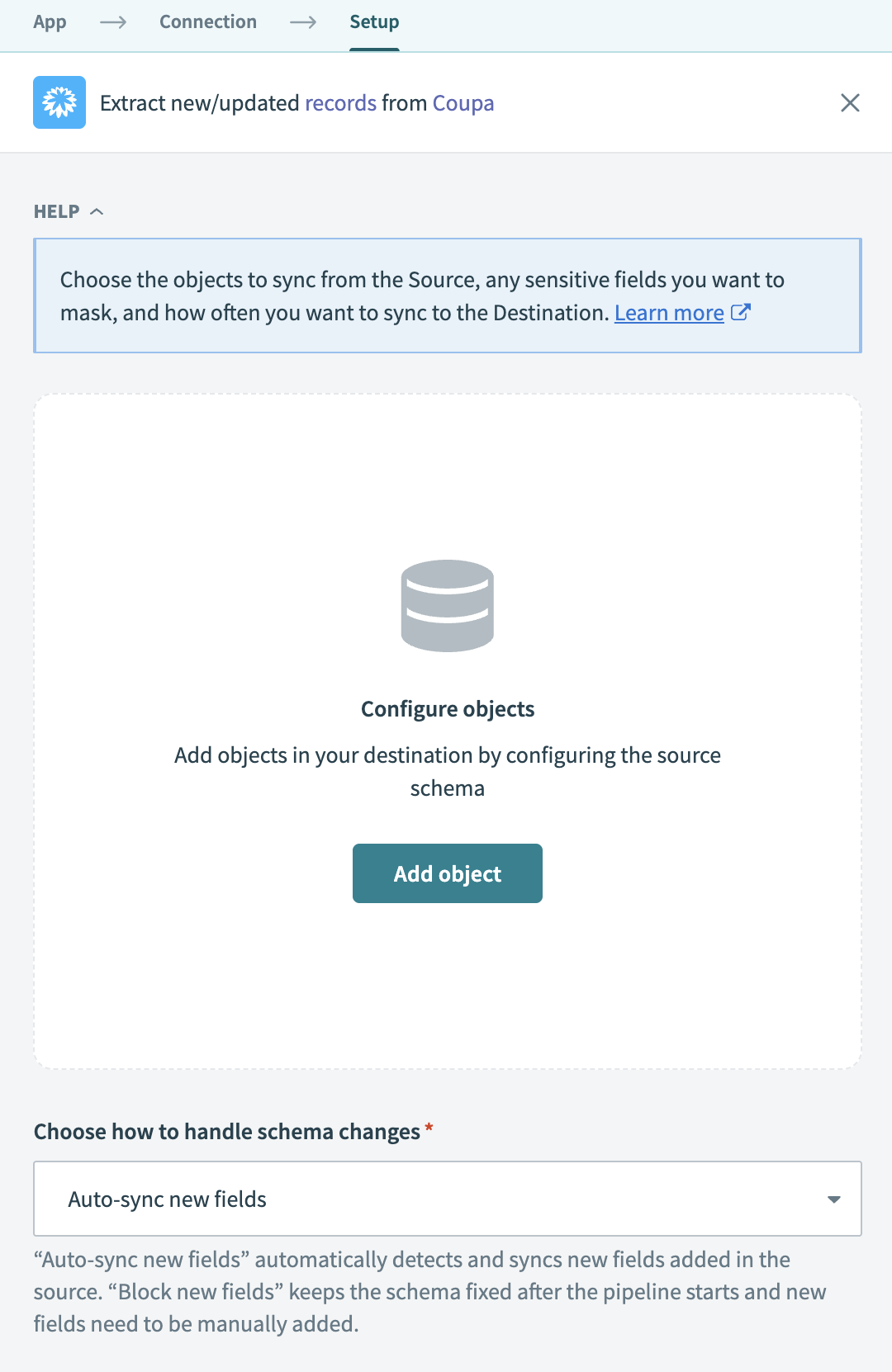
Click Add object to open the object wizard.
 Add objects
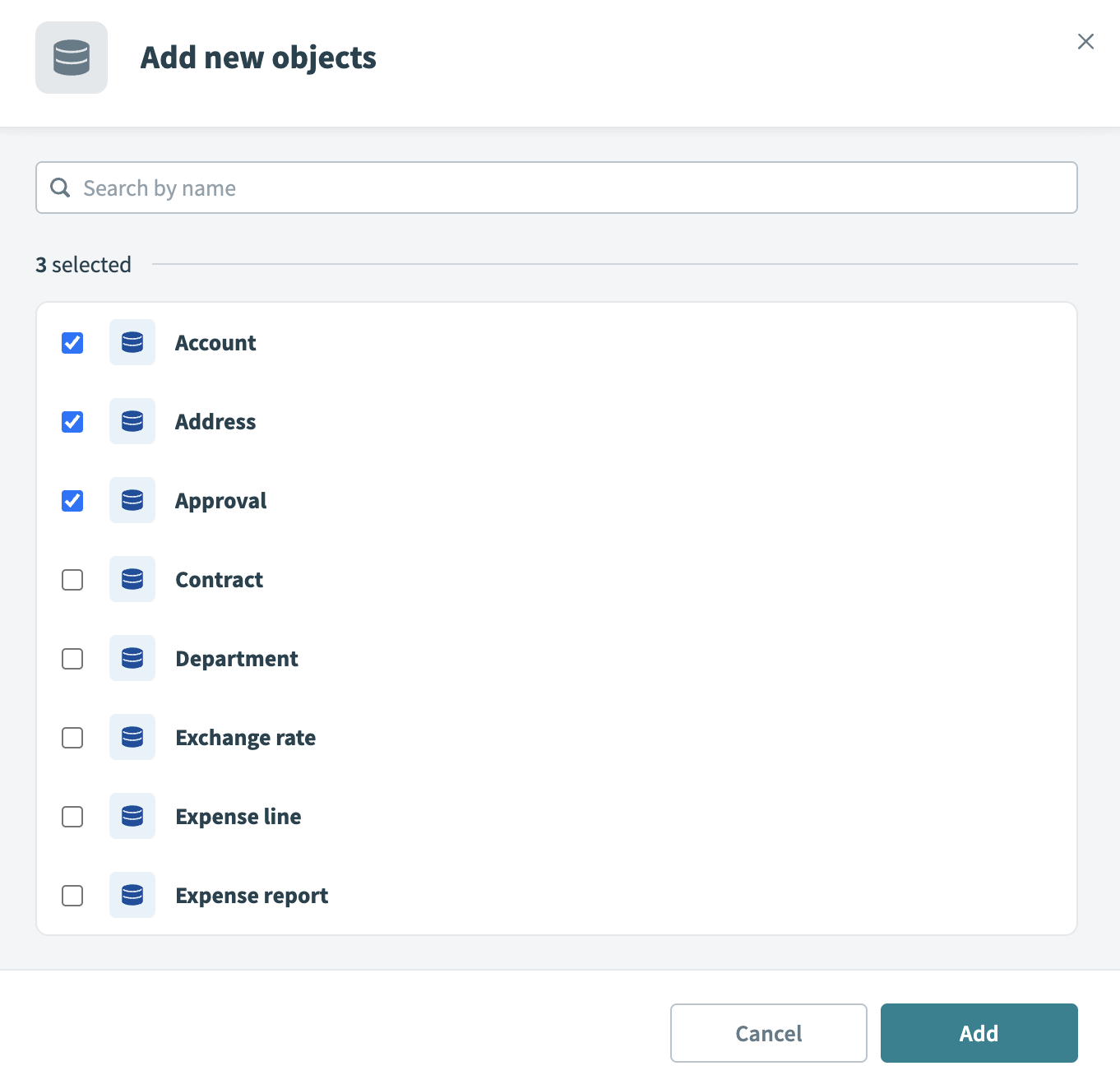
Search or browse the list of available Coupa objects. Select the objects you plan to sync and click Add.
 Select objects
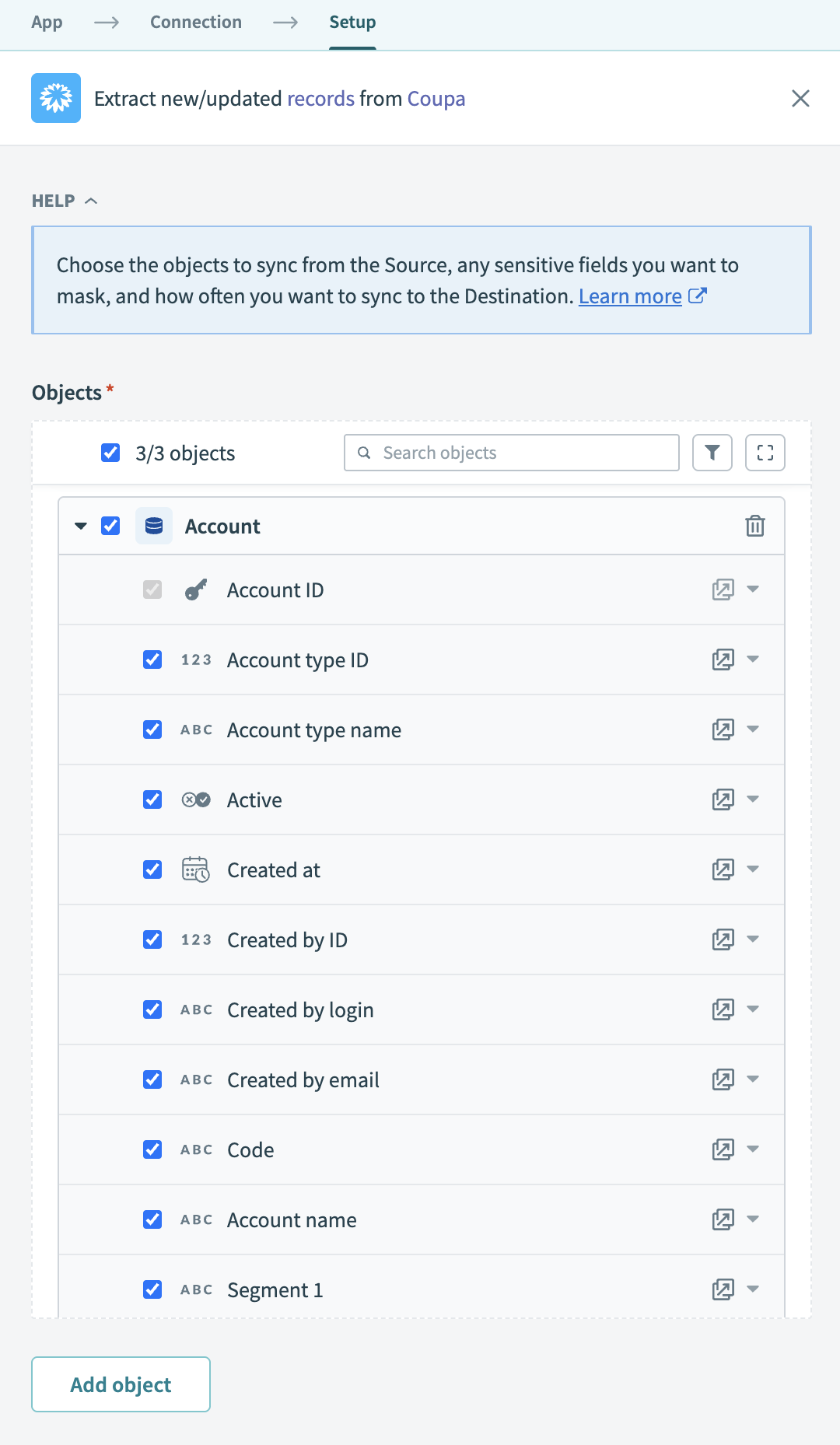
Review and customize the schema for each selected object. When you select an object, the pipeline automatically fetches its schema to ensure the destination matches the source.
 Expand object
Expand any object to view its fields. Keep all fields selected to extract all available data, or deselect specific fields to exclude them from data extraction and schema replication.
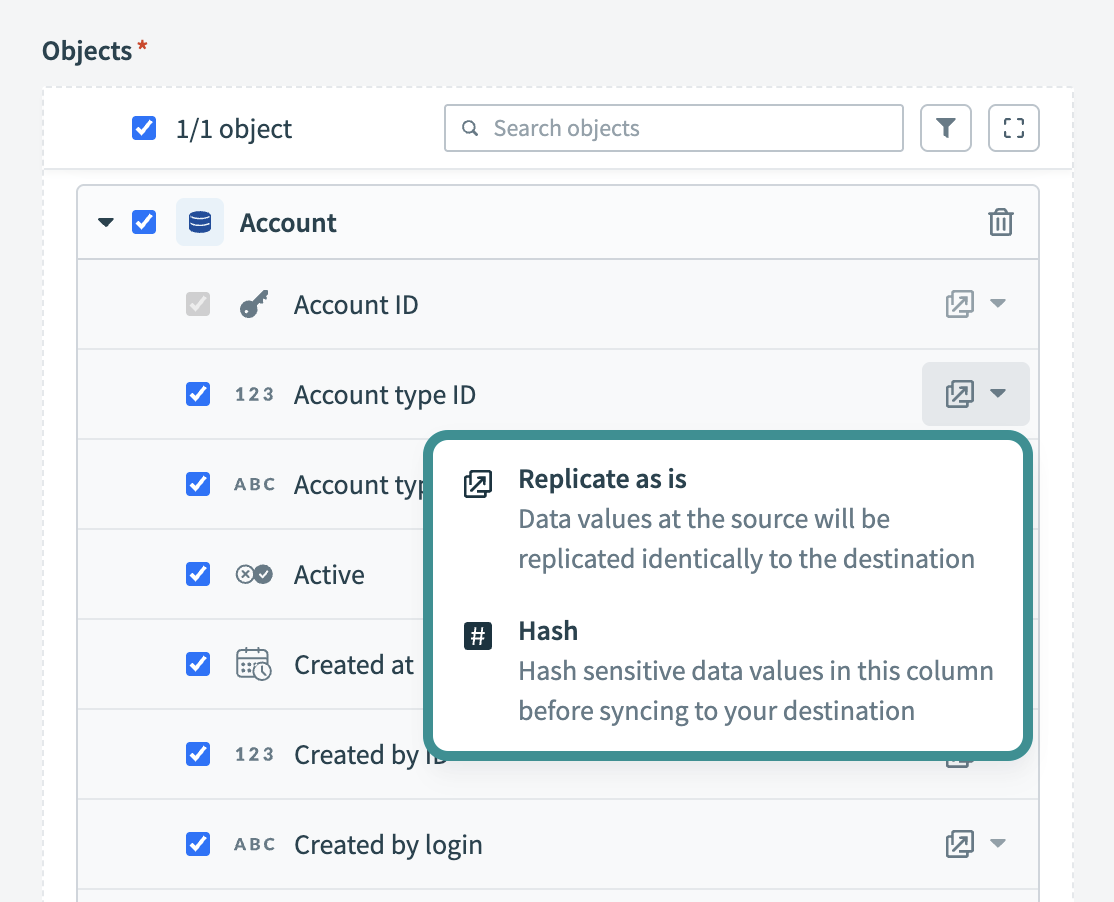
Optional. Configure field-level data protection. After you expand an object, choose how to handle each field:
- Replicate as is (default): Data values at the source are replicated identically to the destination.
- Hash: Hash sensitive data values in the column before syncing to your destination.
 Configure field-level data protection
Click Add object again to add more objects using the same flow. You can repeat this step to include multiple Coupa objects in your pipeline.
Use the Choose how to handle schema changes drop-down menu to select a schema drift handling option:
- Auto-sync new fields: Automatically detects and syncs new fields added in the source.
- Block new fields: Keeps the schema fixed after the pipeline starts. You must add new fields manually. This option may cause the destination to fall out of sync if the source schema updates.
Refer to Schema replication and schema drift management for more information.
Choose either a standard time-based schedule or define a custom cron expression in the Frequency field. This determines how often the pipeline syncs data from Coupa to the destination.
Supported Coupa objects
The Coupa connector uses the Coupa REST API to retrieve records for pipeline sync. It supports standard objects commonly used in Coupa environments, including accounts, approvals, and contracts.
Last updated: