Generate recipe descriptions with AIRO
Deploying a recipe to production requires documentation that helps administrators understand each recipe's functionality and enables team members to extend your work.
AIRO generates recipe descriptions based on your recipe steps, input fields, connected applications, and linked recipes. This lets you focus on delivery rather than documentation.
Prerequisites
- Ensure that you have AIRO enabled for your workspace. Enabling AIRO requires an Admin system role. If you are not assigned this role, contact your workspace administrator to enable this feature. For more information, refer to our AIRO documentation.
PERMISSIONS
AIRO does not have granular permission settings. When you enable it in your workspace, all collaborators within your workspace can access it, regardless of their role.
Generate your recipe descriptions
After you save, test, and debug your recipe, you can use AIRO to help you generate your recipe in the following situations:
No recipe description is present
Complete the following steps to generate a recipe description using AIRO:
Click Add description to immediately trigger AIRO to generate a recipe description.
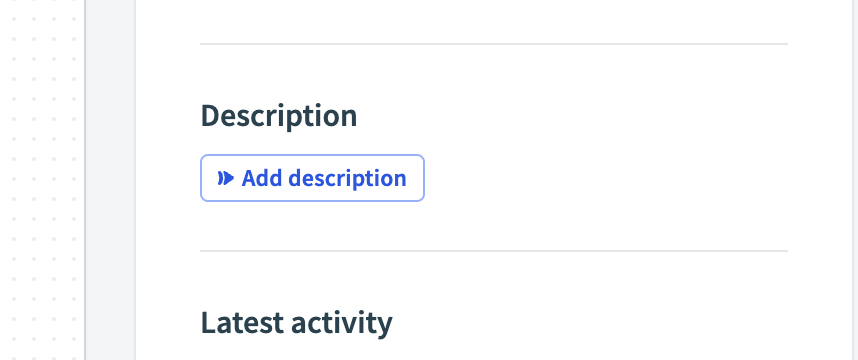 Trigger AIRO with no description
Edit the description as required in the popup.
Click Save to include the edited description in the recipe, or Clear description if you choose not to use it. This description serves as a draft that you can modify as needed.
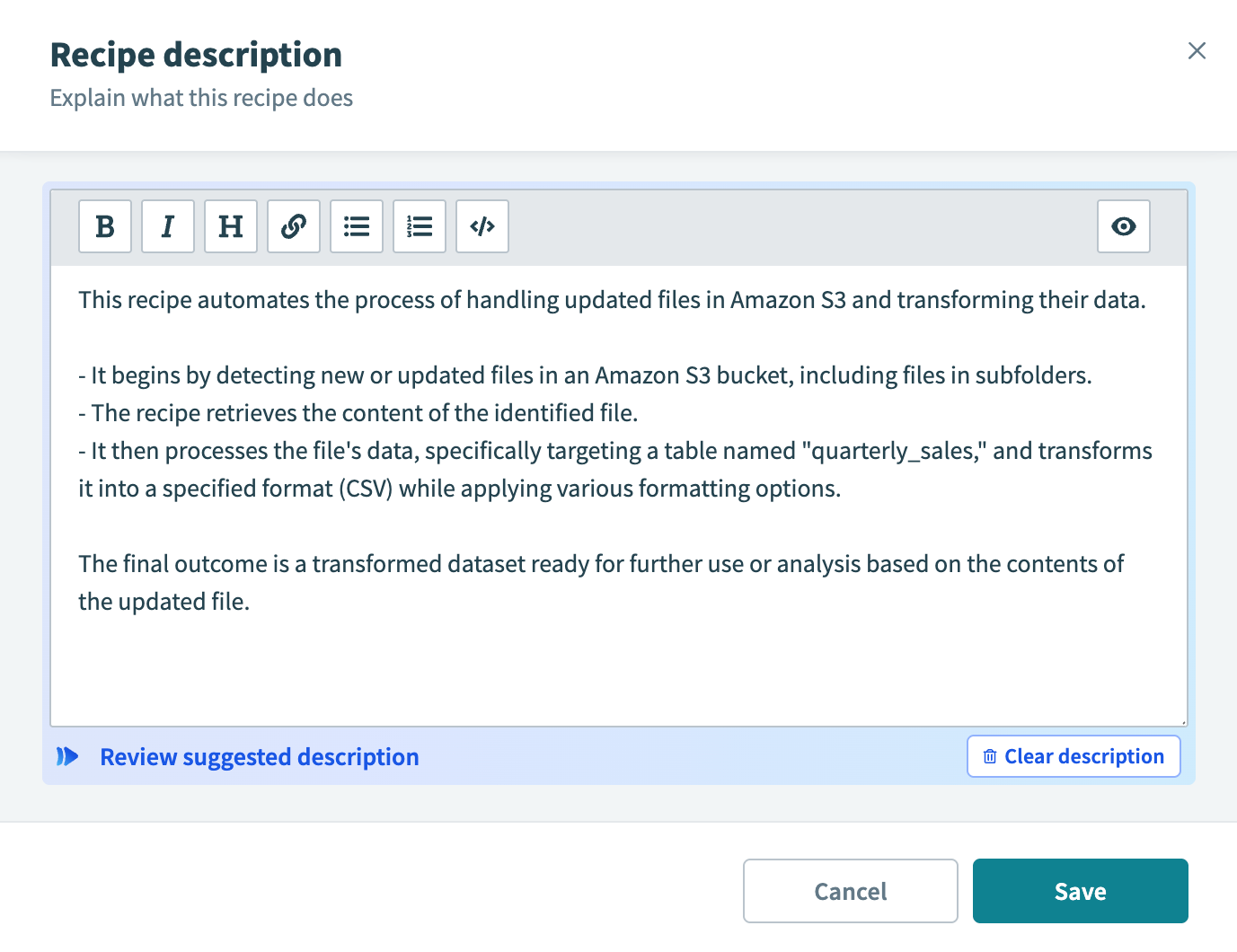 Generate recipe description
Recipe description is present
Complete the following steps to generate a new recipe description using AIRO:
Click Edit to open the recipe description popup.
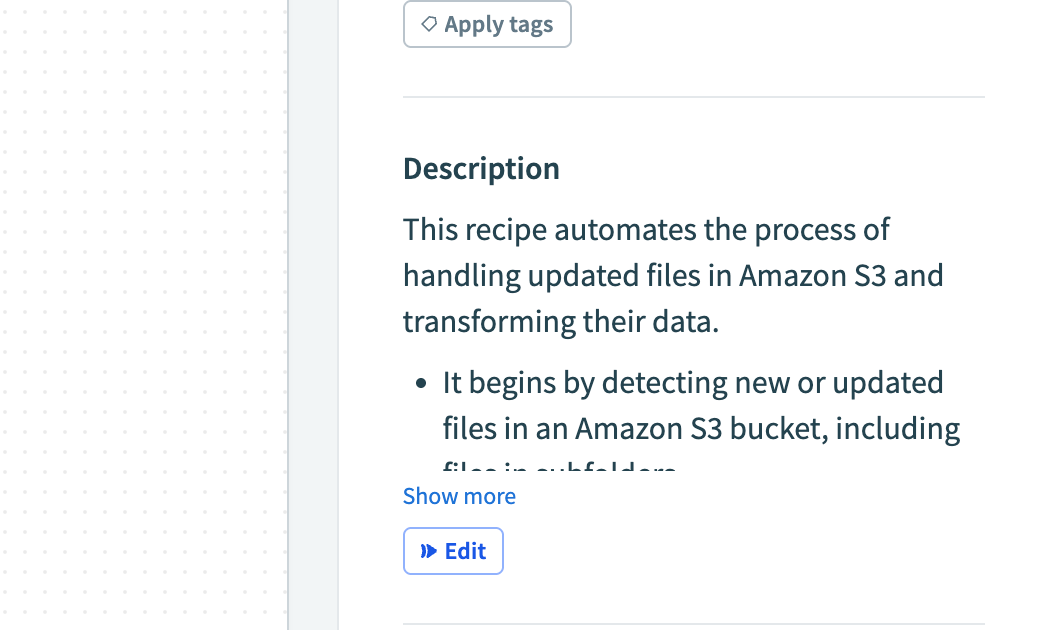 Trigger AIRO with existing description
Use AIRO to generate a new description in the popup.
Review the generated description. If it meets your requirements, Save it. You can revert the generation if it does not meet your requirements.
IMPROVE GENERATED DESCRIPTIONS
Provide meaningful names for custom actions and HTTP actions in your recipe. AIRO uses these names when generating descriptions.
Last updated: