# Qualtrics
Qualtrics (opens new window) is an experience management platform that enables organizations to collect, analyze, and act on customer, employee, product, and brand experience data. Qualtrics provides tools for creating surveys, gathering feedback, and generating insights to drive business decisions.
# Prerequisites
Complete the following steps before establishing a Qualtrics connection in Workato:
# Get your data center ID
Complete the following steps to obtain your data center ID:
Sign in to your Qualtrics account.
Identify your data center ID from your application URL. For example, if your URL is https://partner.co1.qualtrics.com, your data center ID is co1. Refer to the Qualtrics Base URL and data center IDs (opens new window) documentation for more information.
# Generate an API token
Complete the following steps to generate an API token:
Sign in to Qualtrics.
Go to Account Settings > Qualtrics IDs.
Generate an API token. Refer to the Qualtrics API key authentication (opens new window) documentation for more information about API tokens.
# How to connect to Qualtrics
Complete the following steps to connect Workato to Qualtrics:
Click Create > Connection or press C twice.
Search for and select Qualtrics as your connection on the New connection page.
Provide a name for your connection in the Connection name field.
Use the Location drop-down menu to select the project where you plan to store the connection.
Enter your Data center ID. For example, co1.
Enter your Username.
Enter your API token.
Click Connect to establish the connection.
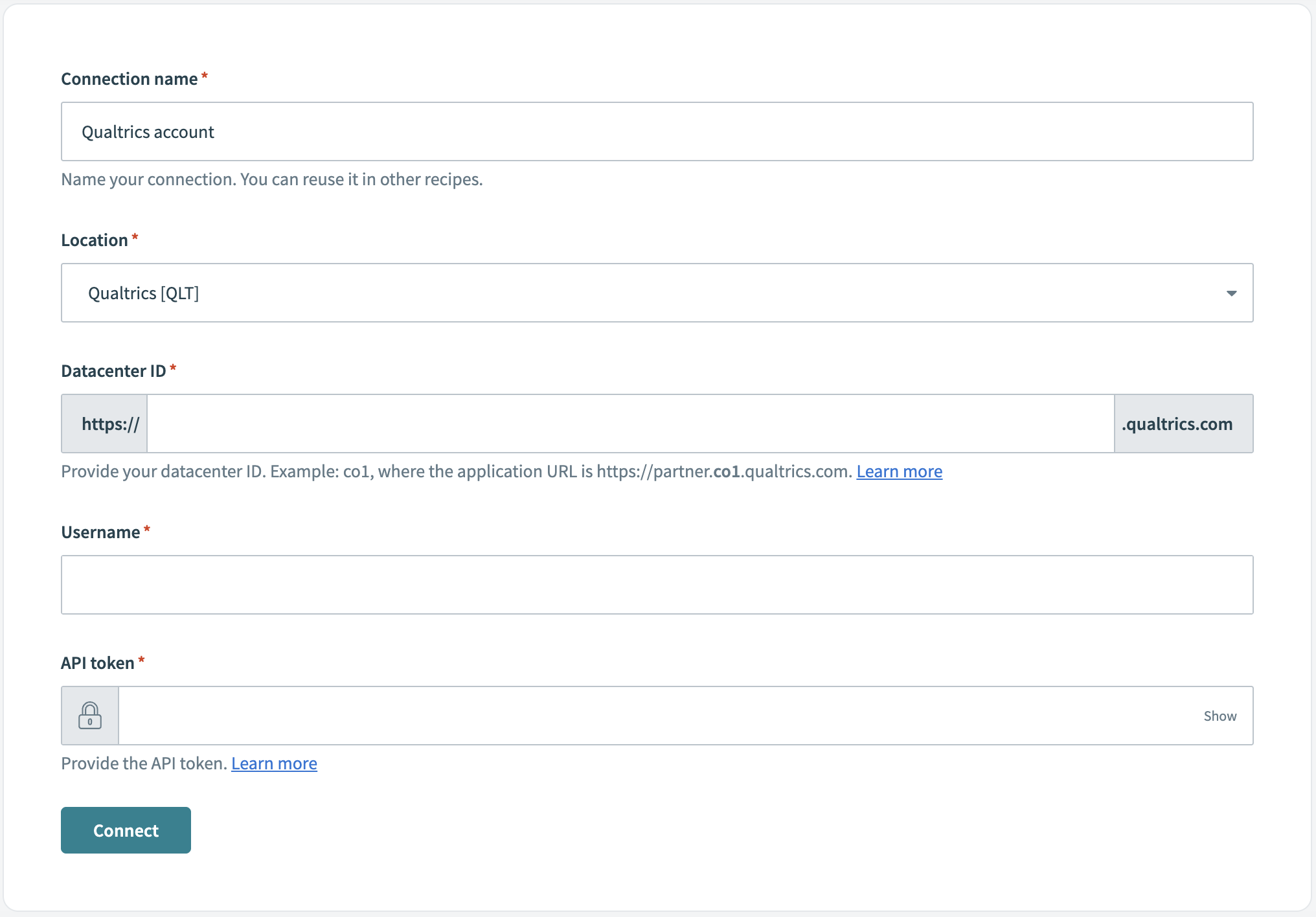 Create a Qualtrics connection
Last updated: 4/30/2026, 3:06:08 PM