# Salesforce - Submit record for approval action
This action submits a record for approval in Salesforce. This action is equivalent to clicking Submit for approval on a record in Salesforce.
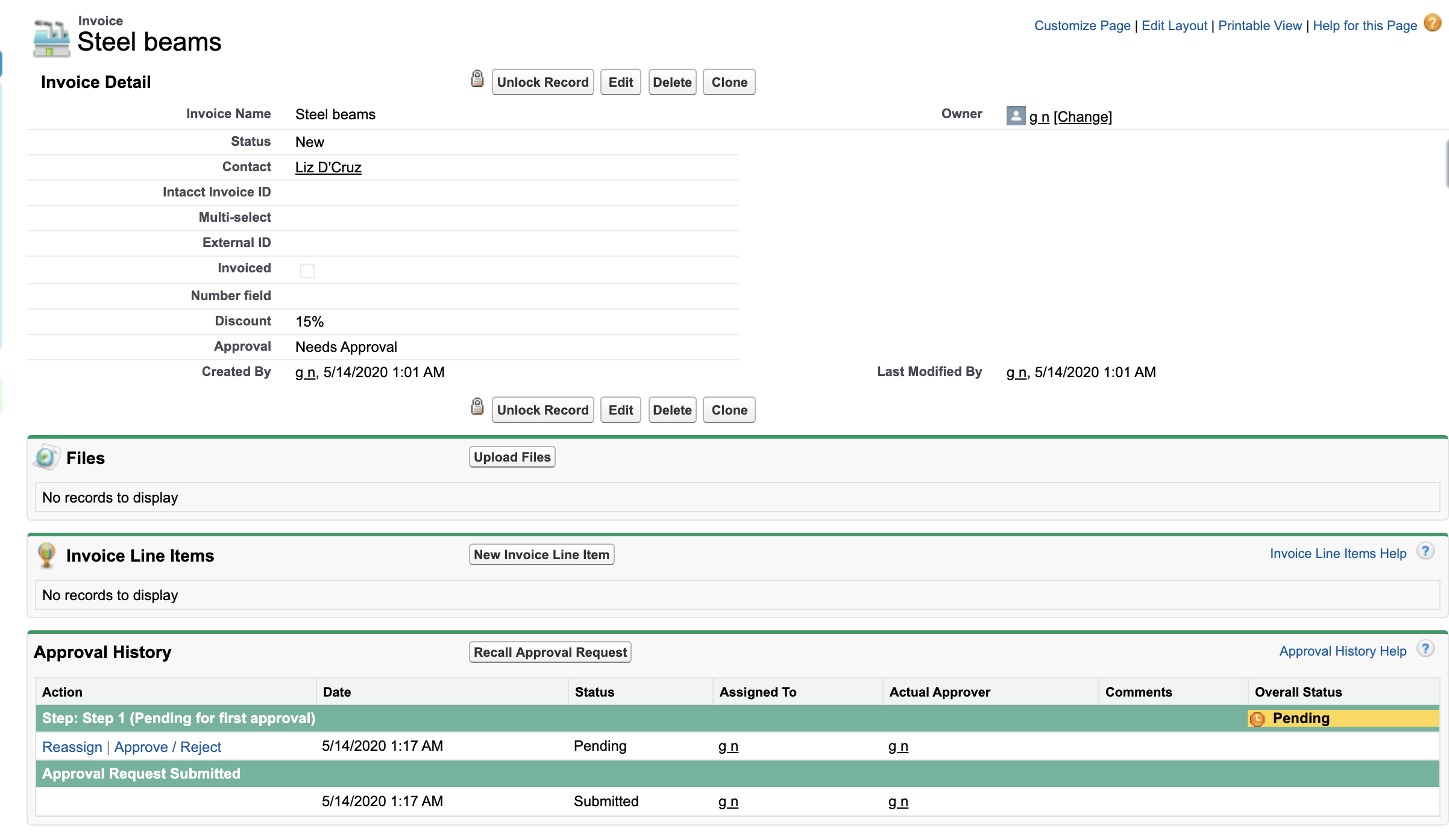 An Invoice record submitted for approval
# Input
| Input fields | Description |
|---|---|
| Approval process | Select an approval process from the drop-down. Alternatively, use the drop-down menu to select Use process definition unique name or ID and enter the unique name (for example, Invoice_discount_approval) or ID (for example, 04a1K000000PnvP) of the process. The unique name and ID are available on the Salesforce Approval process page. |
| Record ID | Enter the ID of the record to submit for approval. You can use a datapill from a previous step where a Salesforce record is created or updated. |
| Approver ID | Enter the Salesforce ID of an approver. This is required if the process is not auto-approved and if an approver is not selected by default. |
| Submitter ID | Enter the ID of the user to associate with the submission. |
| Comments | Enter comments to include with the submission. |
| On-behalf-of user email | Optional. Enter the email of a Salesforce user to impersonate. Contact your Workato Customer Success Manager to enable this field. This field only supports JWT connections. |
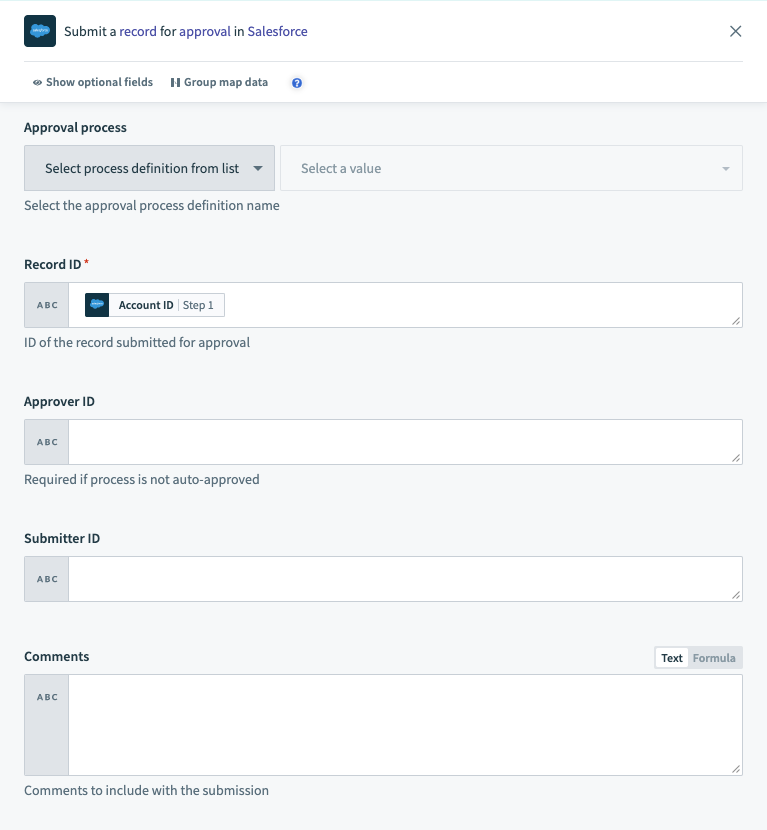 The Submit record for approval action
# Output
| Output fields | Description |
|---|---|
| Record ID | The Salesforce ID of the record. |
| Status | The status of the record's approval. |
| Approval request ID | The Salesforce ID of the approval request. |
| Success | Indicates whether the record was processed successfully. |
| Errors | An object containing any errors that occurred. |
After Workato submits the record, its approval status in the Salesforce Approval History becomes Pending.
Last updated: 3/4/2026, 5:59:58 PM