Salesforce - Update records in batches action (batch)
This action updates Salesforce records in batches. Each batch can update up to 2,000 records in 10 batches of 200.
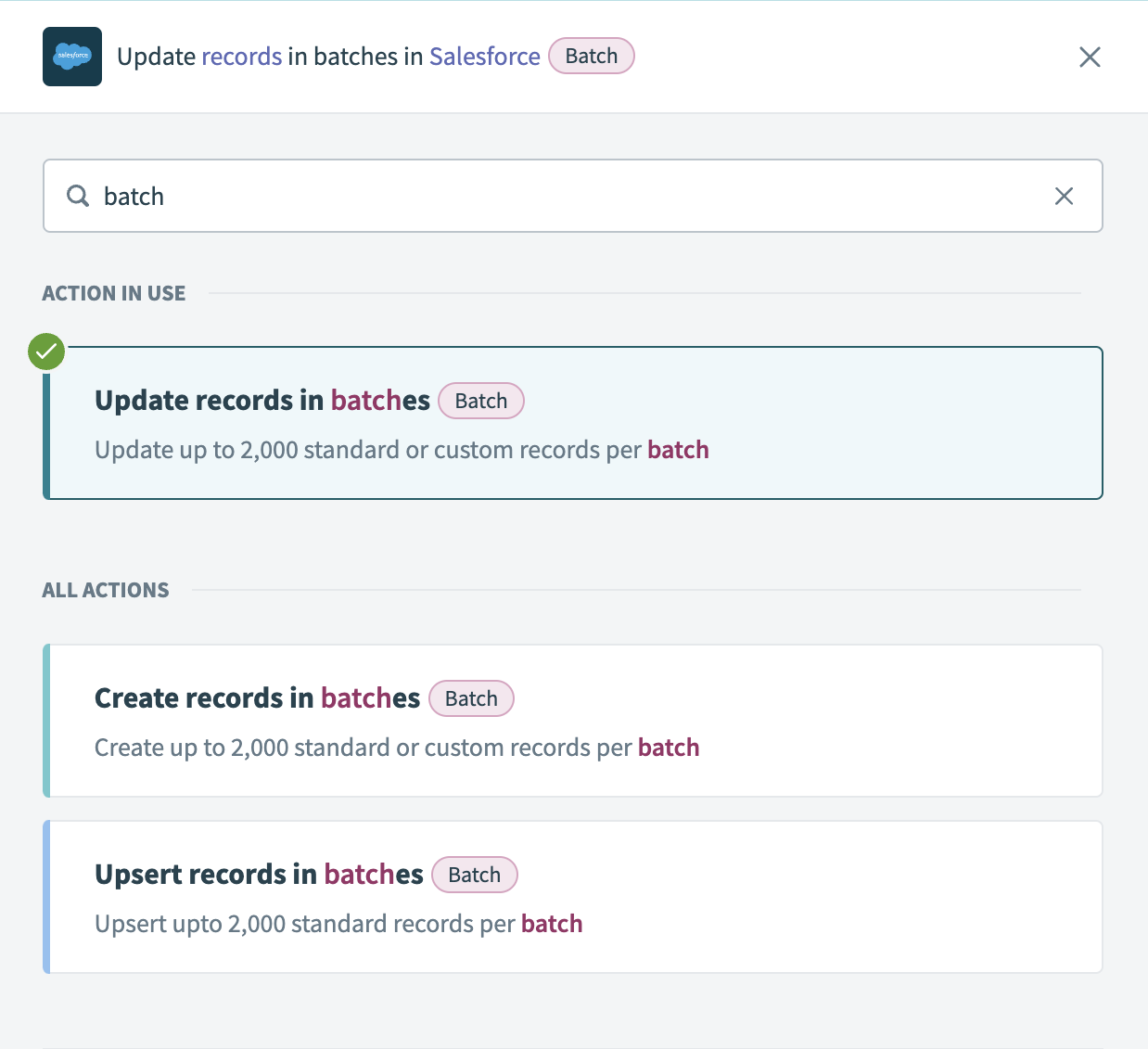 Update records in batches action
Input
| Input fields | Description |
|---|---|
| Object | Select the standard or custom object type to update. |
| Batch size | Enter the number of records to process in each batch. The minimum value is 1, the maximum and default is 200. |
| Advanced configuration | Select whether to roll back records if an operation fails. Refer to the Advanced configuration section for more information. |
Additional fields load dynamically based on the selected object. Use these fields to enter a source list and configure the updated records.
You can obtain a source list from various locations, such as a new CSV file in a file storage app, including Box, Amazon S3, and On-prem files. Refer to the List management documentation for more information about list inputs.
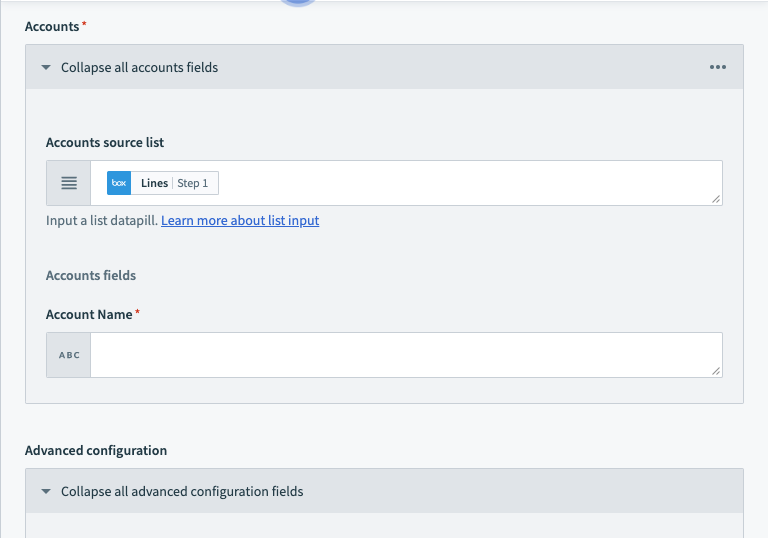 Select the list input data pill
Advanced configuration
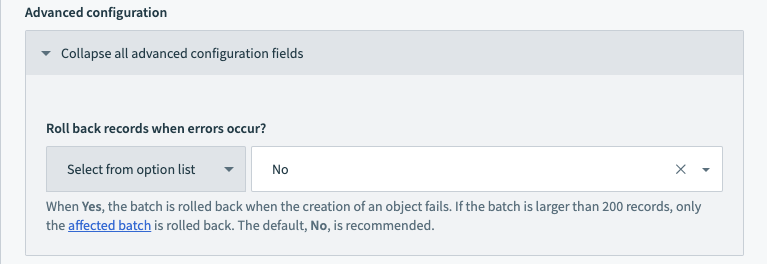 Advanced configuration
The Advanced configuration settings configure whether batch operations roll back when a record fails.
Workato processes records in batches of up to 200 records each. If a single record in a batch fails, the entire batch rolls back, while other batches remain unaffected.
For example, when processing 1,000 records, they are divided into 5 batches of 200 records each. If any record in the first batch fails, the entire first batch of 200 records rolls back. The remaining four batches proceed as normal.
The default and recommended setting is No. This allows successful records to remain processed. You can use additional logic in subsequent recipe steps to handle the failed records.
Output
This action outputs two objects:
- Successful records contains information about records successfully updated in Salesforce.
- Failed records contains information about records that encountered issues and were not updated in Salesforce.
Successful records
| Output fields | Description |
|---|---|
| Salesforce ID | The internal Salesforce ID of the updated record. |
| Success | Indicates whether a record was successfully updated in Salesforce. |
| List size | The number of successfully updated records. |
| List index | The position of each successfully processed record within a batch. |
Additional outputs load dynamically based on the selected object type.
Failed records
| Output fields | Description |
|---|---|
| Success | Indicates whether a record was successfully updated in Salesforce. |
| Errors | An array containing the Status code, Error message and Fields. Use the information here to determine why the records failed. |
| List size | The number of records that failed and were not updated. |
| List index | The position of each failed record within a batch. |
Additional outputs load dynamically based on the selected object type.
Last updated: