Common data model
The common data model, also known as the canonical data model or the abstract data model, is a standard schema that organizations define to simplify data flow and interaction between the different applications they use across the organization. This enables integrations to be built based on the common data model instead of being based on the application - and as a result, minimizes impact on organizations when they add, edit, or remove integrations and applications.
Refer to the following connector documentation for common data model use cases:
Access common data models
Go to Tools > Common data models to access common data models.
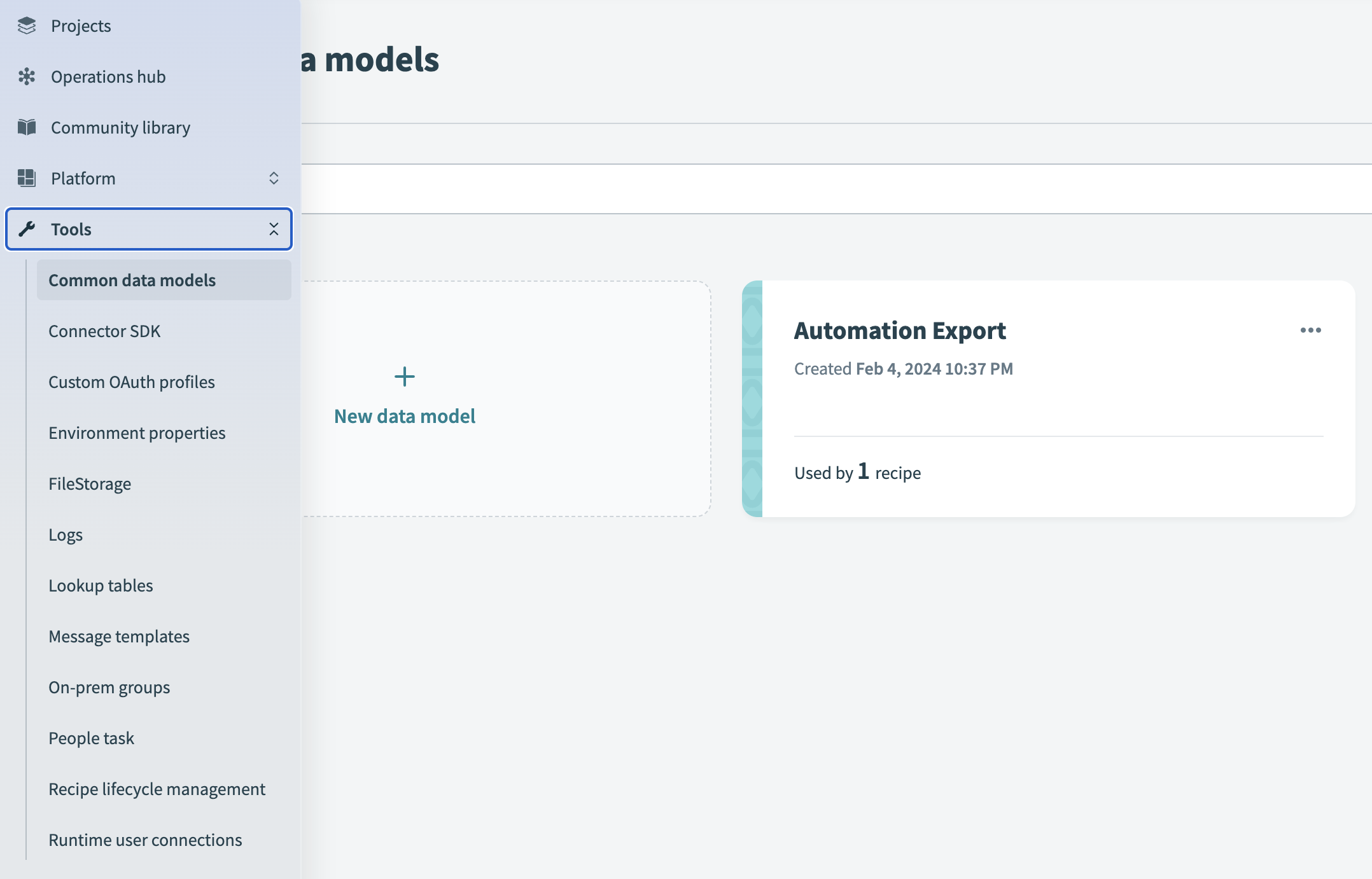 Create and manage data models
You can define a common data model manually or using JSON. Open an existing common data model and click Edit Schema to update the data structure.
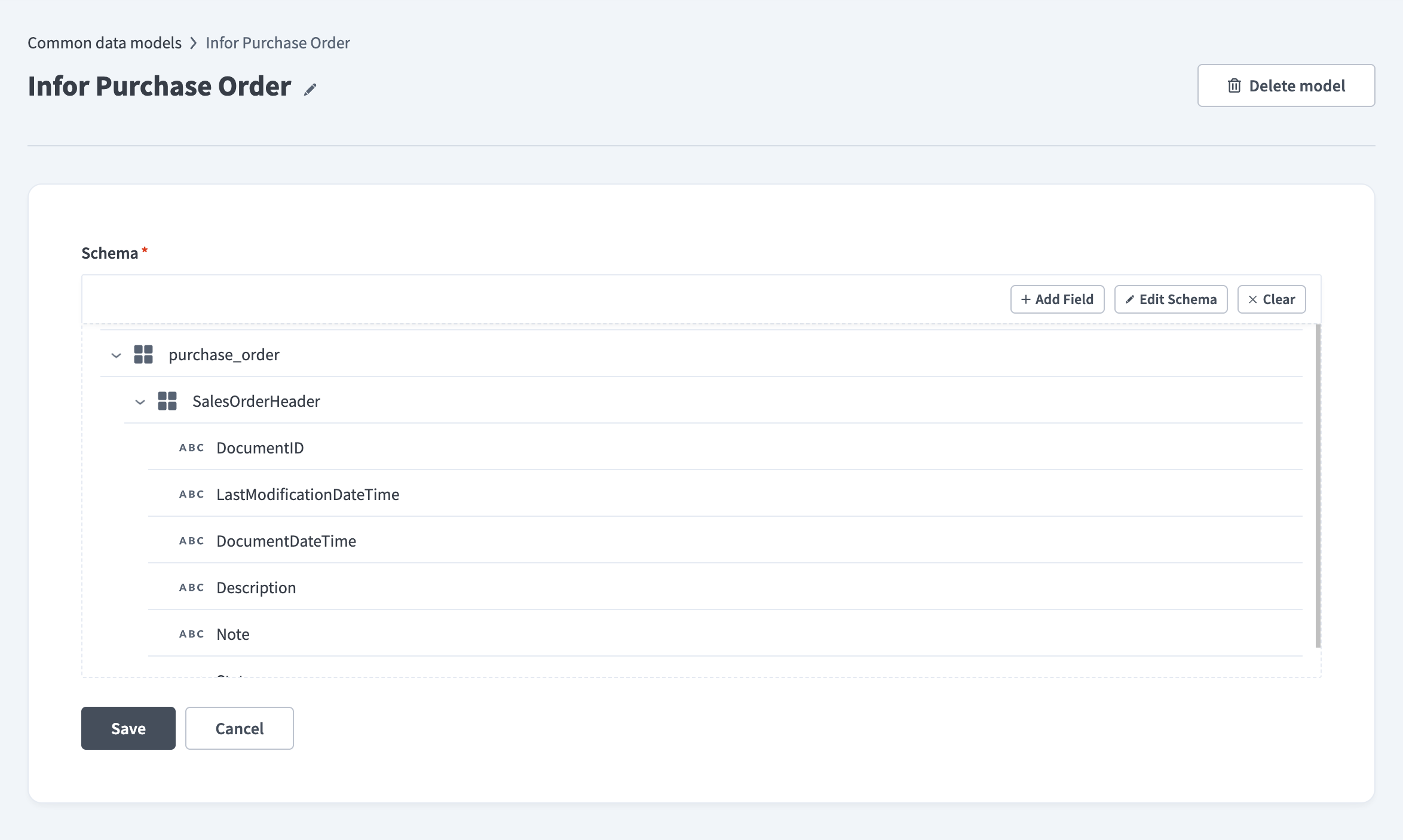 Edit a data model
Common data models as project assets
Common data models are transitioning to project assets. Each common data model belongs to a folder or project and appears in the Assets view, similar to recipes and connections. This enables you to organize, tag, and manage common data models together with the assets that rely on them. Common data model names only need to be unique within a folder, so the same name can exist in different projects.
The Default Common Data Models project is the default storage location for existing common data models and for new common data models created without a specified location. Workato creates this project the first time it's needed and migrates common data models to it without recipe downtime. You don't need to preserve the Default Common Data Models project because Workato recreates the project as needed. Common data model creation is briefly blocked while its workspace is migrating.
DELETING A PROJECT WITH COMMON DATA MODELS
Deleting a project or folder also deletes the common data models inside it.
Manage common data model assets using the following features:
Access control
Environment-level privileges control access to common data models before migration. Project-level privileges control access after migration.
How Workato migrates existing access depends on your workspace's permission model:
Customer managers and workspace moderators
This migration applies to all collaborator types, including customer managers and AHQ workspace moderators.
A customer manager's or workspace moderator's existing project role gains the permission directly if every user assigned to that role has the same access level. Workato doesn't update a role directly if it contains multiple access levels, is used for project access grants, is built-in, or was migrated from a legacy role. Workato instead creates a copy of the role with the permission added. For example: Project admin (Common Data Models).
Deployment
Packages include common data models and their storage location. This allows you to move common data models between folders and environments. Workato stores a common data model exported before this migration in the Default Common Data Models project during import into the root. Refer to Importing assets for more information.
API endpoints
The following endpoints no longer return the environment-level Common data models privilege in their response after a workspace migrates to project-level permissions:
- Developer API and Embedded API environment roles endpoints: The
workato_schemakey disappears from theconfigobject. - Developer API and Embedded API Get privileges endpoints: The Common data models key disappears from each environment's
privilegesobject for environment roles.
Activity tracking
The activity audit log records common data model actions, such as when a common data model moves between projects.
Last updated: