# Add a Highspot data source in Workato GO
You must enable Highspot API functionality and provide credentials to allow Workato GO to search Highspot content.
The Highspot crawler can't crawl the APIs to determine the specific permissions for admins. Highspot admins can access all crawled information in Workato GO search results, regardless of the actual permissions for individual content.
CONTACT HIGHSPOT SUPPORT FOR API ENABLEMENT
You must contact the Highspot support team and request API instance enablement. Workato GO requires User Impersonation privileges to crawl spots.
You must provide your Highspot subdomain. Your Highspot instance subdomain is determined by the URL used to access that instance. For example, your subdomain is acme if your URL is acme.highspot.com.
# Add Highspot as a data source
Complete the following steps to add Highspot as a data source in Workato GO:
Sign in to your Workato GO account.
Expand the Admin menu in the sidebar and click Data sources.
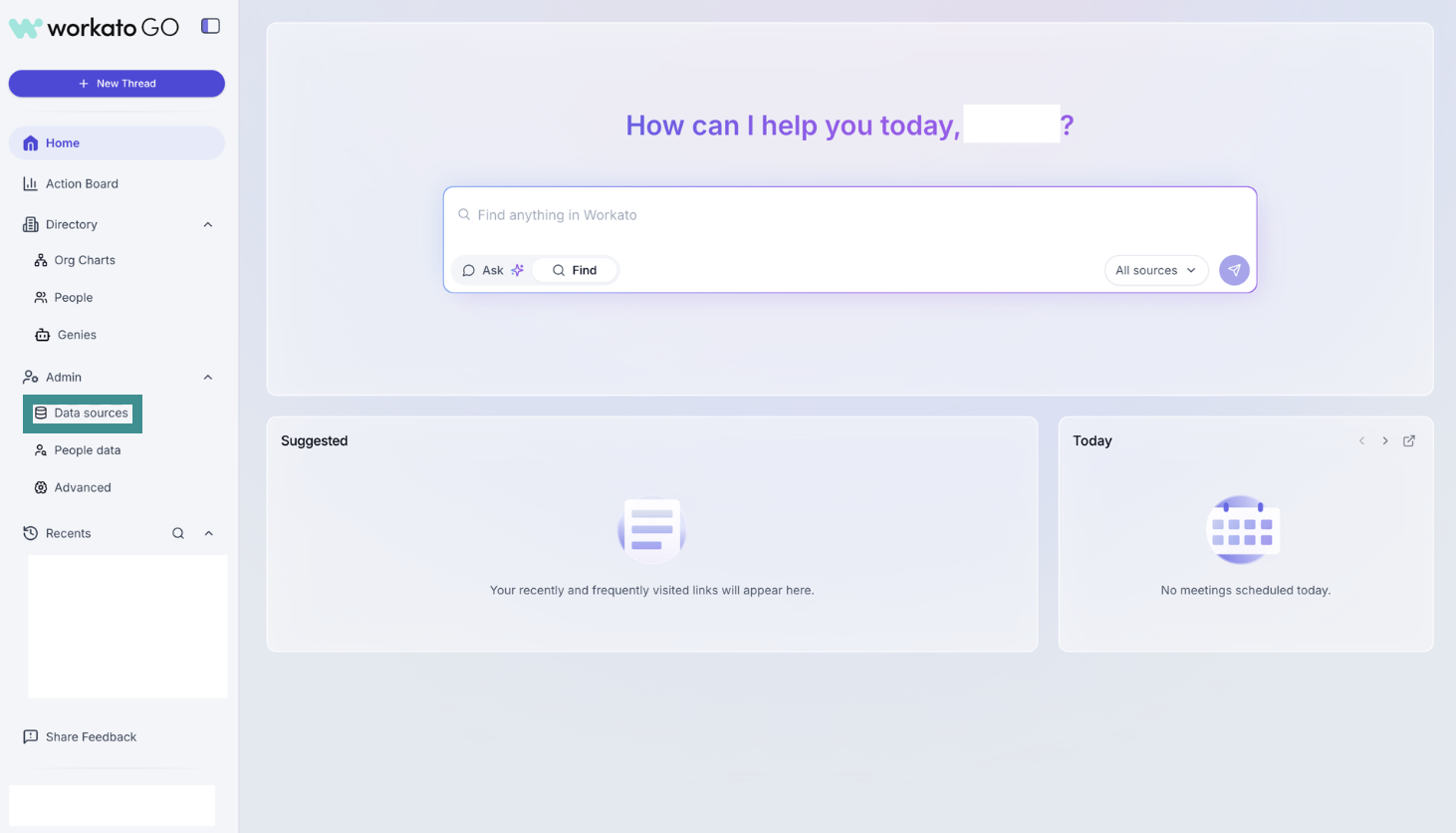 Go to Admin > Data sources
Click Add Data Source. The Add Data Source page displays.
Select the Highspot app.
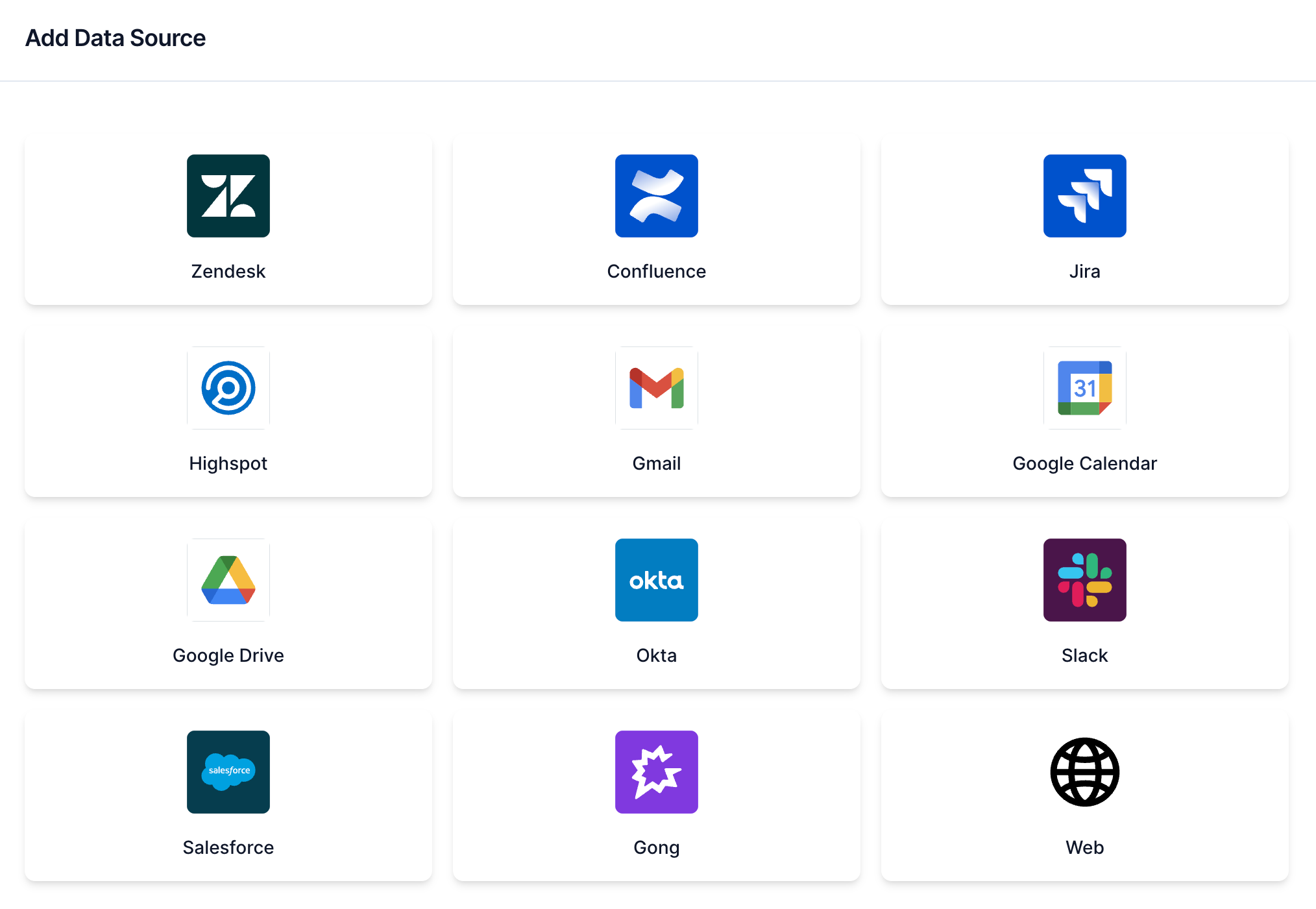 Select Highspot
Enter a name for your data source in the Name field.
Enter the subdomain for your data source in the Highspot Subdomain field. For example, your subdomain is acme if your URL is https://acme.highspot.com/.
Enter your API URL in the API URL field. Refer to Retrieve your client credentials for more information.
Enter your API client key in the API Client Key field. Refer to Retrieve your client credentials for more information.
Enter your API client secret in the API Client Secret field. Refer to Retrieve your client credentials for more information.
Click Next. The Crawl configuration page displays.
Locate the Would you like to start the crawl for Highspot? field and select Crawl Now or Do it later.
CRAWLING IS NECESSARY TO BUILD A SEARCH INDEX
Workato builds a search index by crawling your data source and parsing its contents, metadata, and permissions.
Click Create. Your data source is now listed on the Data Sources page.
# Retrieve your client credentials
You must provide API client credentials when you add Highspot as a data source in Workato GO.
Complete the following steps to obtain your Highspot API client credentials:
Sign in to your Highspot account.
Go to User Settings > Developer.
Go to Developer settings > API credentials.
Copy the API URL. Highspot URLs typically use the following format, but may vary depending on the integration: https://api-xxx.highspot.com/v0.5/
Copy the Client key, also called Client ID, and the Client secret.
Ensure that API Impersonation is enabled.
Last updated: 12/1/2025, 6:09:01 PM