Data sources
Data sources are the foundation that enable Workato GO to deliver relevant, contextual results when you're searching for knowledge, generating content, or completing tasks with AI agents.
You can set up connections to tools like Jira, Confluence, Salesforce, Slack, and other third-party systems to enable Workato GO to surface content, people, and actions. You can use Workato GO to search, retrieve, and act on information from across your company’s data instead of switching between applications or manually searching through files.
Adding data sources ensures that:
- Search results reflect your actual business context.
- Agents can retrieve and complete tasks using current data.
- Requests, updates, and decisions are completed in one place without copy-pasting or context-switching.
Federated search
Federated search enables you to search multiple artifacts, such as attachments, documents, chats, and more, from a connected data source to retrieve real-time information. Federated search isn't available for all data source connectors. The following data source connectors provide federated search:
Support for federated search in additional data source connectors is in development.
Add a standard data source
You must have administrator privileges to add data sources to your Workato GO account. Refer to the following data source configuration documentation for more information:
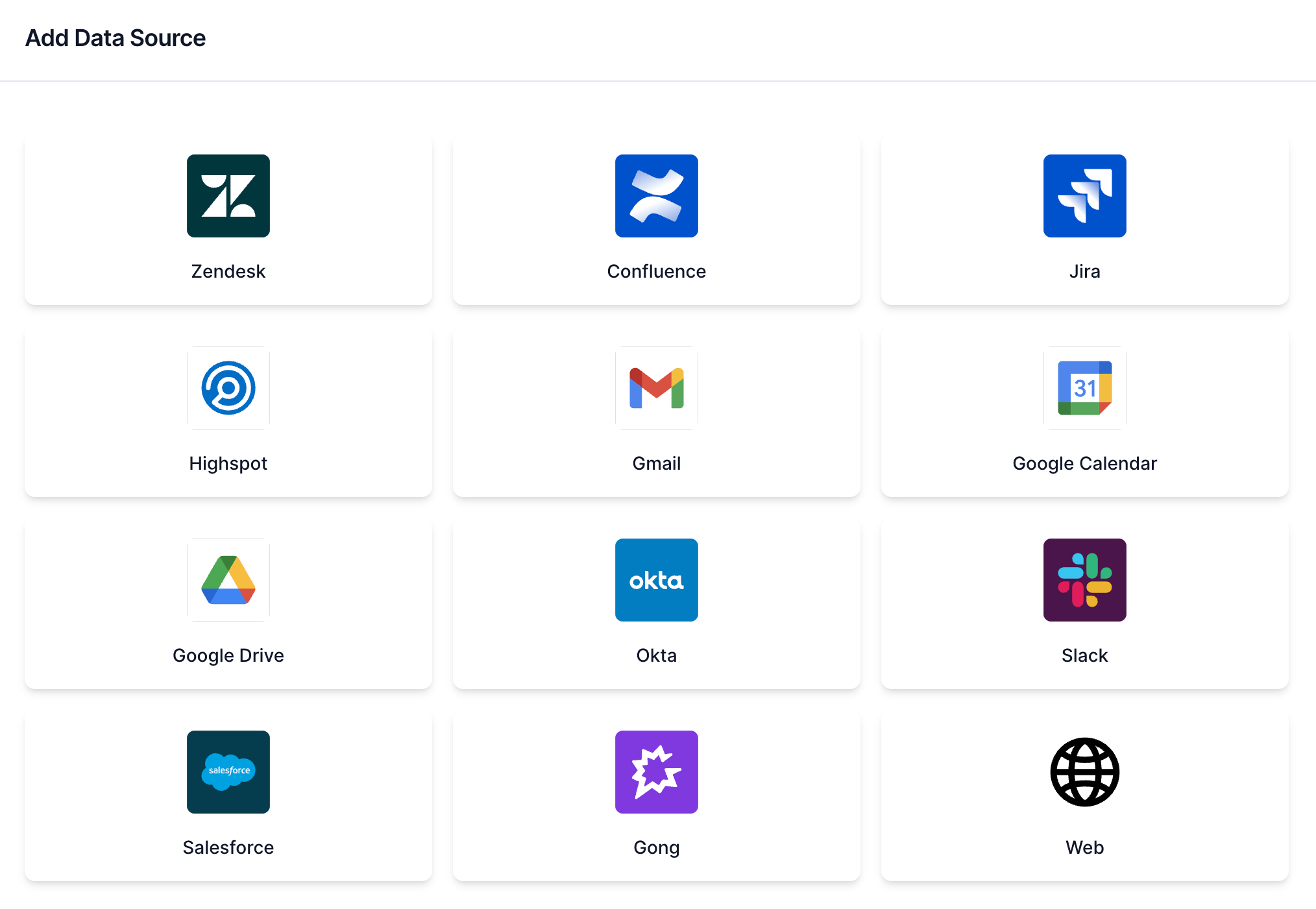 Select your data source
Add a web crawler data source
The web crawler enables you to search a set of custom pages in Workato GO. You must have administrator privileges to add a web crawler data source to your Workato GO account.
You must add your IP address to your allowlist before you set up your web crawler.
Allowlist your IP address
Web crawlers use WorkatoBot to access your website. You must allowlist WorkatoBot to permit access.
Complete the following steps to allowlist your web crawler IP address:
Add the following lines to your robots.txt file to permit access:
User-agent: Mozilla/5.0 (compatible; WorkatoBot/1.0)
Allow: /Add the IP address to your firewall allowlist or Web Application Firewall (WAF) rules to allow crawler access. IP addresses vary based on your environment:
- US data center:
52.23.129.137 - US trial data center:
35.173.97.122
Add your web crawler
Complete the following steps to add a web crawler data source:
Sign in to your Workato GO account.
Expand the Admin menu in the sidebar and click Data sources.
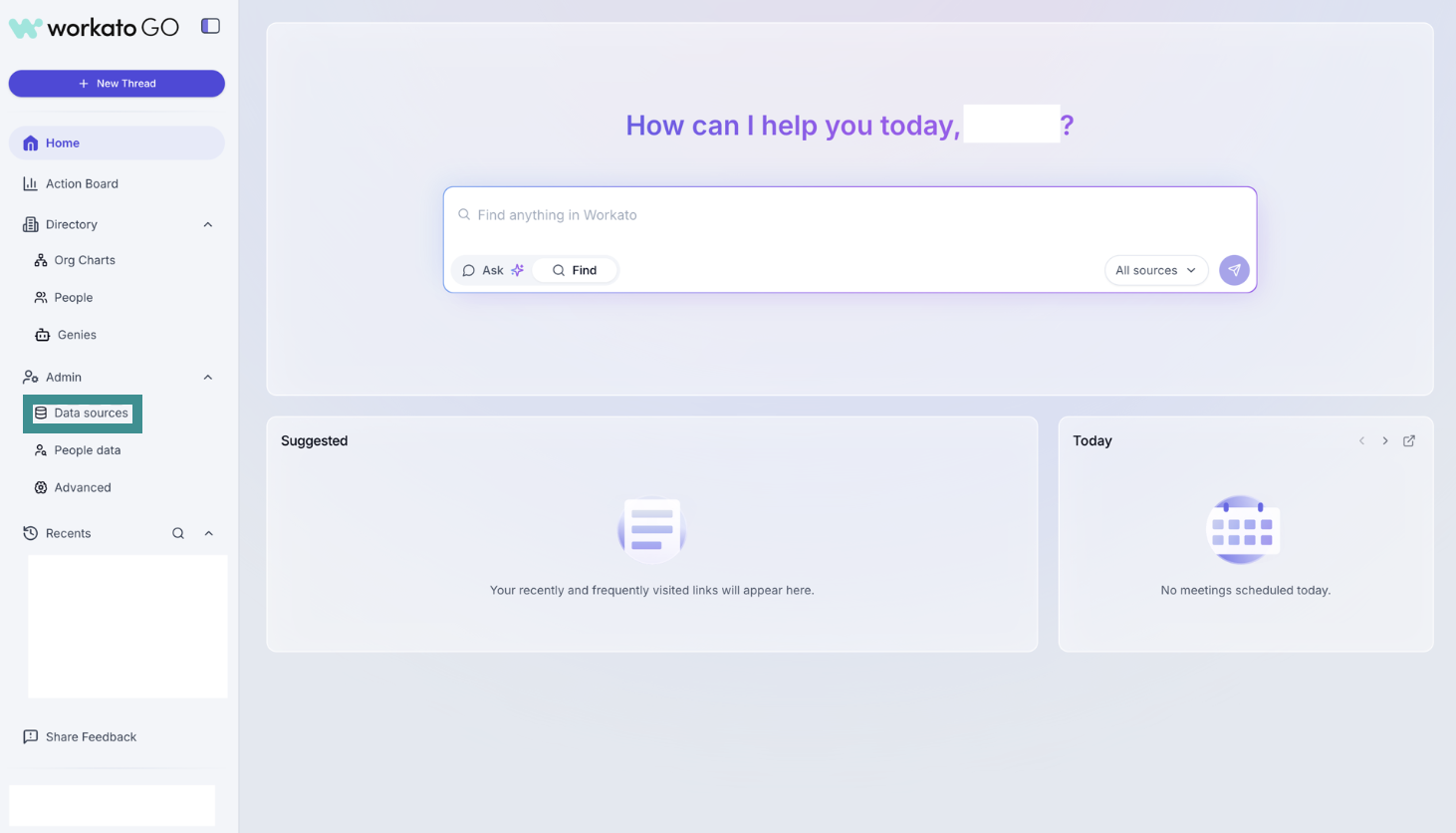 Go to Admin > Data sources
Click Add Data Source. The Add Data Source page displays.
Select Web.
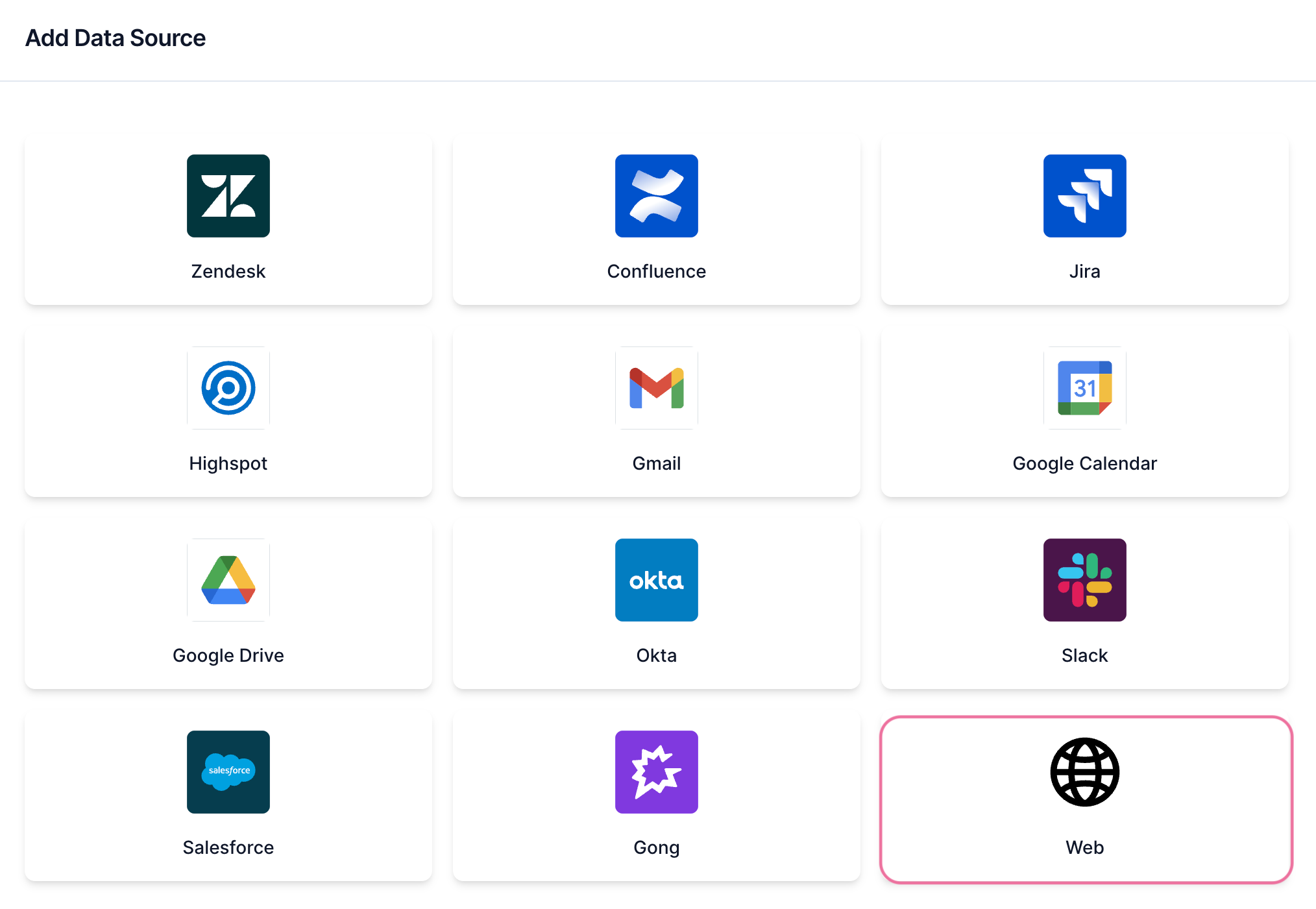 Select Web.
Enter the URL for the image you plan to add to the custom data source in the Image URL field. For example: https://acme.com/assets/img/logo.svg
Enter a name for the data source in the Name field. For example: Acme custom docs
Enter the base URL in the Base URL field. For example: https://custom-docs.acme.com
Enter the URL regex in the URL Regex field. For example: ^https://custom-docs.acme.com.*
A URL regex is a regular expression used to match or validate specific patterns in URLs. It helps identify URLs that follow a certain structure, such as matching only URLs from a specific domain or with certain paths or parameters.
Locate the Would you like to start the crawl for {your app}? field and select Crawl Now or Do it later.
CRAWLING IS NECESSARY TO BUILD A SEARCH INDEX
Workato builds a search index by crawling your data source and parsing its contents, metadata, and permissions.
Click Create.
Last updated: