Mapper by Workato
The Mapper connector is a way for users to interact with schemas defined in the common data model or in a transformation map.
The Mapper connector's Map to object action is typically used as a temporary step to store data in a predefined structure before publishing the data somewhere for a subscriber to consume, or before moving the data to another application. It would typically be used with the JMS connector or Workato Event streams.
How to connect to the Mapper connector on Workato
There is no connection required to use the Mapper connector, as schemas are stored in the Workato account for recipes to interact with.
Working with the Mapper connector
In order to work with the JMS connector, users have to have a common data model to work with.
Using the map to object action
Use the Map using drop-down menu to select a schema source:
- Common data model > Object schema: Select a common data model object schema. This is the only option if the Map using field isn't visible in your workspace.
- Transformation map > Transformation map: Select a saved transformation map.
FEATURE AVAILABILITY
Transformation maps are currently available to select customers. Contact your Customer Success Representative to confirm whether they are available in your workspace.
Additional input fields generate based on your selected schema. Use these fields to populate the schema with data.
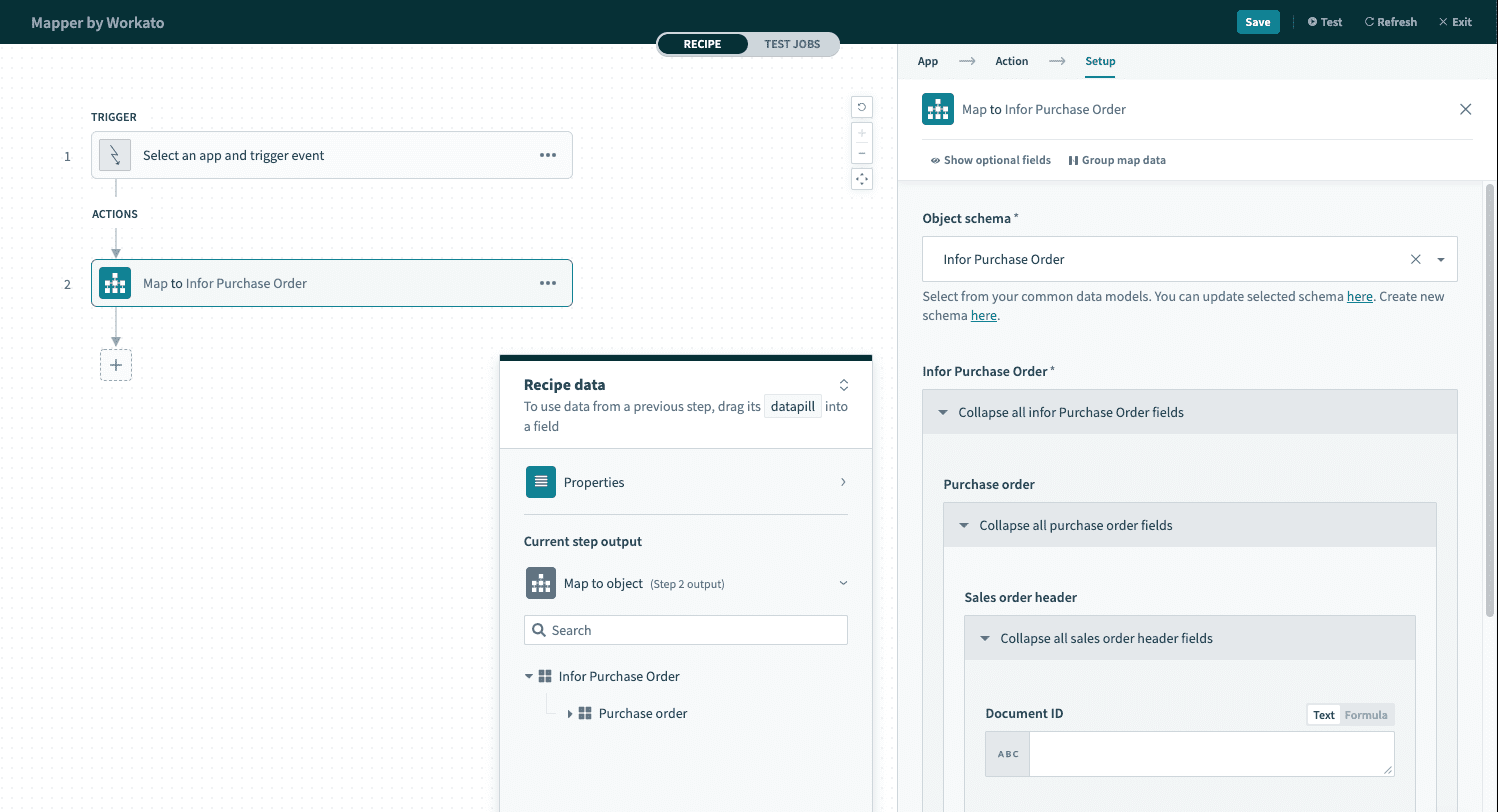 The configured action utilizing a pre-defined schema
Last updated: