# PipelineOps by Workato
The PipelineOps by Workato connector allows you to monitor the execution status of data pipelines. You can use this connector to respond to sync completions, capture object-level errors, and trigger alert workflows.
# How to connect to PipelineOps by Workato
You don't need to provide credentials to connect to this connector. Workato uses your current workspace authorization. Complete the following steps to create the connection:
Click Create > Connection or press C twice.
Search for and select the PipelineOps by Workato connector.
Enter a name for your connection in the Connection name field.
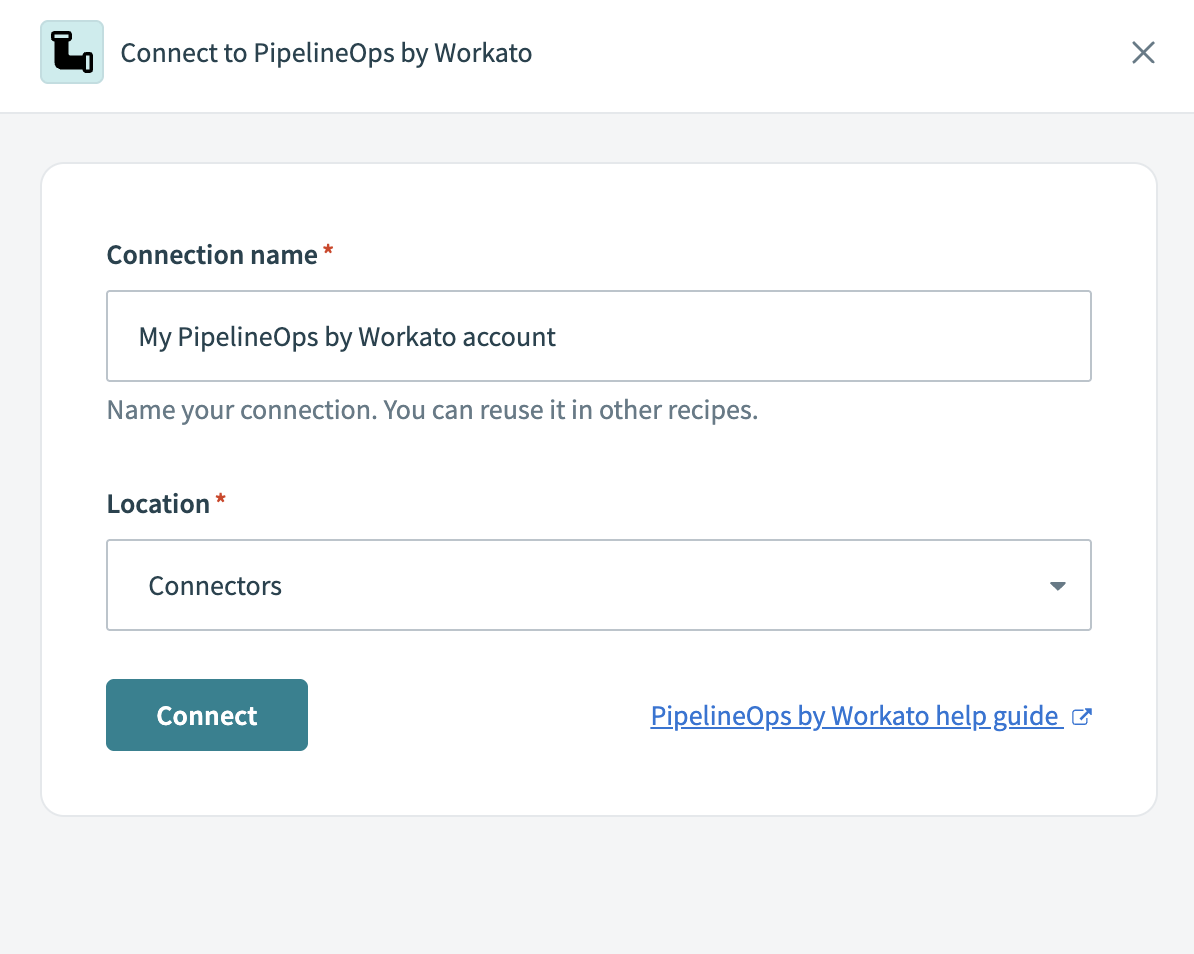 Connect to PipelineOps by Workato
Use the Location drop-down menu to select the project where you plan to store the connection.
Click Connect.
# Supported triggers
The following trigger is supported for this connector:
- Sync completed trigger: Runs after each sync completes in the selected data pipeline. You can configure it to trigger on every sync completion or failed syncs.
Workato recommends using Every sync completion to ensure your workflows detect all failure scenarios.
# Example use cases
You can use this connector to respond to pipeline sync results in real time. For example, you might send email or chat alerts when any object fails during a sync, log sync statuses to a monitoring dashboard, or trigger corrective automations when issues occur.
Refer to the Monitor data pipelines using recipes guide for a step-by-step example.
Last updated: 4/30/2026, 3:06:08 PM