# Typeform
Typeform (opens new window) is an online platform used by marketers, researchers, and businesses to collect data and generate leads using forms, surveys, quizzes, and apps.
The Typeform connector allows you to monitor Typeform for new forms and responses, retrieve form and response information, and search records.
# Prerequisites
Workato requires a client ID and client secret to establish a connection to Typeform. Refer to the Typeform Create an application (opens new window) guide to generate these values using https://www.workato.com/oauth/callback as the redirect URI.
# Connection setup
Click Create > Connection.
Provide a name for your connection in the Connection name field.
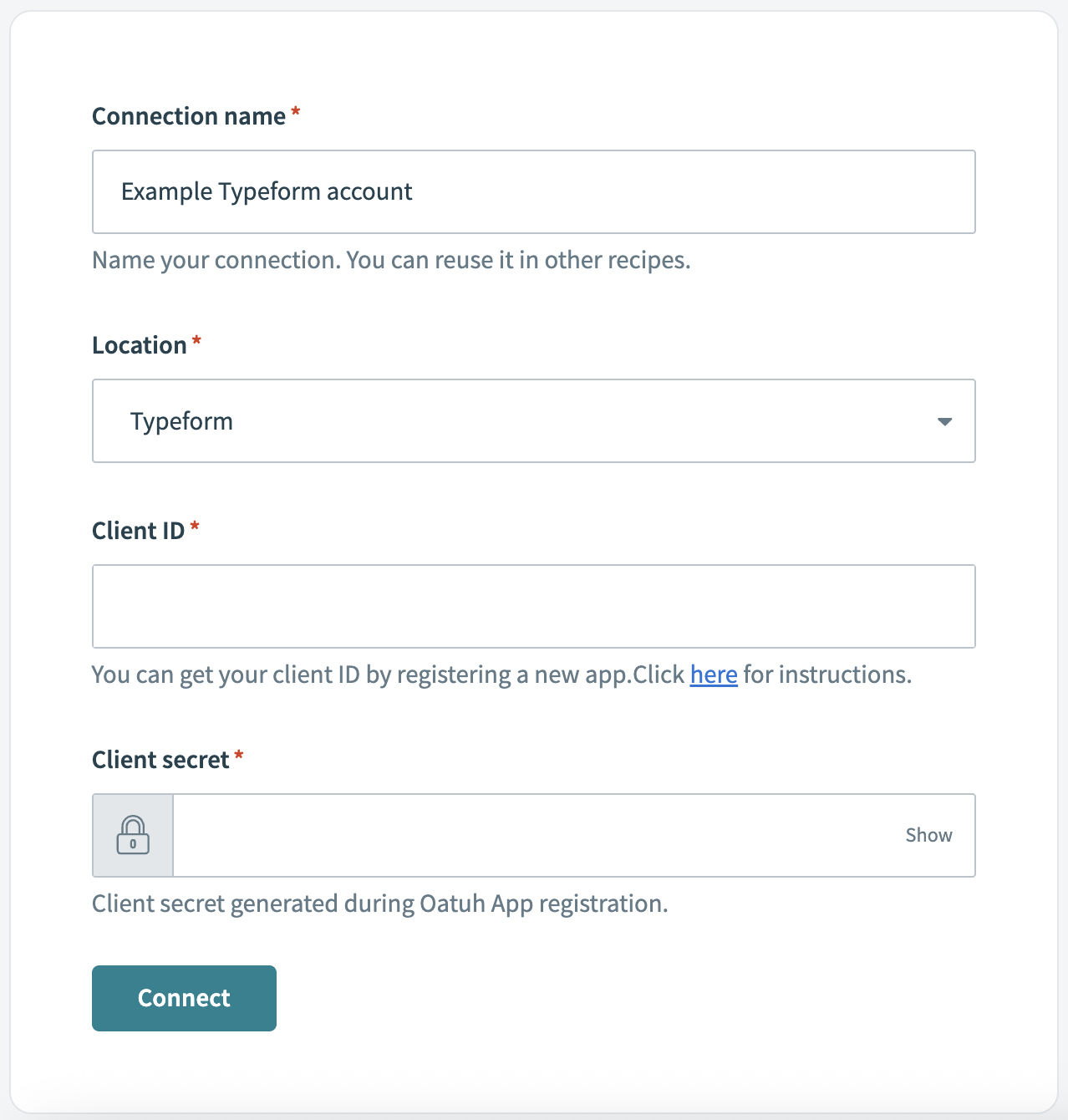 Typeform connection fields
Use the Location drop-down menu to select the project where you plan to store the connection.
Search for and select Typeform as your connection on the New connection page.
Enter your Client ID and Client secret generated in Typeform.
Click Connect.
Last updated: 1/8/2026, 8:32:13 PM