# BambooHR - Get employee details by ID action
This action retrieves details about an employee identified by the employee ID.
# Input
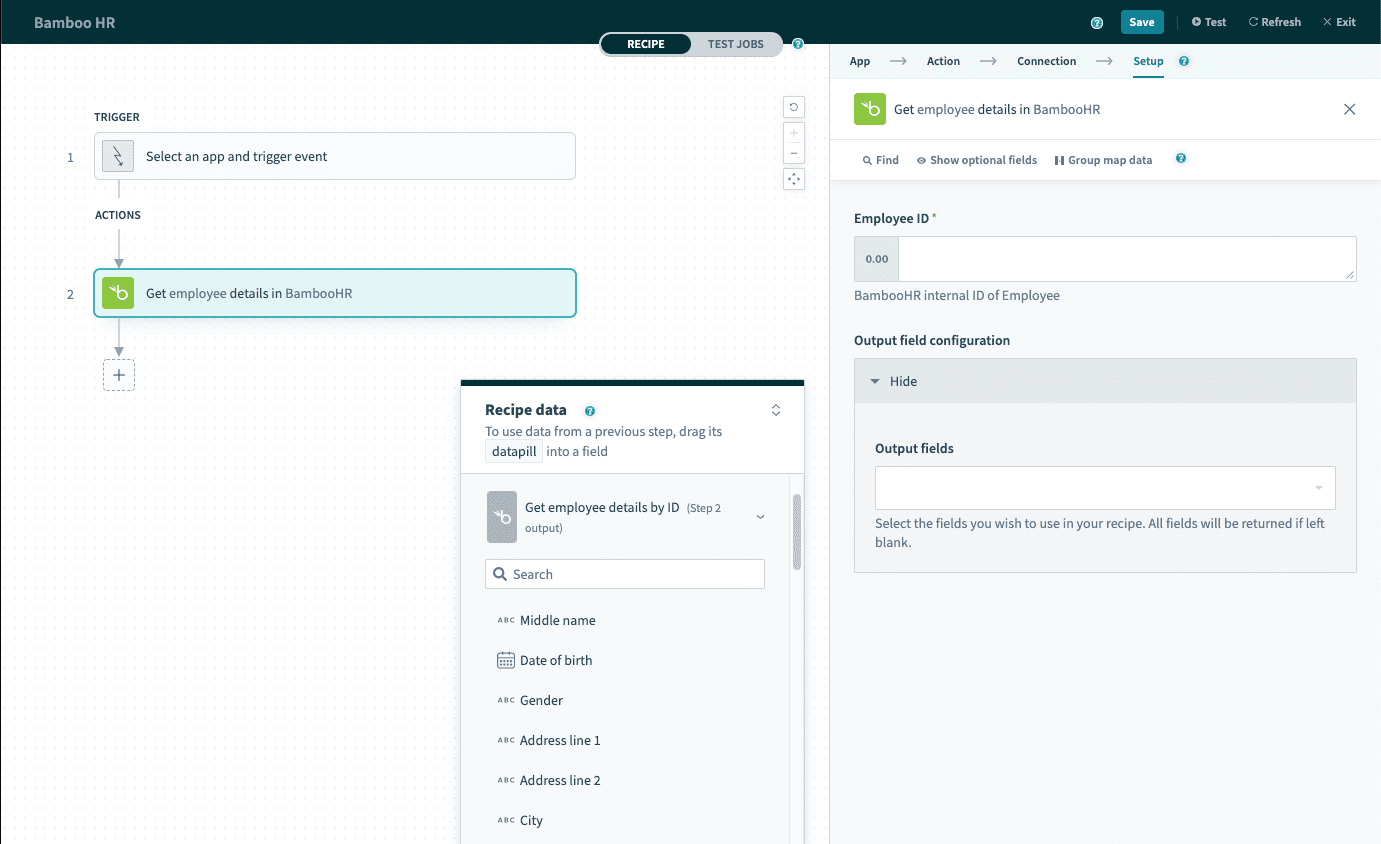 Get employee details by ID action
| Input field | Description |
|---|---|
| Employee ID | The employee ID assigned by BambooHR. |
| Output field configuration | Select custom fields that will be generated as outputs to this action. If left blank, all custom fields will be returned. This is not recommended as it may cause job runtime to increase. |
# Output
The output of this action are all default employee fields and any custom fields selected. The commonly used employee fields are shown below.
| Output field. | Description |
|---|---|
| First name | The first name of the employee. |
| Last name | The last name of the employee. |
| Employee ID | The employee ID assigned by BambooHR. |
| Employee number | The employee number assigned by your company. |
| Job title | The current job title of this employee. |
| Department | The current department of this employee. |
| Supervisor ID | The employee ID of the current supervisor of this employee. |
| Supervisor E ID | The employee number of the current supervisor of this employee. |
Refer to the BambooHR Field Names (opens new window) documentation for a full list of employee fields.
Last updated: 3/6/2026, 11:18:39 PM